Skip to content
View in the app

A better way to browse. Learn more.

The Armory

A full-screen app on your home screen with push notifications, badges and more.

To install this app on iOS and iPadOS
  1. Tap the Share icon in Safari
  2. Scroll the menu and tap Add to Home Screen.
  3. Tap Add in the top-right corner.
To install this app on Android
  1. Tap the 3-dot menu (⋮) in the top-right corner of the browser.
  2. Tap Add to Home screen or Install app.
  3. Confirm by tapping Install.

Starfield Direct Presentation

Starfield Direct will showcase the game Starfield giving many details of the upcoming game.

More information of the event can be found here:
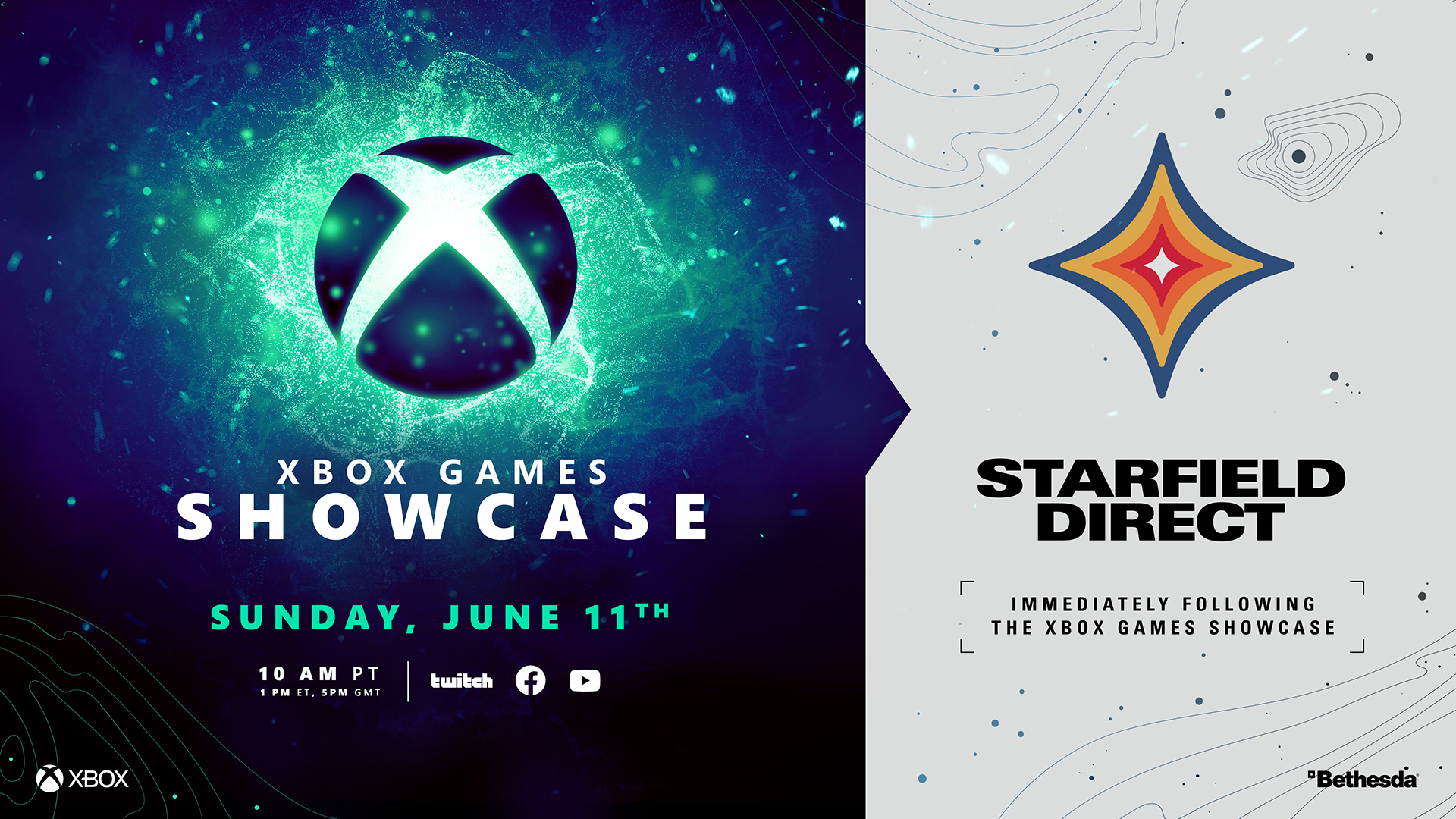
NEWS.XBOX.COM

We’re delighted to announce that the Xbox Games Showcase will be livestreamed on June 11. Immediately after the Showcase, we’ll be airing Starfield Direct, a deep-dive into Bethesda Game Studios’ highly...


Account

Navigation

Search

Search

Configure browser push notifications

Chrome (Android)
  1. Tap the lock icon next to the address bar.
  2. Tap Permissions → Notifications.
  3. Adjust your preference.
Chrome (Desktop)
  1. Click the padlock icon in the address bar.
  2. Select Site settings.
  3. Find Notifications and adjust your preference.