

Gator
Administrator
-
Joined
-
Last visited
-
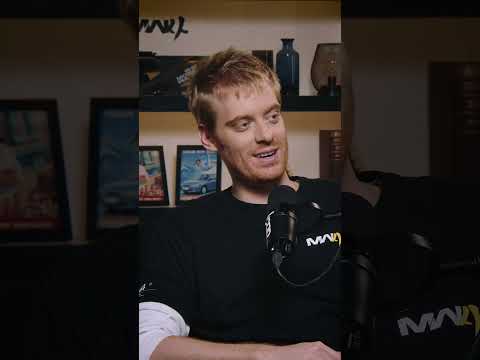 Uploaded by: Call of Duty @InfinityWard takes us behind the creation of modes like Possession, Hijack, Collateral, and more.
-
 Uploaded by: Call of Duty Creating a Mode + Medal of Honor Recipient Kyle Carpenter | COD POD Ep. 13
-
 Uploaded by: Call of Duty Call of Duty: Modern Warfare 4 | Season 1 DMZ Trailer
-
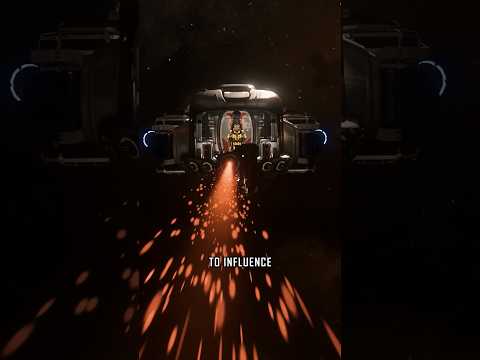 Uploaded by: Star Citizen Mining Tips - Laser Heads | Star Citizen
-
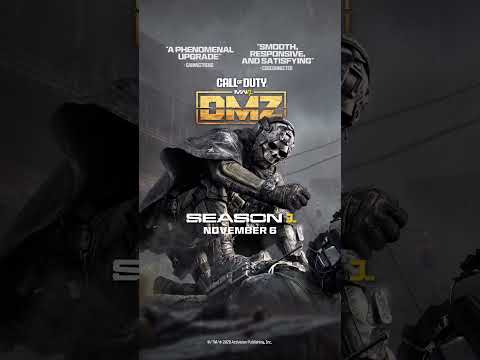 Uploaded by: Call of Duty Infiltrate X01, a heavily fortified DMZ Black Site patrolled by elite enemy forces.
-
 Uploaded by: Call of Duty Monster Energy Launch Invitational | Day 1 (Alpha)
-
 Uploaded by: Call of Duty Monster Energy Launch Invitational | Championship Sunday
-
 Uploaded by: Call of Duty Monster Energy Launch Invitational | Day 2 (Bravo)
-
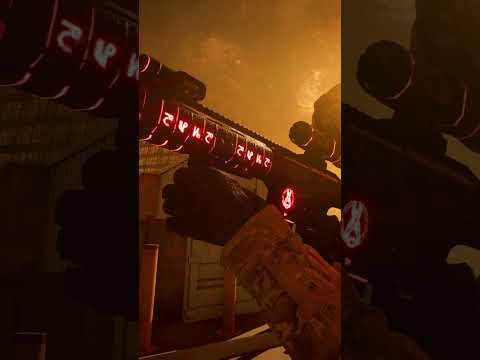 Uploaded by: Battlefield Will you submit to the Marker? 👁️ Watch Unitology Glyphs Warp Your HUD
-
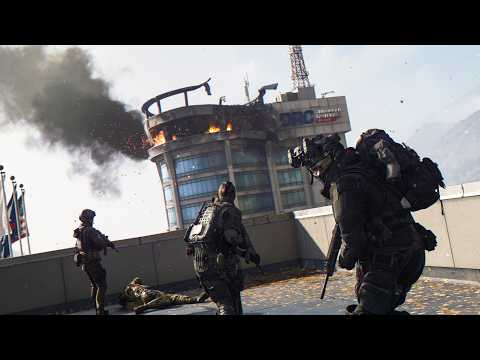 Uploaded by: Call of Duty Call of Duty: Warzone | Season 1 Trailer
-
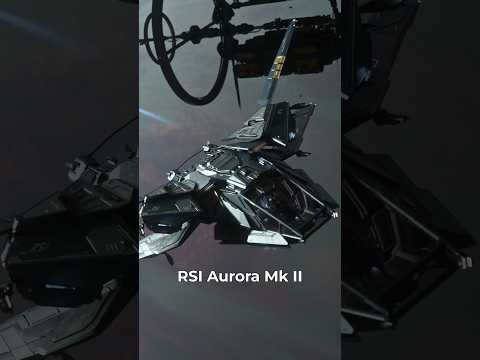 Uploaded by: Star Citizen Every RSI Ship in Star Citizen 🚀
-
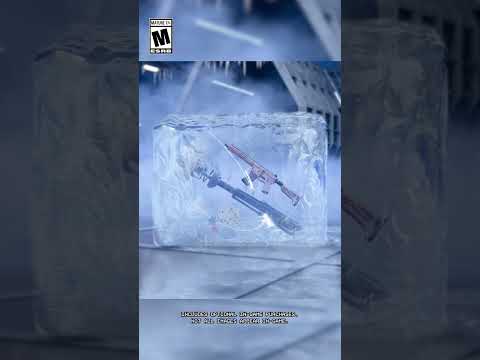 Uploaded by: Battlefield November 1st? More like December 8th ❄️
-
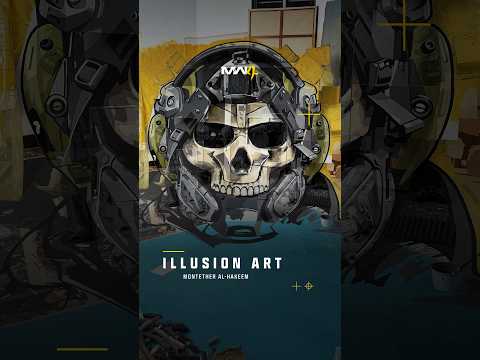 Uploaded by: Call of Duty Artist Montether Alhkeem puts the pieces together to craft a unique #MW4 portrait
-
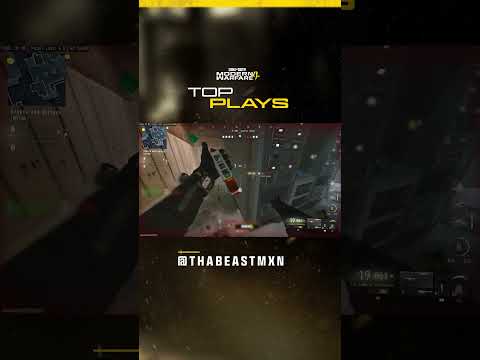 Uploaded by: Call of Duty Share your best COD Top Plays and earn 2XP at TopPlays.CallofDuty.com
-
 Uploaded by: Call of Duty From Launch to Live - From The Ward Ep. 8 (Series Finale) | MW4
