Skip to content
View in the app

A better way to browse. Learn more.

The Armory

A full-screen app on your home screen with push notifications, badges and more.

To install this app on iOS and iPadOS
  1. Tap the Share icon in Safari
  2. Scroll the menu and tap Add to Home Screen.
  3. Tap Add in the top-right corner.
To install this app on Android
  1. Tap the 3-dot menu (⋮) in the top-right corner of the browser.
  2. Tap Add to Home screen or Install app.
  3. Confirm by tapping Install.

StarfieldGame Q&A

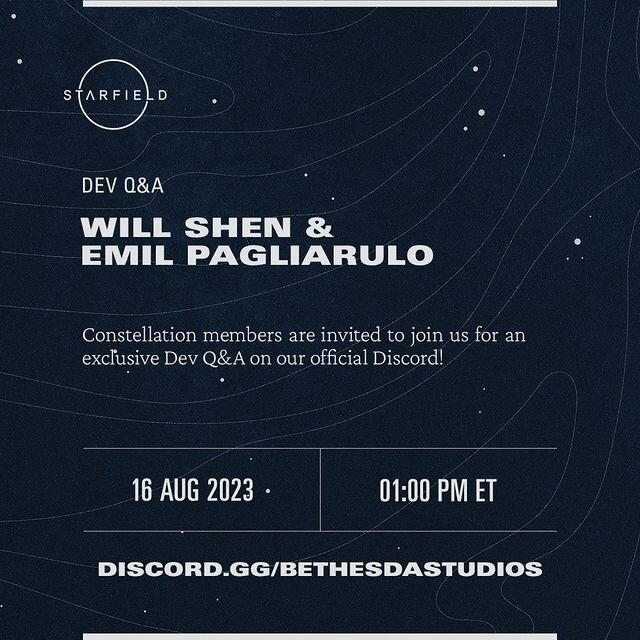
Join Will Shen (Lead Quest Designer) and Emil Pagliarulo (Lead Game Designer) for a @StarfieldGame Q&A in our official Discord server on August 16.

To take part, sign up at JoinConstellation.com and head to discord.gg/BethesdaStudios.

Once you have access to the Constellation Discord channels, ask your #Starfield questions in the post in #constellation-questions by August 11 for a chance of having them answered!
Account

Navigation

Search

Search

Configure browser push notifications

Chrome (Android)
  1. Tap the lock icon next to the address bar.
  2. Tap Permissions → Notifications.
  3. Adjust your preference.
Chrome (Desktop)
  1. Click the padlock icon in the address bar.
  2. Select Site settings.
  3. Find Notifications and adjust your preference.