Skip to content
View in the app

A better way to browse. Learn more.

The Armory

A full-screen app on your home screen with push notifications, badges and more.

To install this app on iOS and iPadOS
  1. Tap the Share icon in Safari
  2. Scroll the menu and tap Add to Home Screen.
  3. Tap Add in the top-right corner.
To install this app on Android
  1. Tap the 3-dot menu (⋮) in the top-right corner of the browser.
  2. Tap Add to Home screen or Install app.
  3. Confirm by tapping Install.

Item and Location Finders

5 links

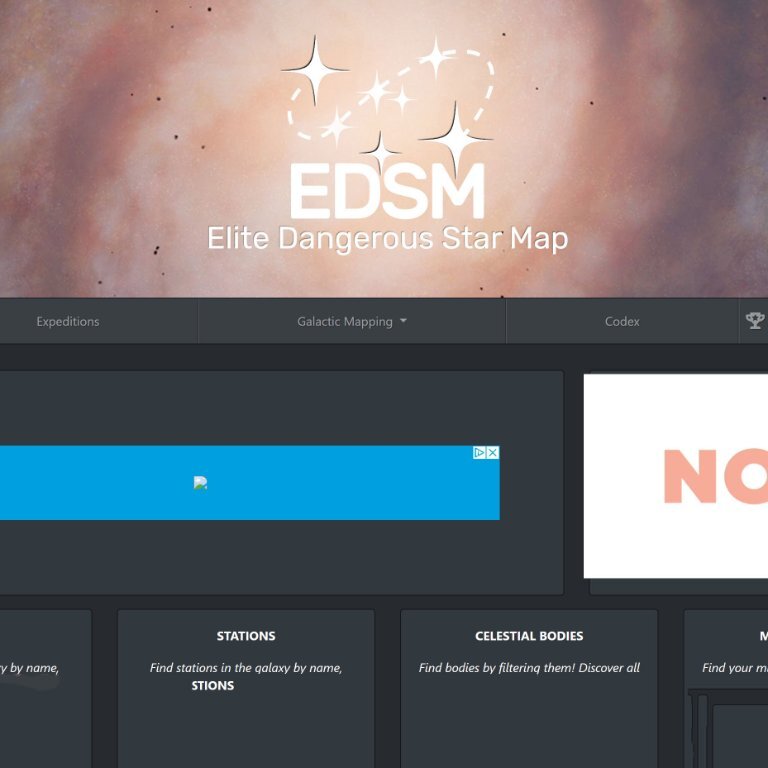
  1. Elite Dangerous Star Map

    Find coordinates, locations, etc. from this amazing finder tool

    0 comments

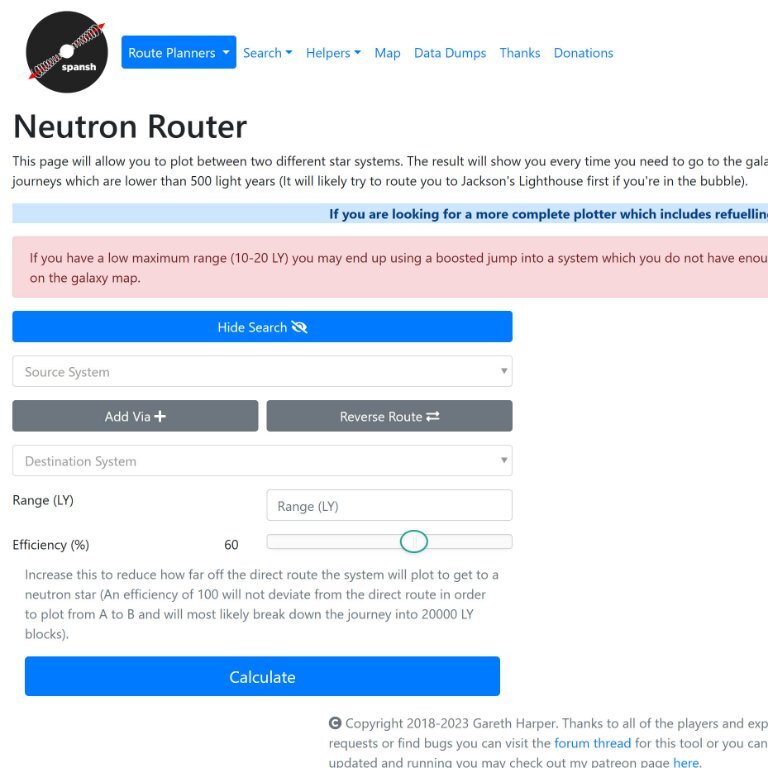
  2. Trip Planner (Neutron, Galaxy, etc.)

    Helps plot routes using the Neutron stars system

    0 comments

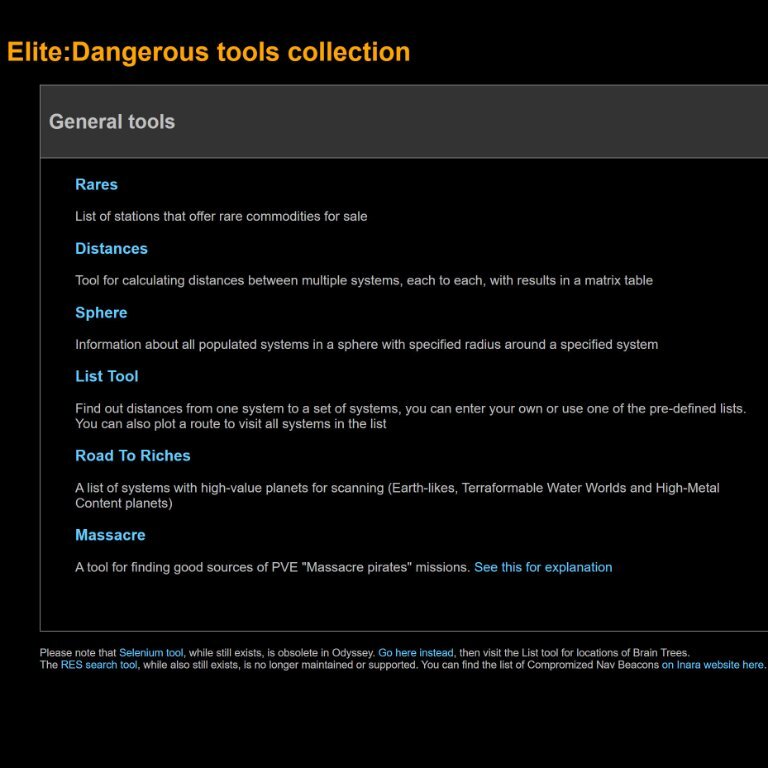
  3. Pristine Metallics Distances Calculator

    Locate pristine metallics with this handy tool

    0 comments

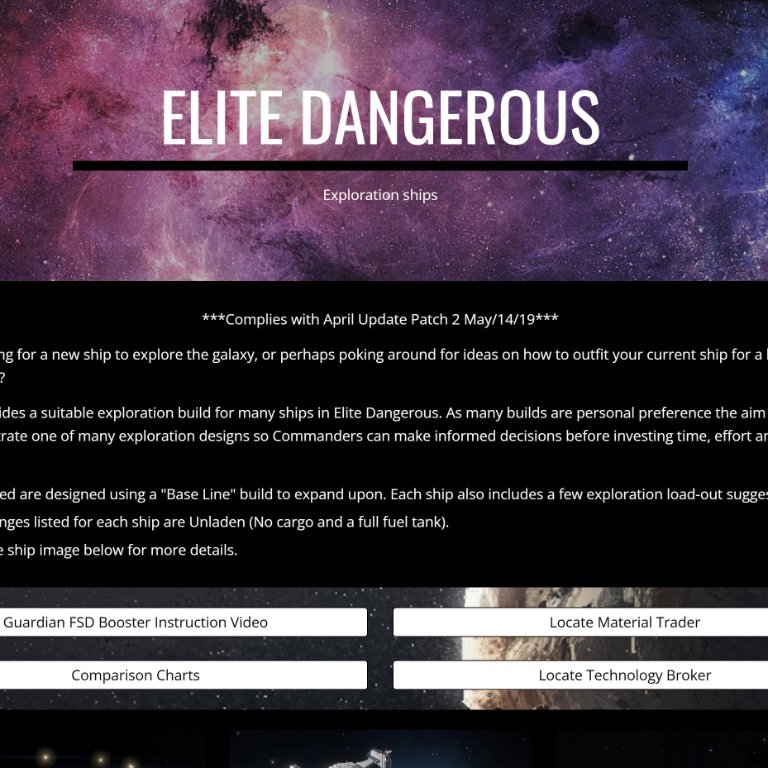
  4. Exploration Ships

    This site provides a suitable exploration build for many ships in Elite Dangerous.

    0 comments

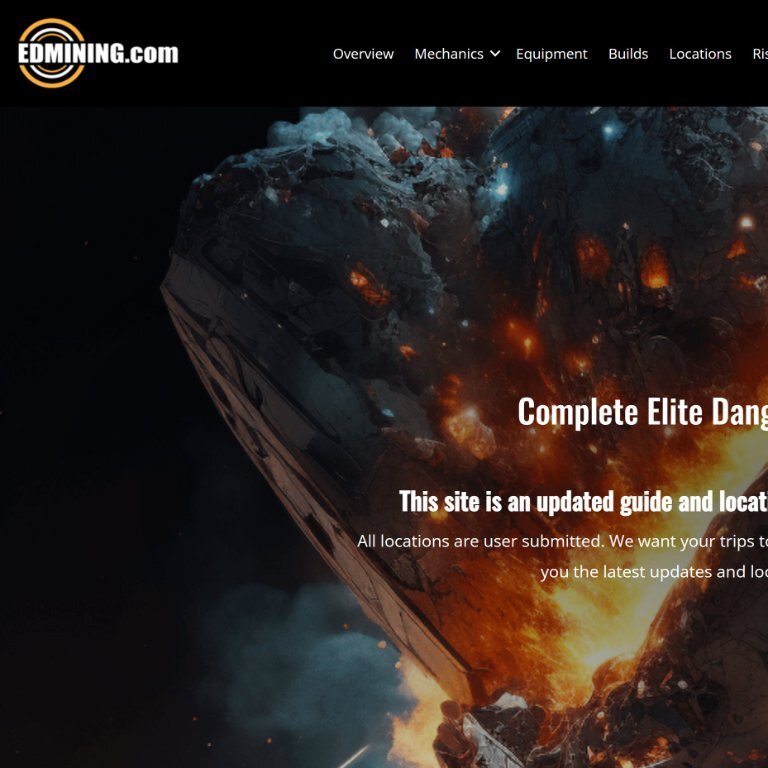
  5. EDMining.com

    Complete Elite Dangerous guide To mining and resource locator

    0 comments

Account

Navigation

Search

Search

Configure browser push notifications

Chrome (Android)
  1. Tap the lock icon next to the address bar.
  2. Tap Permissions → Notifications.
  3. Adjust your preference.
Chrome (Desktop)
  1. Click the padlock icon in the address bar.
  2. Select Site settings.
  3. Find Notifications and adjust your preference.