Jump to content
View in the app

A better way to browse. Learn more.

The Armory

A full-screen app on your home screen with push notifications, badges and more.

To install this app on iOS and iPadOS
  1. Tap the Share icon in Safari
  2. Scroll the menu and tap Add to Home Screen.
  3. Tap Add in the top-right corner.
To install this app on Android
  1. Tap the 3-dot menu (⋮) in the top-right corner of the browser.
  2. Tap Add to Home screen or Install app.
  3. Confirm by tapping Install.

General Info

6 links

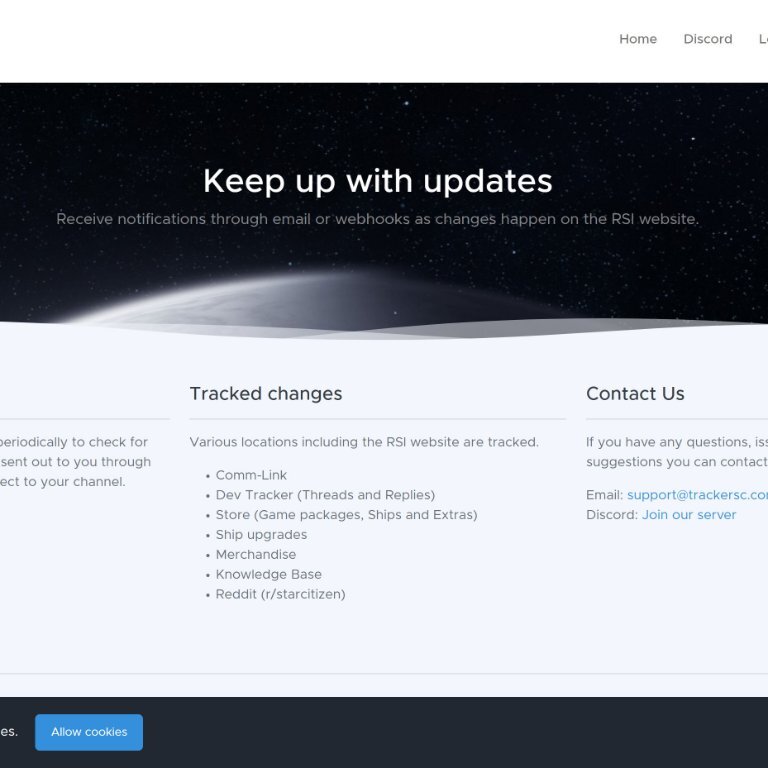
  1. Tracker SC

    Receive notifications through email or webhooks to changes as they happen on the RSI website

    0 comments

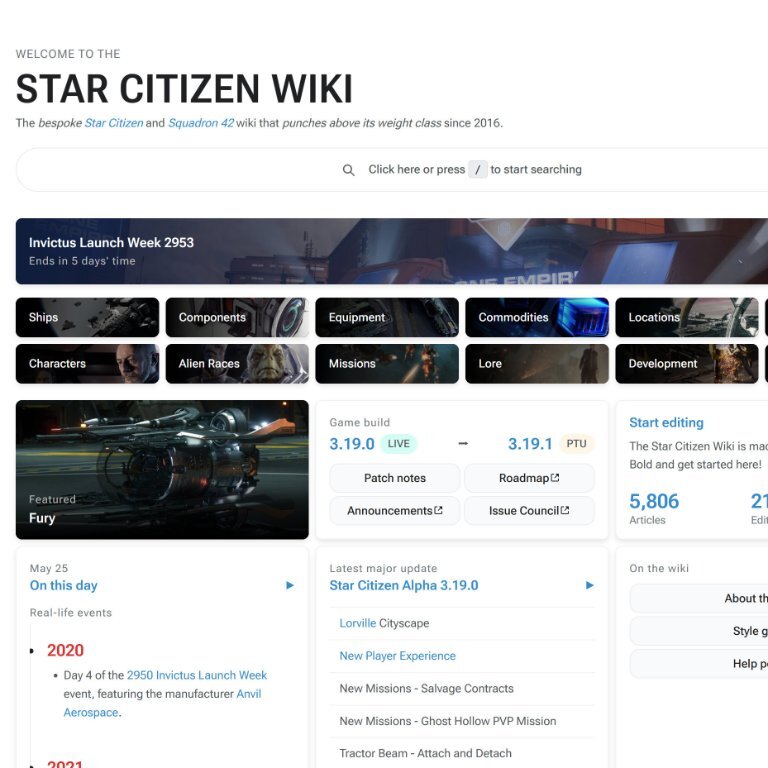
  2. Star Citizen Wiki

    Star Citizen Wiki is an unofficial website dedicated to Star Citizen and Squadron 42.

    0 comments

  3. Console Commands & User.cfg Guide

    USER.cfg file allows you to input settings that are run automatically at launch.

    0 comments

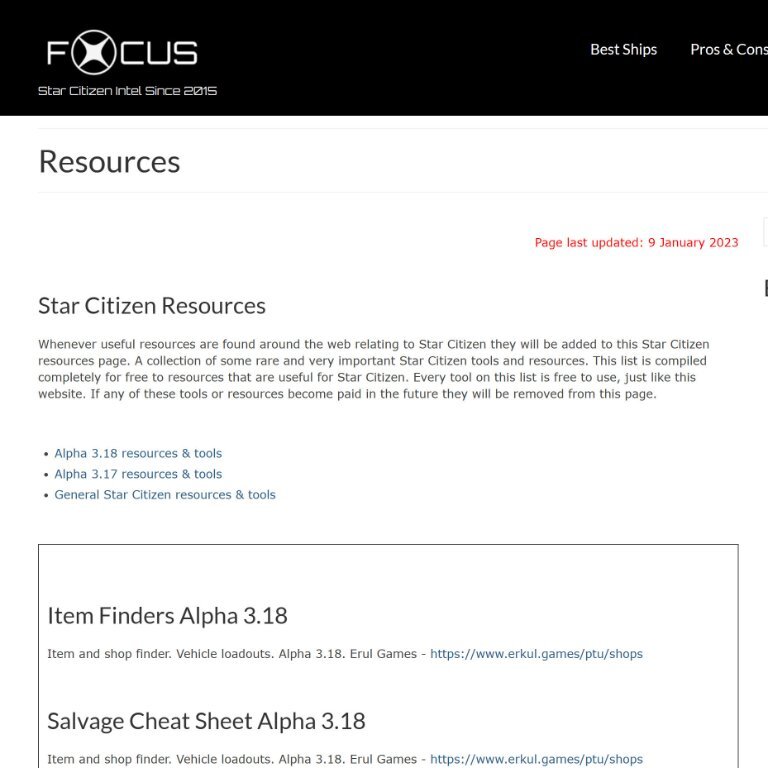
  4. Star Citizen Resources

    A collection of some rare and very important Star Citizen tools and resources.

    0 comments

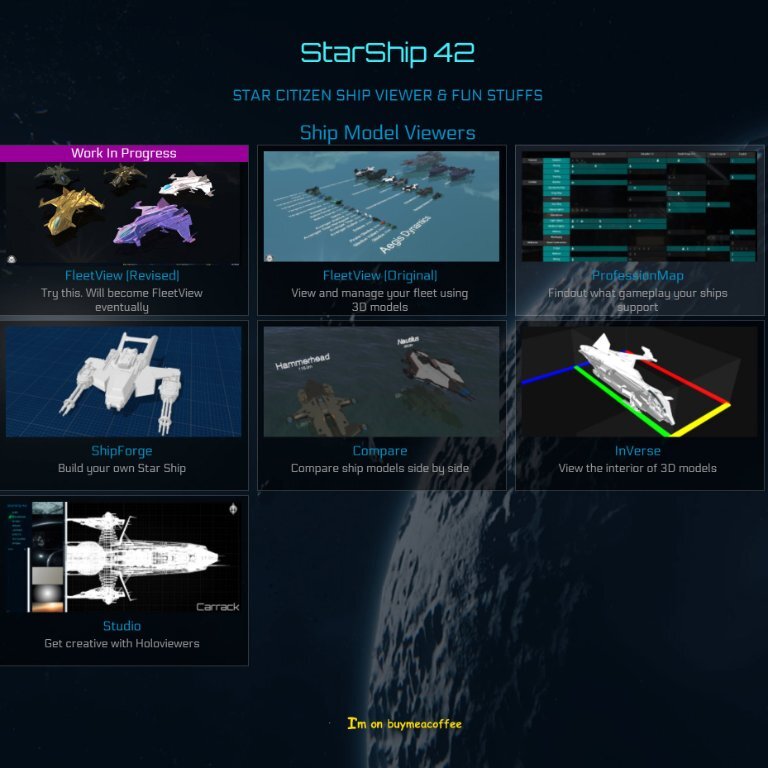
  5. Starship42

    Great site for great ship visuals such as "Fleetview" among others.

    0 comments

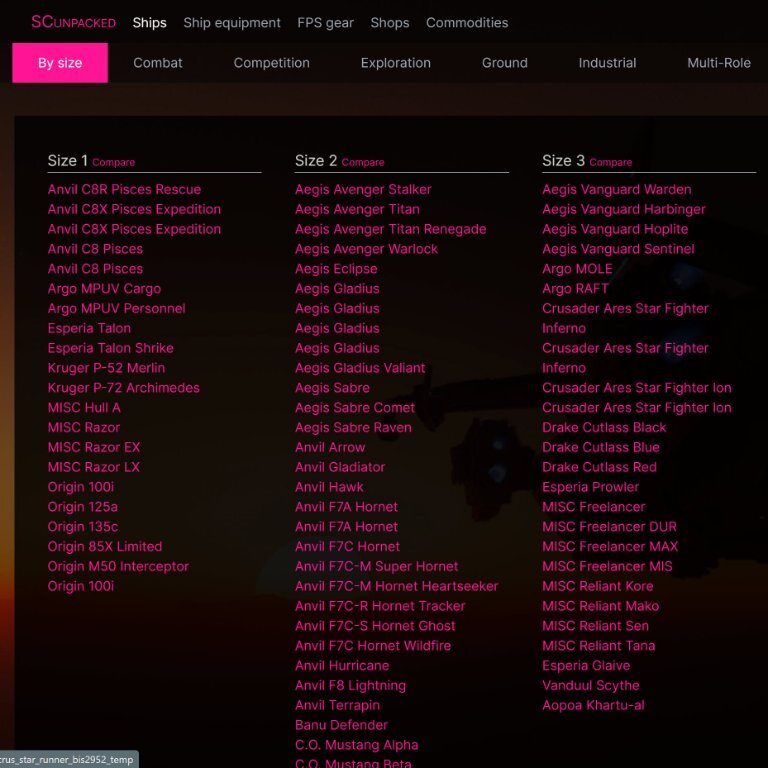
  6. Item Finder (by SC Unpaked)

    Great site for finding all items in Star Citizen

    0 comments

Account

Navigation

Search

Configure browser push notifications

Chrome (Android)
  1. Tap the lock icon next to the address bar.
  2. Tap Permissions → Notifications.
  3. Adjust your preference.
Chrome (Desktop)
  1. Click the padlock icon in the address bar.
  2. Select Site settings.
  3. Find Notifications and adjust your preference.