PC Software & Info
23 links
-

How to Change DNS Server Settings on Windows 11
Alternative DNS Addresses:
IPv4 DNS Addresses
Google DNS: 8.8.8.8, 8.8.4.4
Cloudflare IPv4: 1.1.1.1, 1.0.0.1
OpenDNS: 208.67.222.222, 208.67.220.220
Quad9: 9.9.9.9, 149.112.112.112
IPv6 DNS Addresses
Google DNS: 2001:4860:4860::8888, 2001:4860:4860::8844
Cloudflare IPv6: 2606:4700:4700::1111, 2606:4700:4700::1001
OpenDNS: 2620:119:35::35, 2620:119:53::53
Quad9: 2620:fe::fe, 2620:fe::9
0 comments
-

JoyToKey
JoyToKey (or Joy2Key) enables PC game controllers to emulate the keyboard and mouse input, so that windows applications and web games can be controlled with your favorite joysticks! Whenever buttons and sticks are pressed on the controllers, JoyToKey converts them into keyboard strokes and/or mouse movements so that the target application will work as if a real keyboard and a mouse were used
0 comments
-

Download Detector
Real-time problem & outage monitoring
We tell you when your favorite services are down or having problems.
0 comments
-

JocysCom FocusLogger
Have you ever got kicked out of a game for what looks like no reason?
You can run this Windows Focus Logger and find the culprit in real time.
0 comments
-

HSC Voice Packs
Voice control your games with VoiceAttack software and one of our awesome voice packs! Take command, issue orders and immerse yourself in the world's very first theatrical crew experience! Flight sim, Elite Dangerous, No Man's Sky, Star Wars Squadrons, Star Citizen, Call Of Duty & Battlefield.
0 comments
-

0 comments
-

Windows - System file check (SFC) Scan and Repair
System file check (SFC) Scan and Repair System Files & DISM to fix things SFC cannot
sfc /scannow DISM /Online /Cleanup-Image /RestoreHealth chkdsk /r0 comments
-

0 comments
-

0 comments
-

0 comments
-

0 comments
-

0 comments
-

HWMonitor
A hardware monitoring program that reads PC systems main health sensors : voltages, temperatures
0 comments
-

0 comments
-

0 comments
-

Dead Pixel Checker
Is your screen perfect? Unsure? Then check it with the DVANA Dead Pixel Checker.
0 comments
-

0 comments
-

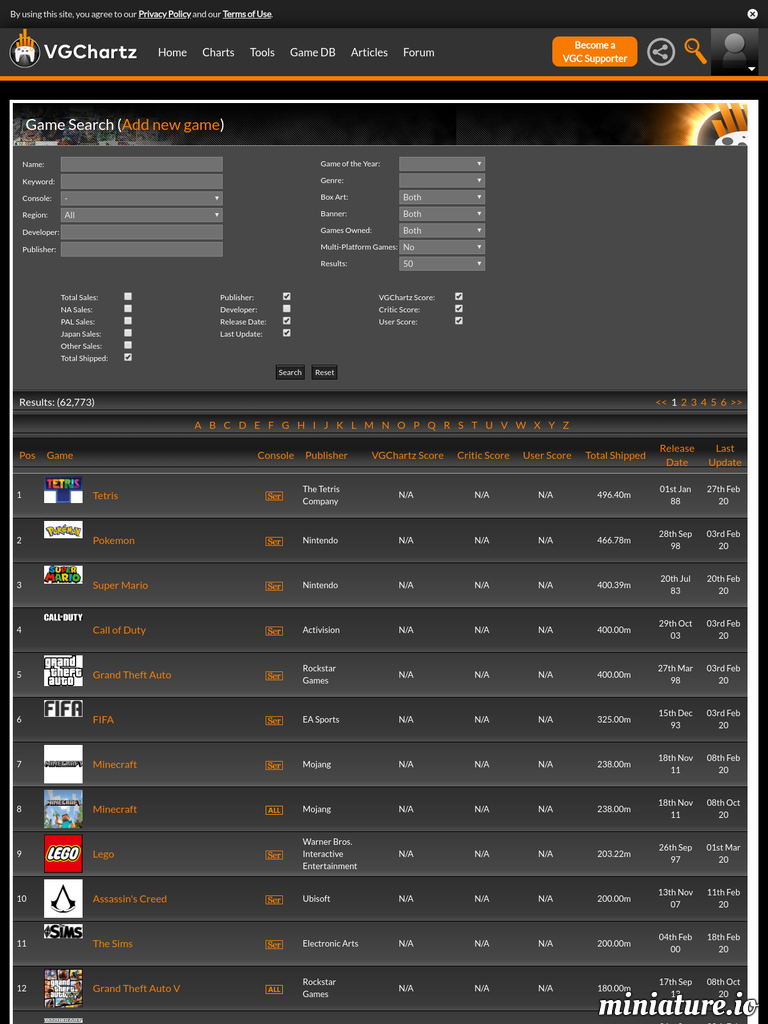
TrueGameData
TrueGameData.com is designed to help you build better COD loadouts and win more games.
0 comments
-
0 comments
-

RTINGS.com
Great site to find tested reviews of Monitors, TVs, headphones, mice, keyboards, etc
0 comments
-

0 comments
-
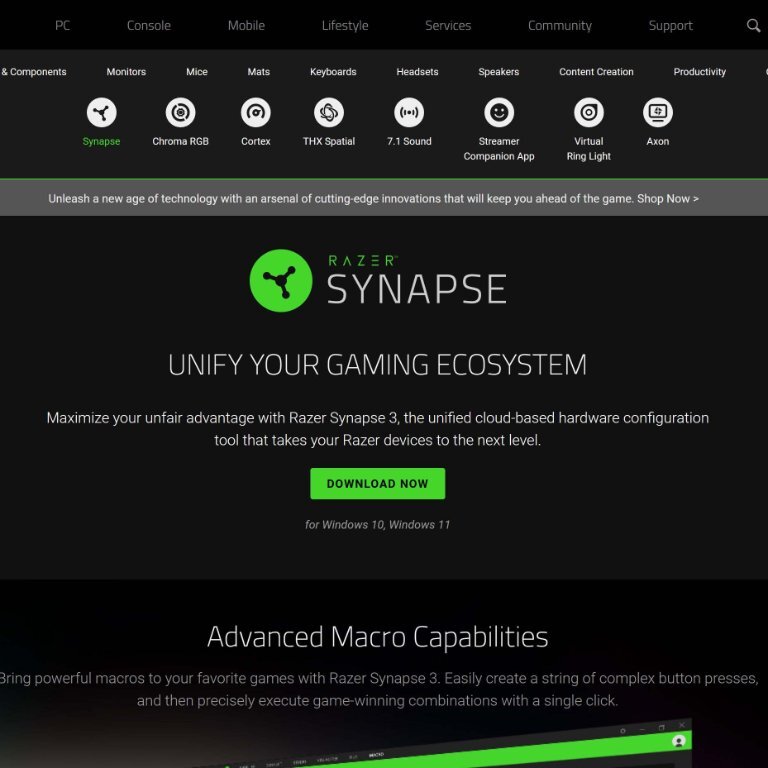
Razer Synapse 3 (Download Link)
Maximize your unfair advantage with Razer Synapse 3, the unified cloud-based hardware configuration
0 comments
-
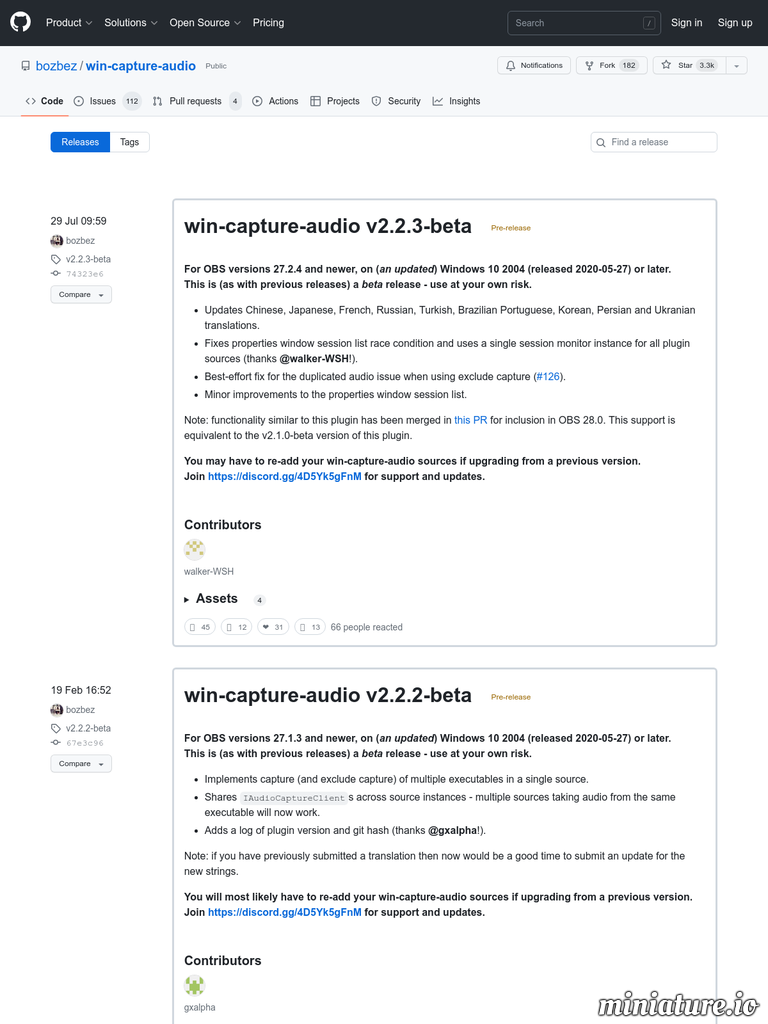
Separate Game Audio, Discord, Music in OBS
How to Separate Game Audio, Discord, Music in OBS
Get the OBS Video Capture plugin here:
https://github.com/bozbez/win-capture-audio/releases/
Instruction on how to do it here:
0 comments