Skip to content
View in the app

A better way to browse. Learn more.

The Armory

A full-screen app on your home screen with push notifications, badges and more.

To install this app on iOS and iPadOS
  1. Tap the Share icon in Safari
  2. Scroll the menu and tap Add to Home Screen.
  3. Tap Add in the top-right corner.
To install this app on Android
  1. Tap the 3-dot menu (⋮) in the top-right corner of the browser.
  2. Tap Add to Home screen or Install app.
  3. Confirm by tapping Install.

General Info

12 links

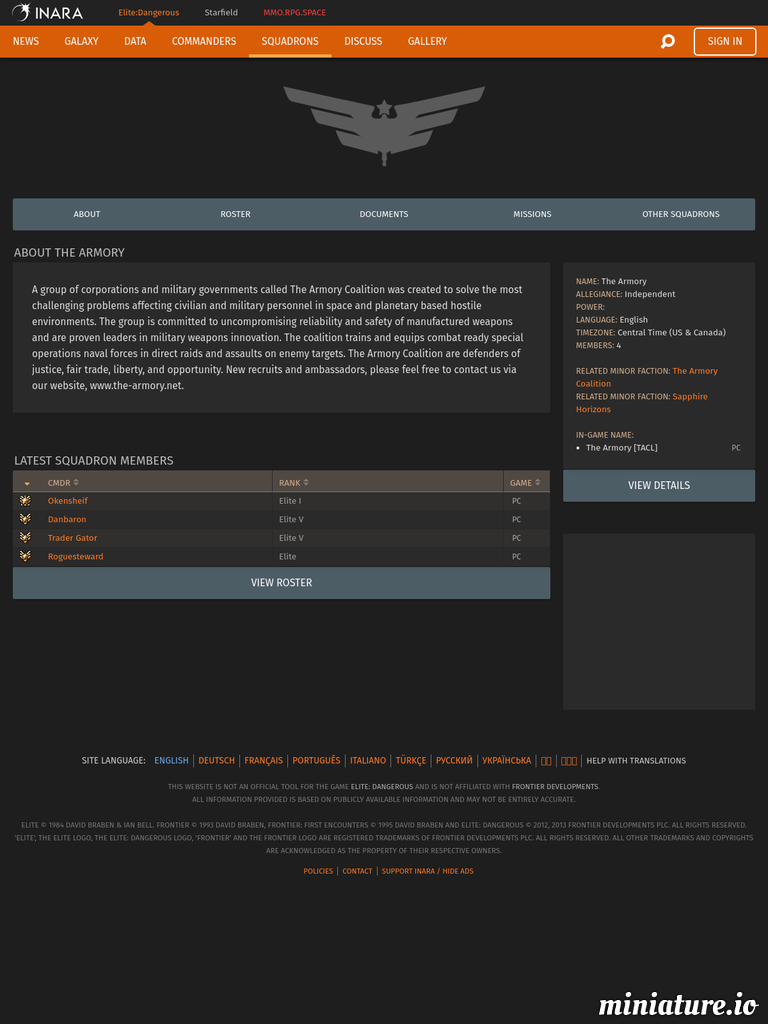
  1. The Armory Squadron (TACL)

    An INARA listing showing the Armory squadron members

    0 comments

  2. Elite Dangerous Assets

    What is EDAssets? EDAssets is a community website striving to be the main source of consuming concep

    0 comments

  3. Elite: Dangerous Codex

    The complete list of third-party Tools for Elite: Dangerous

    0 comments

  4. EDRefCard

    Create and optionally publish a graphical reference card for your Elite Dangerous keyboard layout

    0 comments

  5. Ranks

    Rank requirements for Combat, Trader, Explorer, CQC, Mercenary, Exobiologist, Federal & Imperial

    0 comments

  6. Wave Scanner

    Learn how the SRV Wave scanner operates

    0 comments

  7. Canonn Research

    Canonn Interstellar Research Group (or the ‘Canonn’ for short) is an independent cooperative

    0 comments

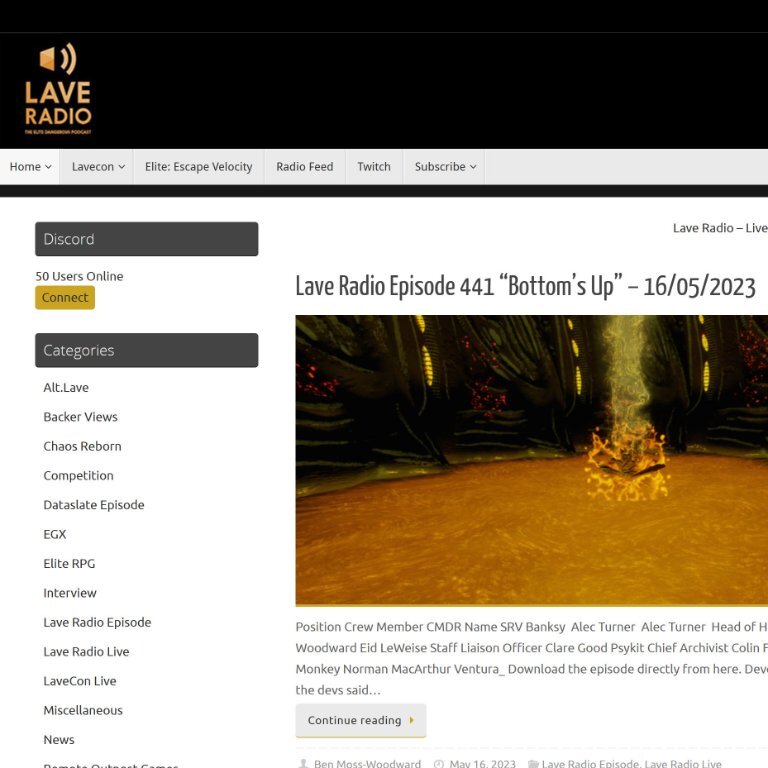
  8. Lave Radio

    Provides radio shows that talk about all things "Elite Dangerous"

    0 comments

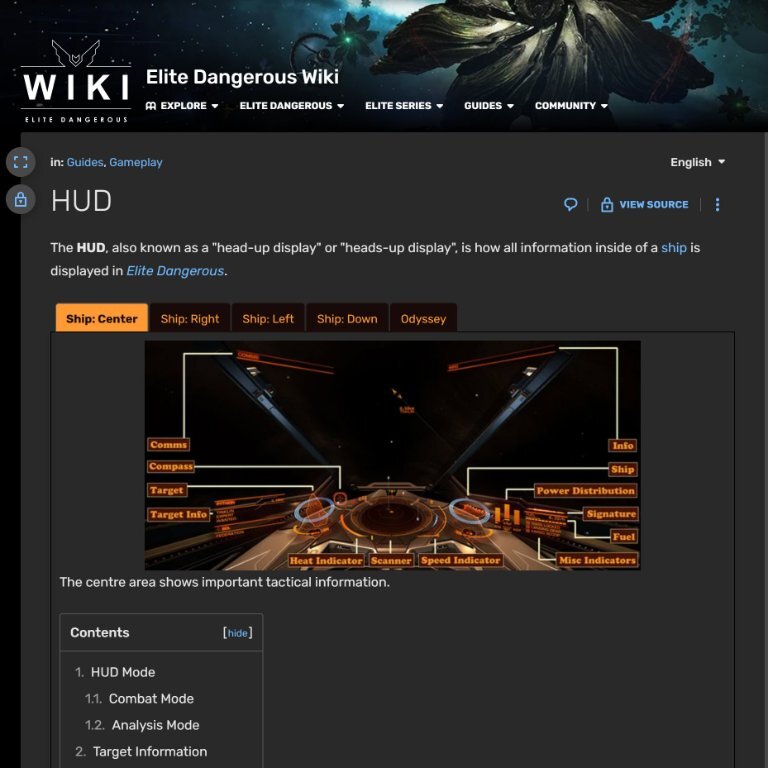
  9. HUD Manual (Heads-Up-Display)

    A complete explanation of the ship HUD system in Elite Dangerous

    0 comments

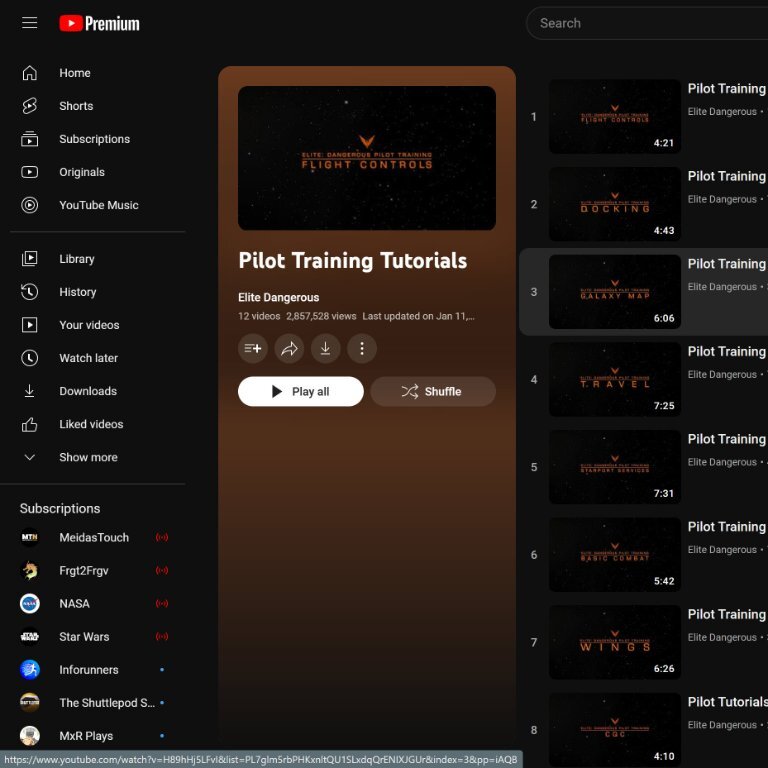
  10. Video Turtorials

    Learn how to play Elite Dangerous with these helpful tutorial videos

    0 comments

  11. Fuel Rats

    We Have Fuel. You Don't!  Any questions?  Go here to get refueled if you are stuck

    0 comments

  12. Elite BGS

    Track the Elite Dangerous BGS (Background Simulation) 

    0 comments

Account

Navigation

Search

Search

Configure browser push notifications

Chrome (Android)
  1. Tap the lock icon next to the address bar.
  2. Tap Permissions → Notifications.
  3. Adjust your preference.
Chrome (Desktop)
  1. Click the padlock icon in the address bar.
  2. Select Site settings.
  3. Find Notifications and adjust your preference.