danbaron
Moderator
-
Joined
-
Last visited
Everything posted by danbaron
-
Happy july4th everyone !
-
Nice sig, still waiting for the movie
-
Roger that Taco, have fun and get back here soon !
-
-
-
Well i don't get bored of BF, just frustrated, i will go to buy the CSS and the firearms source woot
-
Of course we will not find them easy, only their friends get to knife them as always....
-
I run Kaspersky internet suite, helped me out with everything. So anyway there you go, don't trust anybody when it comes to downloading things into your pc.
-
I just checked it up, i might look into the BF2142 competition as soon as i get home from work, it sounds interesting thanks for the post. Maybe it is like a league that we could join ?
-
As soon as you click Forum, you can see the Gallery and "what's new" is one of the four sections there.
-
Well i have been around for some time now, yet never crossed my mind to really look around on all the nice things we have on our site. For example i've just spent a little more time than usual to look at the posted pics of the BF2142 (hi-res) under "what's popular" section, and WOW there are some really nice pics that you could lay your eyes on and even vote them or save them as desktops. So members and non-members, want to have some fun and see some of the action taking place on our servers ?, go ahead and spend some QUALITY TIME seeing those. Altough i could not see the names of the people that posted those, i would like to say THANK YOU, you've made my day. :D
-
-
Not aware of the release date on PC, but definitely i will buy it !!!
-
Read the new post in the main hall now about EA rules and regulations:D And if you see this on our servers, get in ventrilo and let one of the senior councils know, they will take care of it !
-
LOL italian lesbian yahoooo. Thirded:p
-
Wow awesome, can't wait can't wait
-
I have it and i enjoy it, it is more powerful (3xshots only)
-
That is it you don't have to do nothing else, start BF2142 and look for the servers with NS maps
-
They look cool, good you can switch off the vibration thing, otherwise you would have a vibrating head lol
-
No problem Taco, i'll change the title to "Taco at the barber shop" LOL:D
-
I'll be there !
-
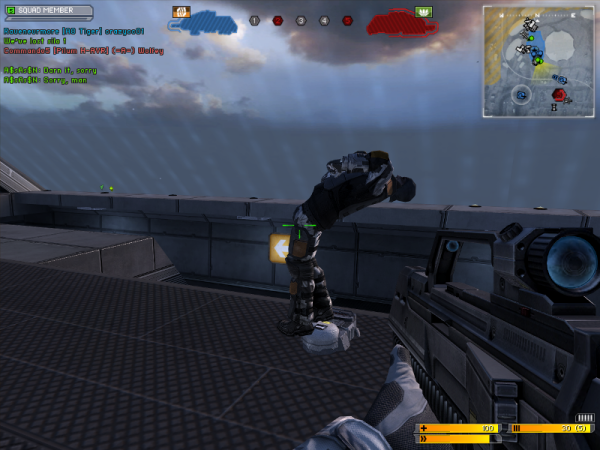
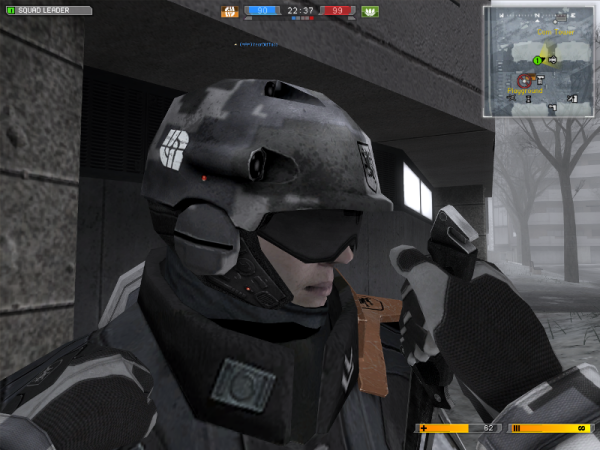
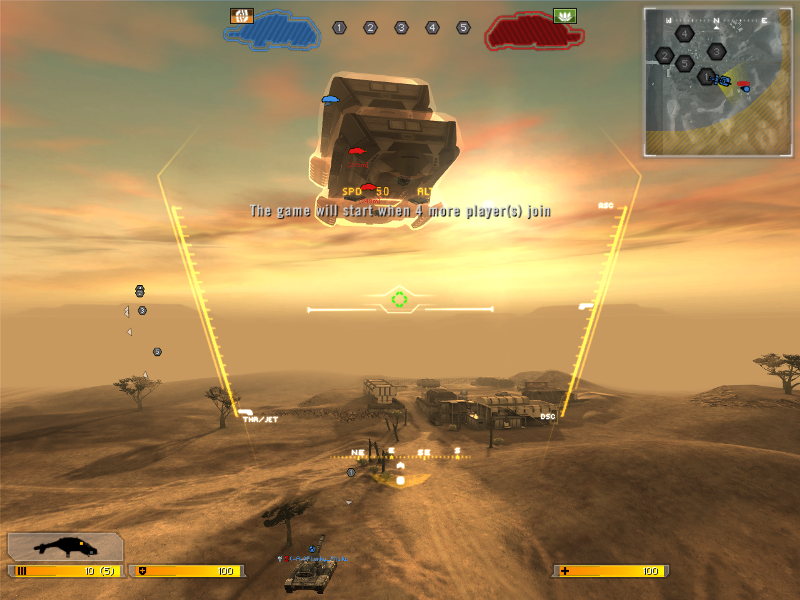
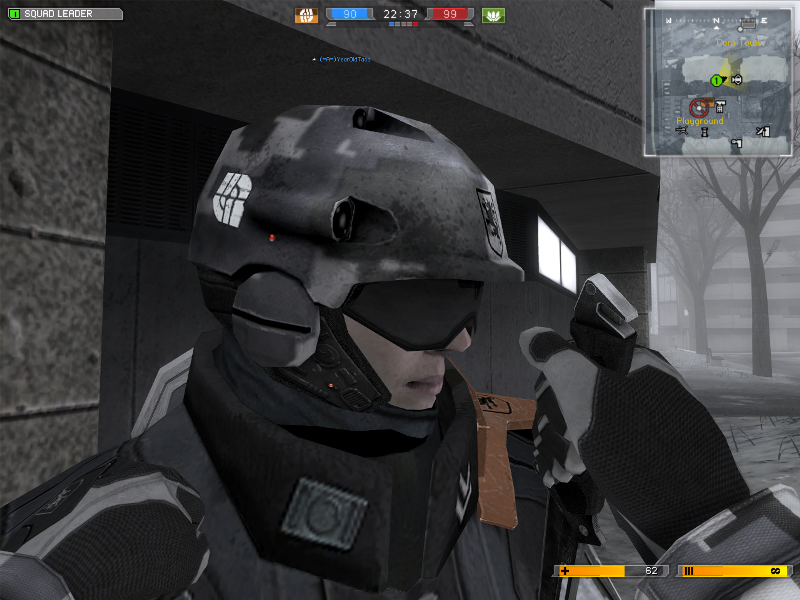
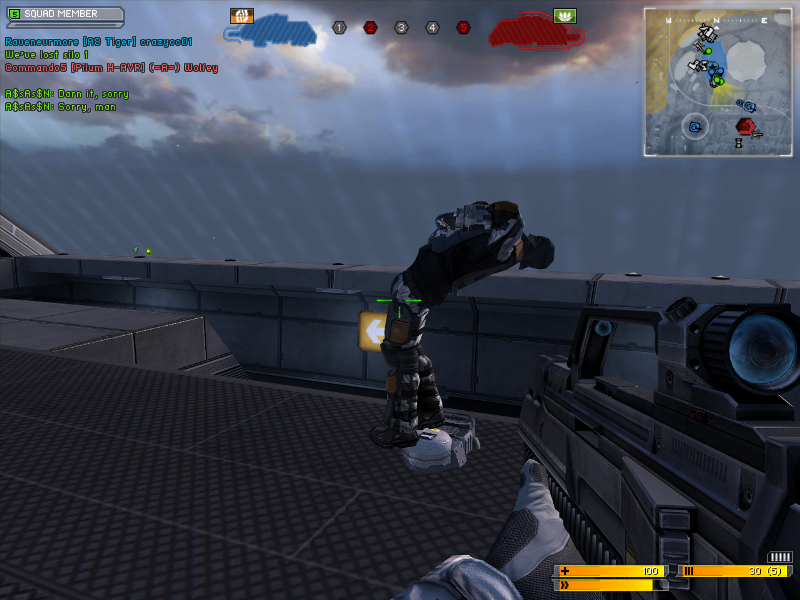
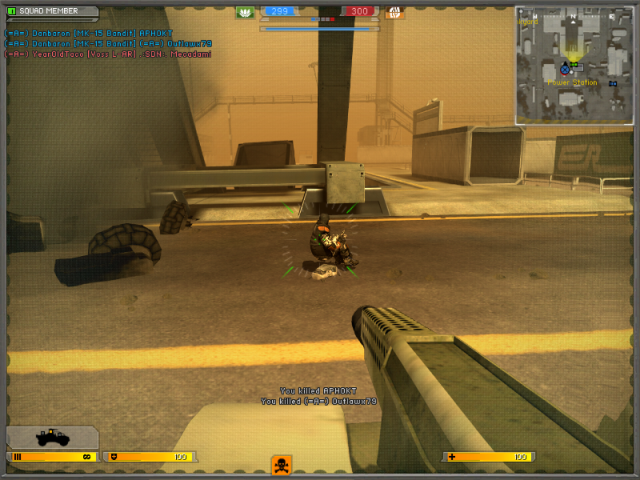
Just thought you guy's should see those (might put a smile on your face) :cool: [ATTACH]3778[/ATTACH] Which titan you want to take out ? [ATTACH]3779[/ATTACH] Preparing Taco for surgery ! [ATTACH]3780[/ATTACH] Unknown soldier heading towards heaven ! [ATTACH]3781[/ATTACH] Forgot safety belt on and got blown out of the buggy ?? (funny he was still moving his head, made me unload one more clip). /monthly_06_2011/post-1949-130810197167_thumb.png /monthly_06_2011/post-1949-130810197176_thumb.png /monthly_06_2011/post-1949-130810197187_thumb.png /monthly_06_2011/post-1949-130810197194_thumb.png
-
-
-