Skip to content
View in the app

A better way to browse. Learn more.

The Armory

A full-screen app on your home screen with push notifications, badges and more.

To install this app on iOS and iPadOS
  1. Tap the Share icon in Safari
  2. Scroll the menu and tap Add to Home Screen.
  3. Tap Add in the top-right corner.
To install this app on Android
  1. Tap the 3-dot menu (⋮) in the top-right corner of the browser.
  2. Tap Add to Home screen or Install app.
  3. Confirm by tapping Install.

sharp65

Armory Member
  • Joined

  • Last visited

Everything posted by sharp65

  1. the 2nd one looks nice
  2. yea i'll give it a try
  3. Talk about getting a head start on development.
  4. Happy b-day, hope ya have good one
  5. sharp65 replied to Kol Klink's topic in Gaming
    I saw there rules when I tried to get onto it, I will stick to ours thanks.
  6. sharp65 replied to Kol Klink's topic in Main Hall
    think it looks good klink
  7. Yea looks cool, some new maps to try out would be fun
  8. Cool pics mac
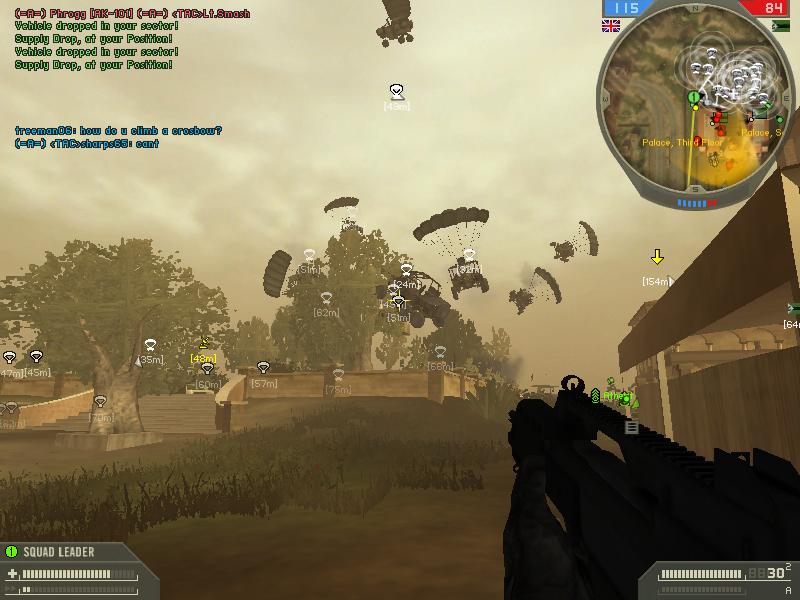
  9. mmmm...That was fun lol /monthly_06_2011/post-980-130810186402_thumb.jpg /monthly_06_2011/post-980-130810186411_thumb.jpg
  10. Two looks good
  11. I like it a lot wheat, looks like it took a long time to make.
  12. Tough choices, they all look very good
  13. go for the card
  14. sharp65 replied to kAd's topic in Main Hall
    That's awesome kad, have fun with it. Wish i could afford it
  15. I should play karkand more often, I really wanna see that happen
  16. sharp65 replied to Kol Klink's topic in Gaming
    Where are you finding this on bf2tracker? Where it says "tracked since", if so then i've been playing bf2 for 412 days.
  17. sharp65 replied to Kane9378's topic in Main Hall
    I don't think they ever expire, my old ones still work from the demo
  18. I hate preordering, i usually don't get it until about 2-3 days after the item comes out. It's much quicker to just go to the store and buy it the day it comes out.
  19. very nice tfd
  20. cool klink

Account

Navigation

Search

Search

Configure browser push notifications

Chrome (Android)
  1. Tap the lock icon next to the address bar.
  2. Tap Permissions → Notifications.
  3. Adjust your preference.
Chrome (Desktop)
  1. Click the padlock icon in the address bar.
  2. Select Site settings.
  3. Find Notifications and adjust your preference.