jinXyKO
Armory Member
-
Joined
-
Last visited
Everything posted by jinXyKO
-
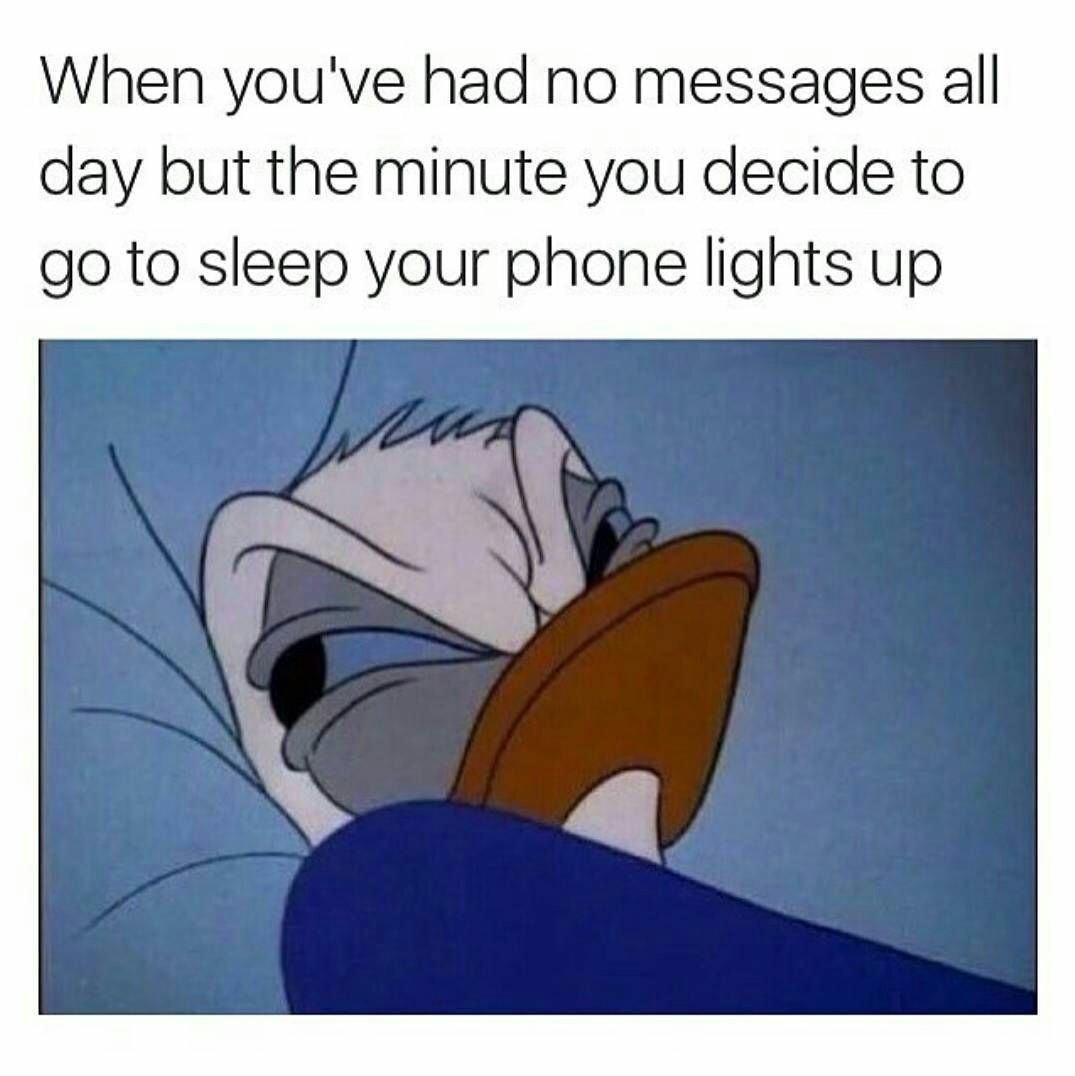
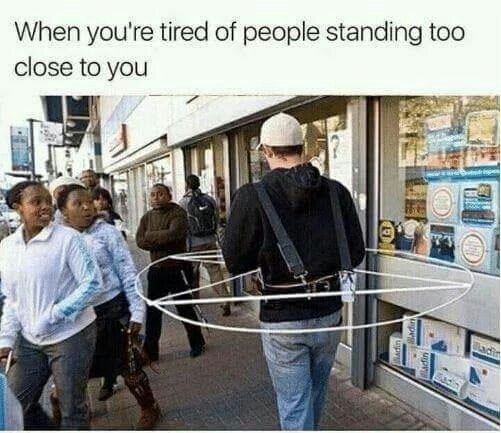
Yeah, I've been dreaming of a 48 slot infantry server for awhile now.I thought a meme/funny picture thread might help boost morale seeing we're all playing different shit most of the time. RULES: Make sure the image isnt too large and hasnt already been posted. Enjoy.


 Does looking at this portion of the forum count as a privilege check? hrhrhrhrhrrr Seriously though, good on all of you for supporting our little corner of the gaming community.
Account
Navigation
Search
Configure browser push notifications
Chrome (Android)
- Tap the lock icon next to the address bar.
- Tap Permissions → Notifications.
- Adjust your preference.
Chrome (Desktop)
- Click the padlock icon in the address bar.
- Select Site settings.
- Find Notifications and adjust your preference.
Safari (iOS 16.4+)
- Ensure the site is installed via Add to Home Screen.
- Open Settings App → Notifications.
- Find your app name and adjust your preference.
Safari (macOS)
- Go to Safari → Preferences.
- Click the Websites tab.
- Select Notifications in the sidebar.
- Find this website and adjust your preference.
Edge (Android)
- Tap the lock icon next to the address bar.
- Tap Permissions.
- Find Notifications and adjust your preference.
Edge (Desktop)
- Click the padlock icon in the address bar.
- Click Permissions for this site.
- Find Notifications and adjust your preference.
Firefox (Android)
- Go to Settings → Site permissions.
- Tap Notifications.
- Find this site in the list and adjust your preference.
Firefox (Desktop)
- Open Firefox Settings.
- Search for Notifications.
- Find this site in the list and adjust your preference.


















.jpg.61ce15c78c69585109b911b3dcc898e3.jpg)











.jpg.fabc192defb9912cca0eb4c598a299bf.jpg)