Phrogg
Armory Member
-
Joined
-
Last visited
Everything posted by Phrogg
-
I don't want to be mean, but you might have to forget about the pm I sent ya. I didn't realize you lived china.... The cost for shipping would be more then what your giving the card away for. sorry man.
-
Na if ya guys want to lets do it. Jack doesn't work tonight on monday. I'm up for it.
-
ditto....
-
I would take it if I had $100
-
-
I used to be be able to help ya. Let me get back to ya on this one. It has been awhile since I have taken the class.
-
That and you can die from them as well.
-
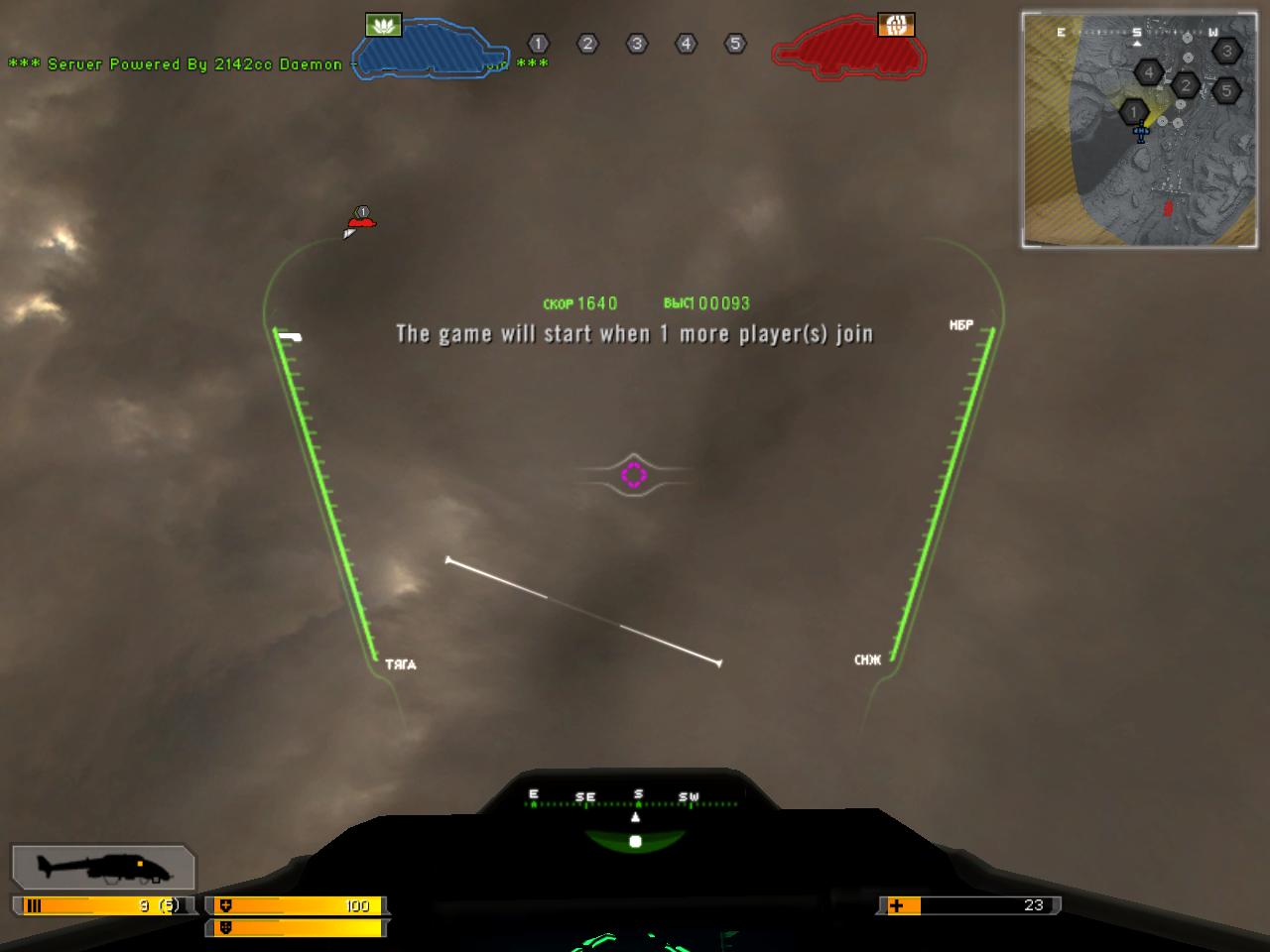
Yea, I was wondering when I would reach those clouds up there, but they always seemed to stay at the same distance.... Yes, at 20k your sound cuts out. Its kind of weird, but nice because listening to the engines gets old.
-
I was just messing around while we started up the titan server one day. Wanted to see how high you could actually go. I would have been able to go up higher, but the game was about to start so this is all the higher I was untill I bailed out. /monthly_06_2011/post-802-130810192331_thumb.jpg

-
LOL!!! Aaron already told me you were comming up. So that doesn't count.
-
What are you guys doing this weekend? Never thought I would ever meet anyone from Iowa, or even some place so close as to Cedar Falls, here.
-
I wish getting the gold for being top player that round got ya something. Otherwise, it is very pointless. Kind of like EA. Wait EA made this game. I guess that explains it. Oh, that also explains why it is pointless to get the higher ranks after Brigadier General.
-
Yea, it is really freakin cold here in iowa. Sucks a lot....
-
welcome to the forums doc. look forward to getting your tags. RIBBIT!!!
-
yes it is.
-
So what this to much beer thing?!?!?!?
-
Nicely done. Keep up the good work.
-
works everytime!
-
Nice eskimo! Its close to what I was thinking. Thanks for trying! RIBBIT!!!
-
Ribbit!!!!
-
-
Just looking for a new sig. I would like one with a mean looking knife that melts into fire. Maybe with the knife also engraved with RIBBIT on it. I don't know how to describe it anymore then that. Any takers?!?!?! RIBBIT!!!
-
I work at Best Buy. I do warehouse, cashier, home install, and home deliveries.
-
Is that agp? I might take it. I will jsut have to get a new cpu to go with it, but it would definately improve my system. Then my socket A 3000+ won't slow me vid card down.
-
If you do everything they say and you are still having problems don't feel to awfully bad. In BF2, on a regular basis, I had to switch it back to X-FI settings manually. For some reason the game felt like it need to tell me that I didn't have an X-FI card in my computer, so that was the reason why it wouldn't accept the X-FI settings. Even though the day before I had it selected with ultra high settings. I wouldn't be suprise if EA wasn't able to fix this problem for 2142. I have only had to do it twice with this game. I have talk to a couple of people that have had to do this on a regular basis almost.