Phrogg
Armory Member
-
Joined
-
Last visited
Everything posted by Phrogg
-
Welcome back buddy! The armory is the place to be.... RIBBIT!!!!
-
Will hurry up! Grab the camera and go do it now...
-
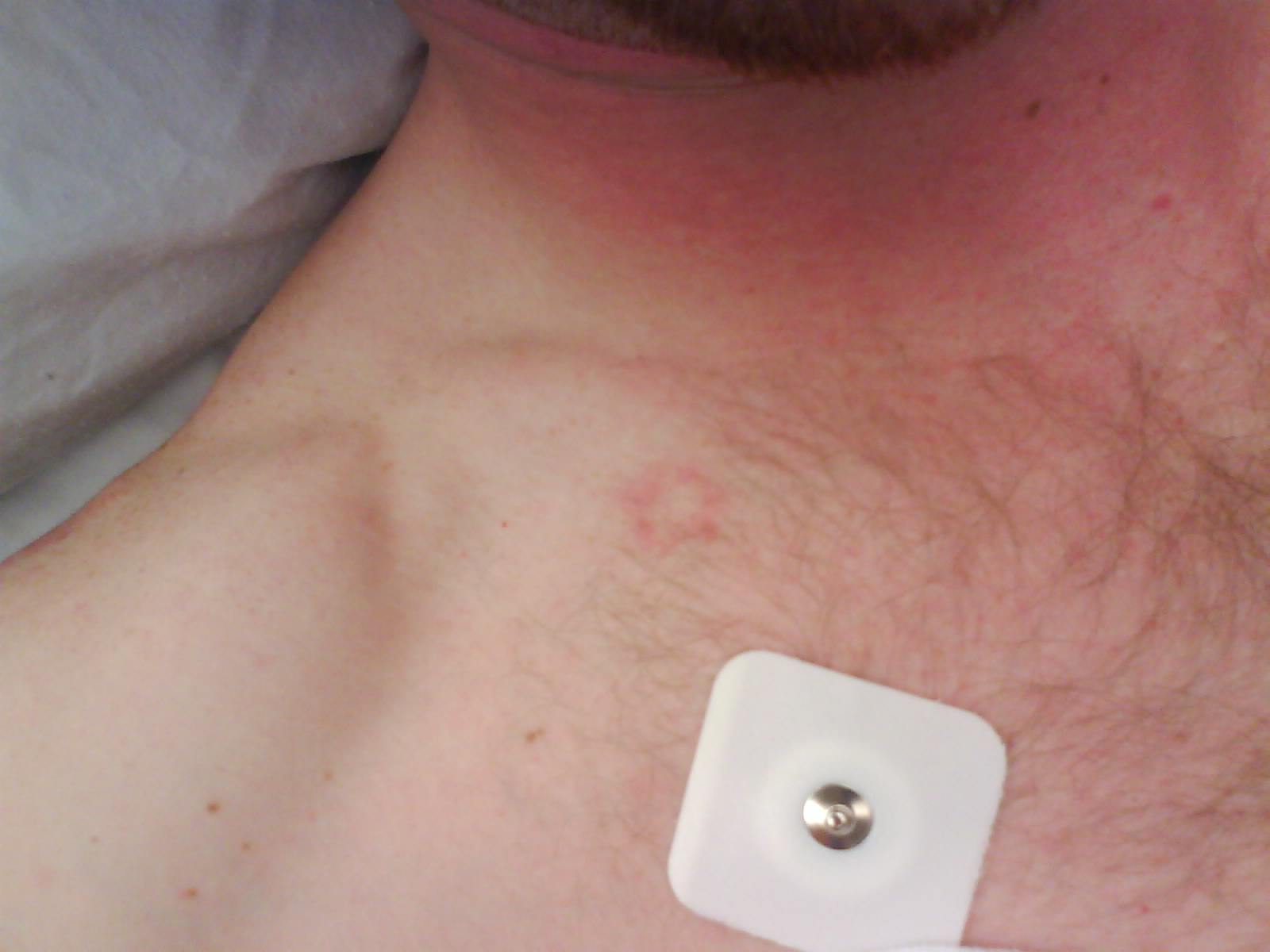
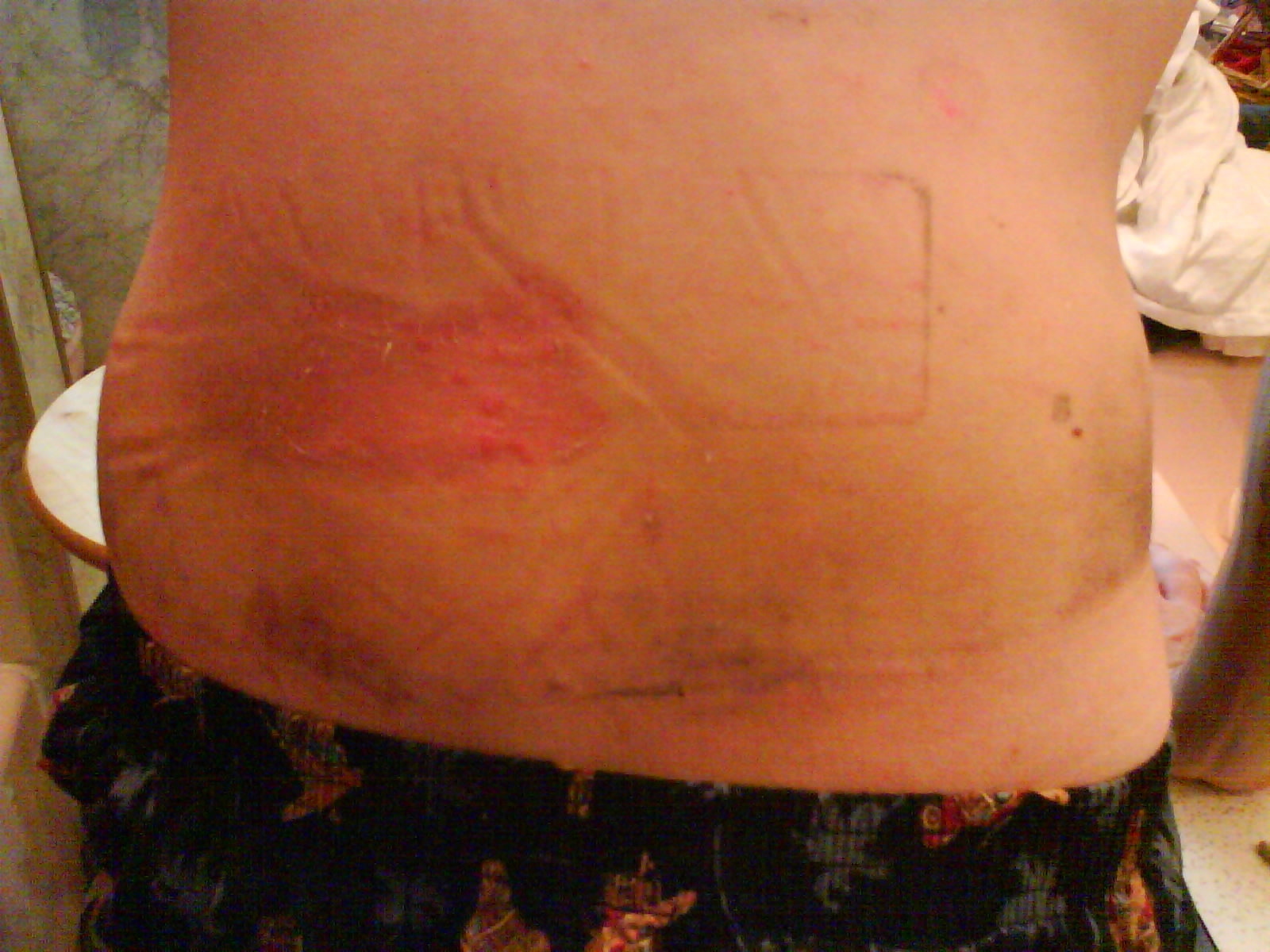
This happened last october 19, 08. I didn't post anything about it because sean ro was just right around then to.
-
and the last couple /monthly_06_2011/post-802-130810228964_thumb.jpg /monthly_06_2011/post-802-130810228975_thumb.jpg /monthly_06_2011/post-802-130810228986_thumb.jpg



-
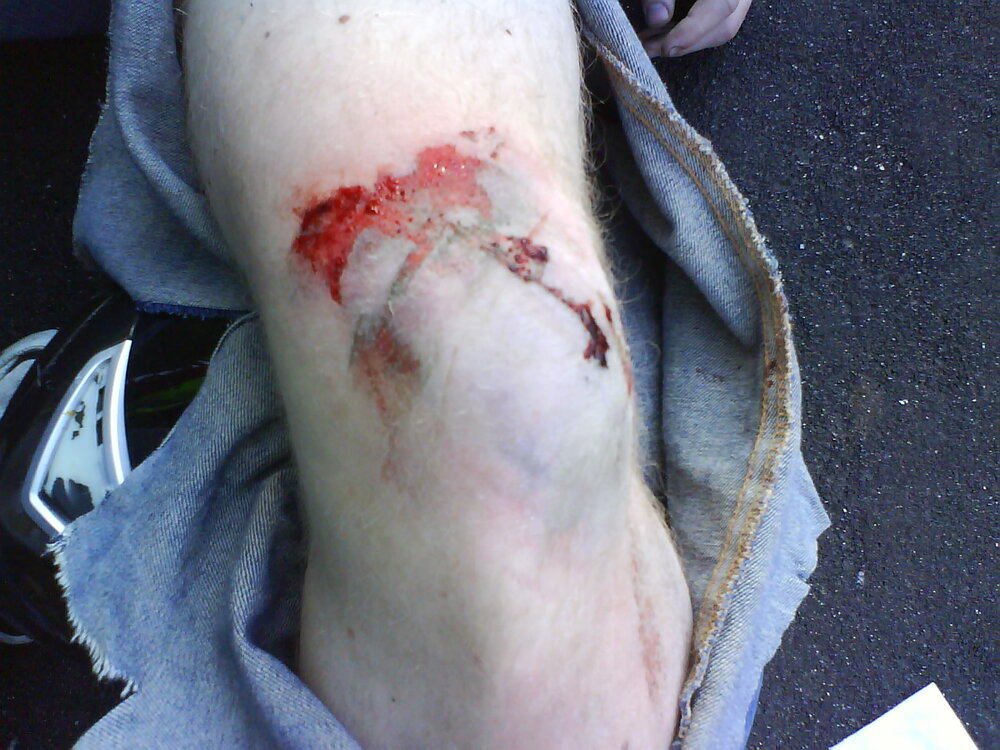
My last accident.... bye bye beautiful buell....er something....lol /monthly_06_2011/post-802-130810228773_thumb.jpg /monthly_06_2011/post-802-130810228799_thumb.jpg /monthly_06_2011/post-802-130810228818_thumb.jpg /monthly_06_2011/post-802-13081022884_thumb.jpg /monthly_06_2011/post-802-130810228867_thumb.jpg /monthly_06_2011/post-802-13081022888_thumb.jpg /monthly_06_2011/post-802-130810228904_thumb.jpg /monthly_06_2011/post-802-13081022892_thumb.jpg /monthly_06_2011/post-802-130810228935_thumb.jpg /monthly_06_2011/post-802-130810228953_thumb.jpg






-
pictures!!!!
-
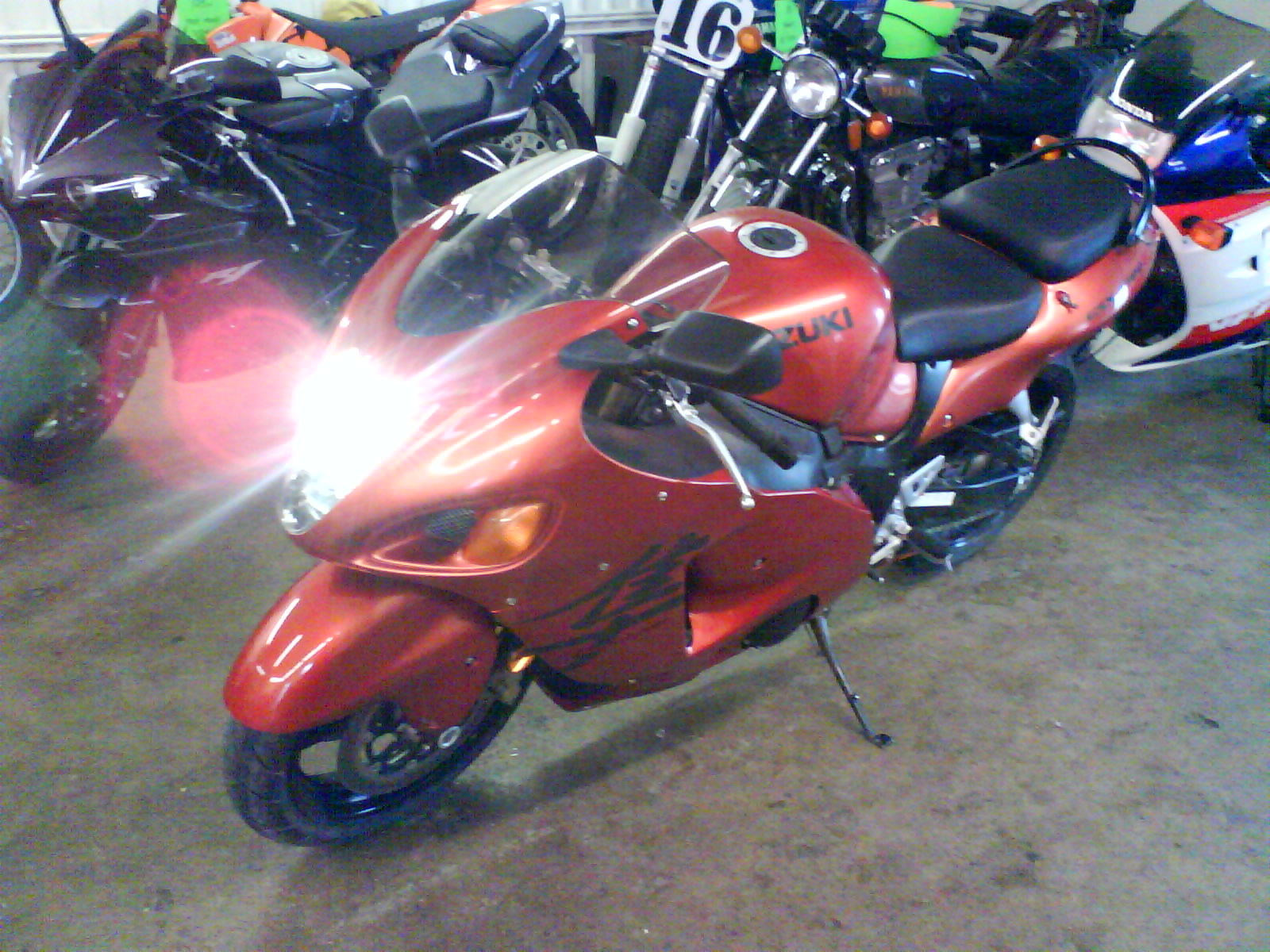
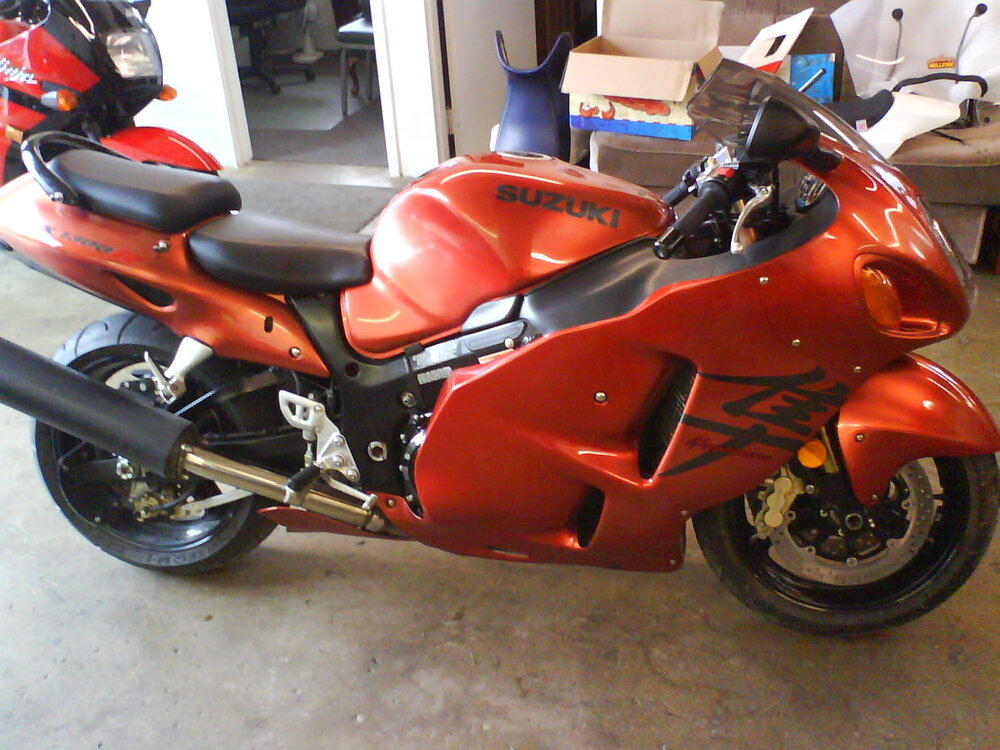
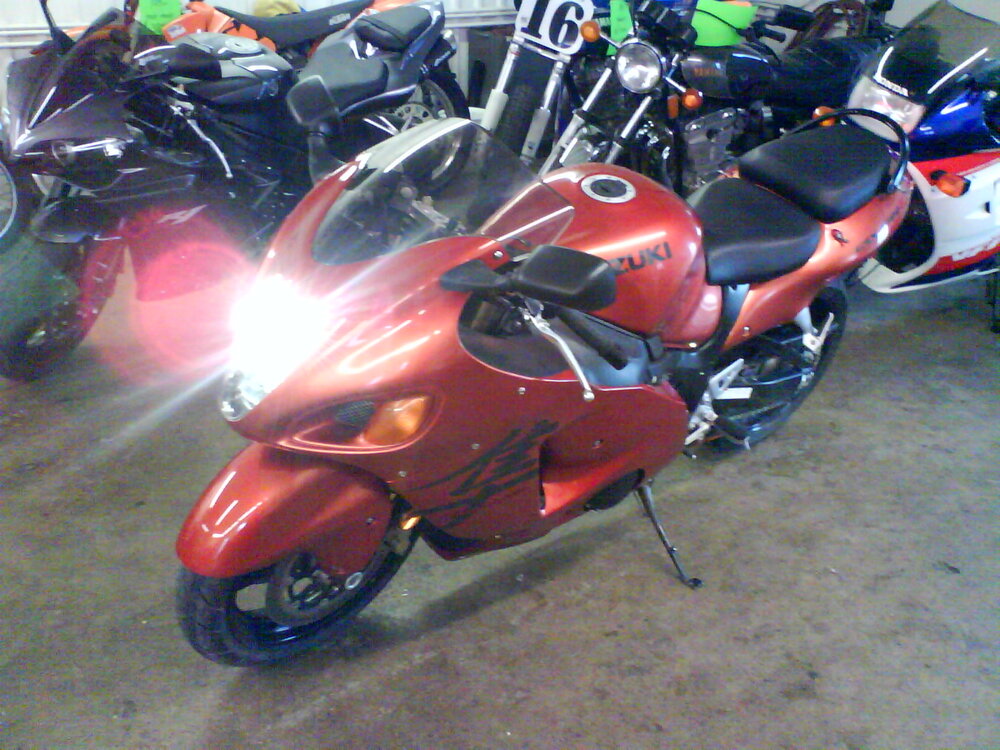
Just got this a couple weeks ago....and i'm enjoying it..... /monthly_06_2011/post-802-130810228681_thumb.jpg /monthly_06_2011/post-802-130810228697_thumb.jpg /monthly_06_2011/post-802-130810228713_thumb.jpg /monthly_06_2011/post-802-130810228725_thumb.jpg /monthly_06_2011/post-802-130810228738_thumb.jpg /monthly_06_2011/post-802-130810228749_thumb.jpg




-
Thats a nice car...I don't imagine the insurance being good on it, but I know my buddies got pretty good mileage out of it.
-
can you use a mouse and keyboard with it? LOL
-
i thought you could already do that? Sounds good though. Its a shame they are now doing this when it should have been done a year or so ago.
-
same! it has bikes!!!!
-
Bummer, I was in an accident myself last october. I will try to post some pics of it. Hope things heal up well and fast for ya.
-
Its weird on how much it affects you when you lose a pet or as most of them become "a family member". Sorry for your loss buddy...
-
Happy easter!!!! Ribbit!!!!!
-
I'm going with you sucking to much....I don't know it just seems like the right answer on this one...
-
Ergo keyboards are the best for gaming. With the keys being split, it is like a gamepad for the most part. I've never needed anymore keys then what I have infront of me already. The little lcd screen would be kind of nice. Like joe and tilgado said though, if they are a regular, you will learn who they are quickly.
-
God of WAR 3!!!!!!!! Can't wait for that game....
-
I don't know if this has been mentioned, but here is another con for the XBOX 360. Microsoft shells out money to companies to stop them from having downloadable content for the PS3....I would ask if you can believe that, but I guess you might come to expect that from microsoft......BULLSHIT!!!!! Now they do have GOW2, which is a truely amazing game. Now I believe though that it deserves to be played on a different system. Now I know this will probably never happen, but microsoft doesn't deserve another "great" game to be played on their system.
-
I played the demo of Uncharted and it was pretty sweet.
-
The only PS3 that are backwards compatible are the MSG4 80 gig bundle. The new 120 gig is not. Oh I do believe the MSG4 bundle is no longer in stock anywhere. Which is a bummer....
-
For those that do have a PS3, my name is Phrogg22 if anyone wants to add me!
-
xbox 360 pros: great graphics, multi-user login on one system, play music during gameplay, some excellent games, good user interface, usb ports xbox 360 cons: Have to pay to play online, If you have a friend over they need to be signed up to xbox live as well for you both to play split screen, wi-fi isn't built in, games cost $60 bucks brand new, ran by microsoft, PS3 pros: Great graphics, Good user interface, Free to play online, wi-fi built in, blue-ray player, some excellent games, bluetooth headsets work, not ran by microsoft... , USB ports, PS3 cons: No multi-user login, can't play music during gameplay with all games, games cost $60 bucks brand new This is just what I can think of right now. They are both pretty good systems. Like any other system though it doesn't sell itself. Consider the games you will be playing, what games your friends have and so forth. Look at what future games are comming out and see if any of those are cross platform or just on one. As far as picture goes. They are both pretty damn close. Your not going to really notice during gameplay, unless you like to pause and breakdown the picture pixel by pixel. There are games that 360 look better in and games the PS3 shines through. So you can't really base it on that. Yes, the PS3 has the blu-ray in it. Since they are not making HI-Def movies anymore. That can hurt the 360 some. But as long as you can play the movie in it who cares. No one can really tell the difference between "p" and "I". That is all I can really think of for these two systems. If anyone wants to add anything to it. Feel free.
-
Well if you ever get enough money to afford that car, make sure you pick up one for us as well. That car is only 1.5 million or so. Speaking of which i think i had that in my back pocket the other day... weird.... Way cool and fast car, just extremely pointless.
-
Was thinking about. For PC or console? Let me know how it is. Maybe we can team up if it is worth getting.
-
I used to be really good with the autocad programs. They are a little tough to learn, but a lot of fun! Nice work.