sharp65
Armory Member
-
Joined
-
Last visited
Everything posted by sharp65
-
Even if the server crashes, you still keep the points earned. It constantly sends data to the stats server.
-
I do plan on installing it soon, I just wanted to wait and see if their would be more application support in the near future.
-
Very detailed, lots of good info
-
Just saw an article about Microsoft screwing up the Family pack licensing. If you don't know about it, if you purchase a full copy of Vista Ultimate you can buy additional copies of vista home premium for your other computers for only $50. It turns out they are giving away license codes that are invalid.
-
Until a lot of these software companies release patches or newer versions that work in Vista I'm not going to upgrade. I know some may work set to run in compatibility mode for XP and such, but it's not worth upgrading at this time if none of my programs are going to work. Think I'm going to wait awhile, maybe get some more RAM too, seems like 2gb is really a good thing to have.
-
Microsoft put in a back door way to use an upgrade version to do a clean install. It's a bit tedious, involves installing vista twice, but it does work if your looking to save a little money.
-
I personally don't feel liking wasting $10 to drive an armored snow-mobile, but that's just me. When it's released they will need to release a patch for 2142 because you will be able to use the new items in vanilla bf2142, so I'll be able to try it then. But at this point it doesn't seem worth it, if this was Valve these items would be free.
-
You can go to our teams homepage on CAL and see how it looks. It's here
-
I found all of my 1942 mod disks, but can't find the disk for the main game
-
Haven't played DC in ages, I have to see if it's still installed.
-
They look nice eskimo :thumbsup:
-
Ok graphics poeple, we are going to need a team logo for CAL that is displayed on our team's profile. It has to be width 100 by height 56 and cannot exceed 20.0 KB. It also has to be a JPEG. Thanks guys :thumbsup: Looking forward to what you can come up with.
-
I finally just reached the last attainable rank and I have all of the unlocks. Took along time, maybe I will be able to use some of the booster pack items as field upgrades when it comes out.
-
Sorry to hear that tigerhawk, I hope things work out for ya.
-
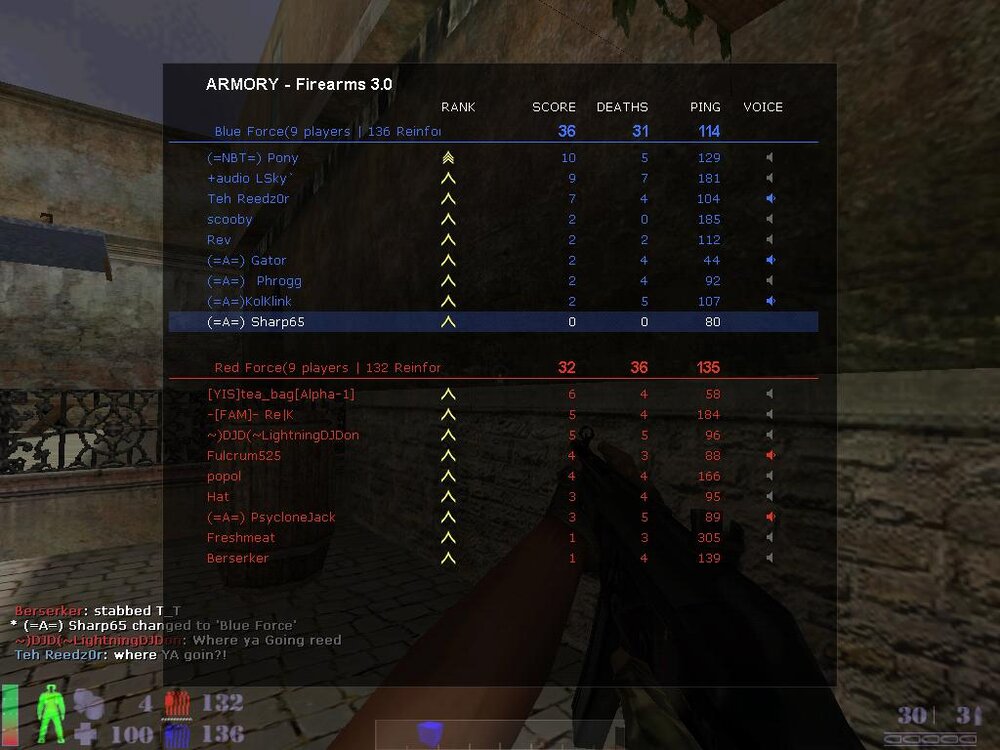
Speaking of firearms... /monthly_06_2011/post-980-130810191916_thumb.jpg
-
-
How many times can this be posted J/k It's some cool stuff It amazes me every time I read it.
-
nice, that was actually aired?
-
If you installed any of the betas and submitted at least one bug report, you received a free copy of RTM, wish I knew that before
-
I will most likely be getting it soon after release, probably in early February.
-
Pretty much all medium settings, can't run it on high. It's not too bad because for some reason the in game advertising doesn't work with my graphics level. I only see the default skins.
-
Found this over at totalbf2142, in the beta these options were actually in the game. They never made it changeable through the GUI in the final cut, but you can edit it through your con files. This is perfectly safe to do. Simply edit your profile's general.con file and edit the following lines: GeneralSettings.setKillMessagesFilter 1 GeneralSettings.setRadioMessagesFilter 1 GeneralSettings.setChatMessagesFilter 1 Where: GeneralSettings.setKillMessagesFilter # 1 shows all kill messages 2 shows only kill messages from your squad 3 hides them all. GeneralSettings.setRadioMessagesFilter # 1 shows all radio messages 3 shows no radio messages GeneralSettings.setChatMessagesFilter # 2 turns off enemy chat 3 turns off all chat
-
-
it also effects some mani settings too, can't seem to do a vote with it set to 1
-
Due to the last Steam update, you need to set the following setting in game: cl_restrict_server_commands 0 You will need to put this into the console every time you play or, put this into your autoexec file. This is to let you do things like vote for maps and let us use the admin plugin.