Gator
Administrator
-
Joined
-
Last visited
Everything posted by Gator
-
-
-
-
-
-
-
-
-
-
-
-
-
-
-
-
I will try Dan... I am trying to catch up on my school work, but as soon as I complete, I will be in there with ya. Hopefully waaaay before midnight.
-
Funny stuff. Nice find Ding.
-
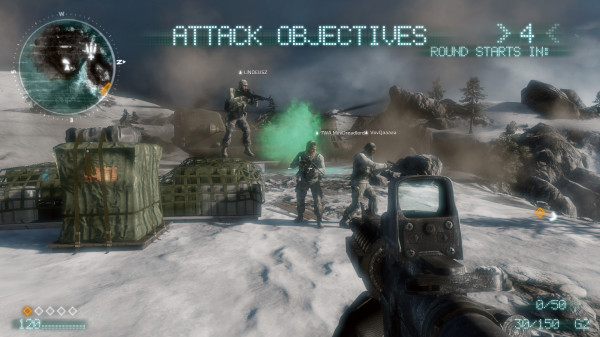
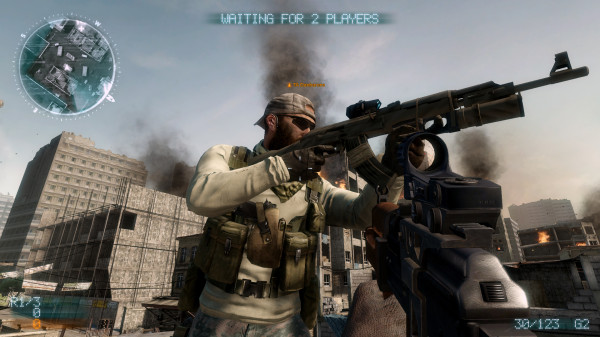
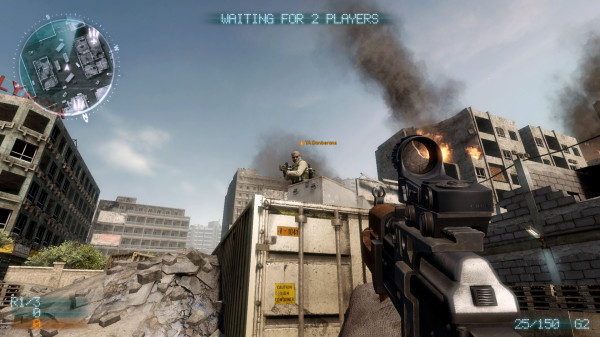
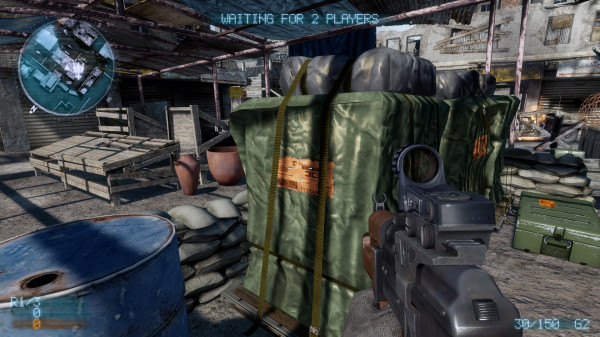
I think MOH is a great game, and I have had many enjoyable hours playing it. Although I have not yet payed the single player version, I intend to do so when time permits. It is by no means a perfect game, and I would have liked to have see more in it. It was a nice departure from Battlefield, although I still enjoy the Battlefield series more than any other game. COD4 was fun to a certain point, but I lost interest quickly after playing it for a while. It seemed so repetitive (wash, rinse, and repeat), and having to fight a broken browser was not any fun either. The motion sickness I got from the sprint animation was horrible.
-
Just teasing with ya Premium ...I hope you have fun with your new game.
-
Cool ...thanks for the info danbaron.
-
It looks nice, but I already own a copy of COD4. Wash, rinse, and repeat.
-
SOLUTION Go to C:/Program Files/Electronic Arts/Medal of Honor/MP/mohmpgame.exe (like that) Then Click the exe icon and Start as Administrator (Windows 7) After Starting and Logging into the Game, Go to Server Browser---> Click FILTERS And Select Following Options Punkbuster : ON Ranked : ON Hide Empty : YES Finally it worked...As soon as you get server list...Add servers to the FAVOURITES. Important : This is my solution...So try changing with all options in filters and it will surely work. The was a post I found Servers Not Showing Up in Browser (Server Problem)
-
MOH is a lot of fun, but we are still waiting for the release here in America. Glad to hear you had fun in Eqypt, and looking forward to your pics. Welcome home.
-
We have played the Beata, so what exactly would you like to know? I will look for anything you would like.
-
Cool as beans Mr.Fatty and Ding a ring. I found out that I could not get a confirmed date for my game from EA, so I cancelled it and ordered it through EA Download (as with my other games). They said if it was already shipped, they would give me free return label and send it back. What a mess...lol