Gator
Administrator
-
Joined
-
Last visited
Everything posted by Gator
-
From the Ubisoft Blog Just in time for the holiday season, Ubisoft is celebrating two big anniversaries by giving players the chance to download Assassin’s Creed IV Black Flag and World in Conflict on Uplay PC for free. It’s been ten years since the release of critically acclaimed real-time strategy game World in Conflict, so from December 4 (9AM PST) through on December 11 (2AM PST), you’ll be able to download World in Conflict and its expansion (Soviet Assault) for free... Read more here...
-
Sign up to get a free copy of World in Conflict on PC! Ubisoft Free Events FREETRIAL.UBISOFT.COM
-
Sorry to hear that Onrus. Glad to see you got it back under control.
-
After days and weeks of nobody helping start the BF1 server, we have terminated the rented server. The TeamSpeak channel and Battlefield 1 forum will continue to exist, but we are no longer support a dedicated server. Any questions, please feel free to ask.
-
Maybe they will start listening to their customers and give us what we want, and not what they think is best for us.
-
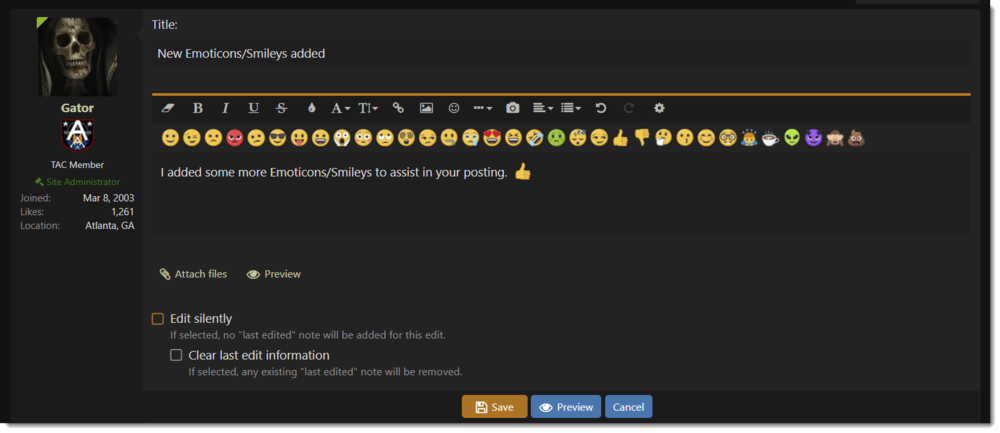
I added some more Emoticons/Smileys to assist in your posting.
-
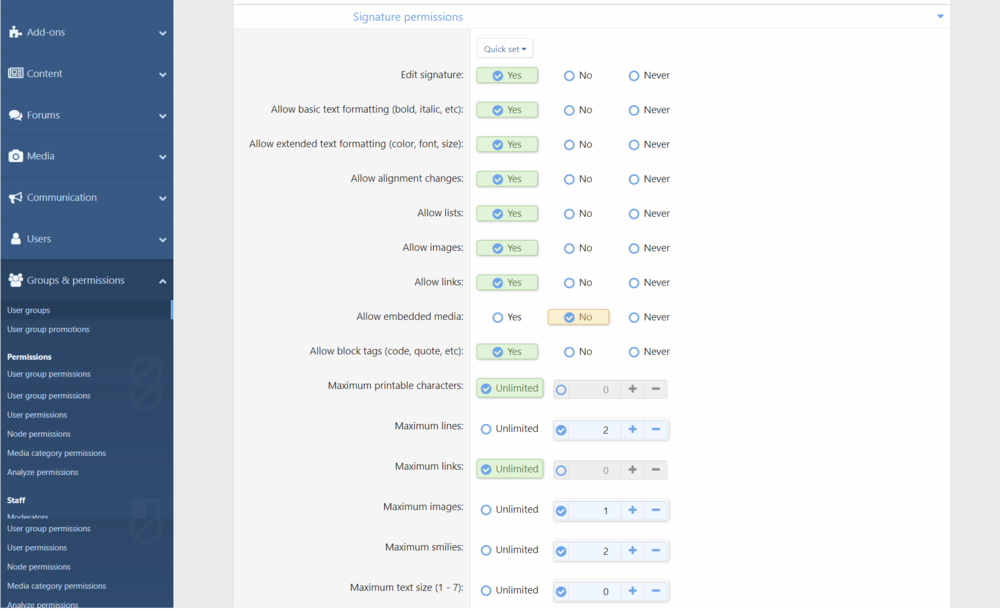
RIP Tom PettyI added it back just for you... :cool:They need to be buffed up.For those experiencing difficulty adding a signature, I believe I have fixed the issue. Let me know if you have any more problems. Also, let me now if you have any other issues with the site.Eat them, and then poop them out. No, no, different kind of cookie :cool: Download ccleaner at www.ccleaner.com, and run the cleanerThanks for sharing Axlerod. :cool:I moved us to a new host, so clear your cookies if you cannot post messagesLooks interesting. I would be willing to give it a tryLooks interesting. Maybe I'll have to give it a try also. :cool:I think they should keep the HP boost for the assault class, as is. Sniper rifles are fine, however the throwing distance of the C4 is ridiculous.Yes, the permissions will take a while to iron out, and your "status" (on right) acts as a shout box. I will however look for a script when they develop one. I am still working on the site and there is much still left to do. You will see more changes over the next few days. :cool:
 Awesome! Thank youIf you haven't noticed, we have finally moved over to the new software. It will take me a few days to add all the bell and whistles, so please take the time to get familiar with the new software. It is very user-friendly, and I think you will like it alot.Very different.I have been testing the Xenforo forum software for about a month now, and everyting seemed to be working well. However, the software has not yet been labeled as "Gold" (final), and is in the final RC stages. I thought would move us early so we could take advantage of the great feature set they offer with their forum board. Unfortuneately, the import tool was broken on their lastest release, so I am unable to import all the posts and images from the exisiting database to the new one. Once I able to do this, I will quickly bring us online with the Xenforo software. For now, however, you can post here as you would normally do, and anyhting posted now will be transfered over to the new database. - Gator