Gator
Administrator
-
Joined
-
Last visited
Everything posted by Gator
-
And yet another extended trailer https://www.youtube.com/watch?v=EkaRCjThglI
-
Another Trailer ..It looks fantastic! [GALLERY=media, 13913][/GALLERY] And better, yet... [GALLERY=media, 13914][/GALLERY]
-
Teamspeak is back up again, so this thread is closed.
-
Congratulations on your first post.
-
-
I went to bed early last night, so I don't know what happened either. Remember, we have a Discord channel set up in case of emergency, so use please feel free to use it. Click the join button on the front page to send you to the Armory Discord channel.
-
Some guy made a map in FAR CRY 5 where he set 10 YETIS vs 200 SOLDIERS (Arcade Editor). It's hilarious...
-
Far Cry 5 North America Launch Trailer [GALLERY=media, 13909][/GALLERY]
-
Michelle Yeoh And Alan Van Sprang's Section 31 Bonus Scene From Star Trek: Discovery Read more about it here... [GALLERY=media, 13908][/GALLERY]
-
It says you video is not allowed in my country
-
Actually, after the initial story opener (the 10 minute intro the video depicts that sets the stage), you embark on an open world journey that will be different and unpredictable as you traverse the different areas of Hope County. I'm looking forward to the single and coop player aspects of the game. I'm also looking forward to creating maps in the editor that are both tactical and fun to play.
-
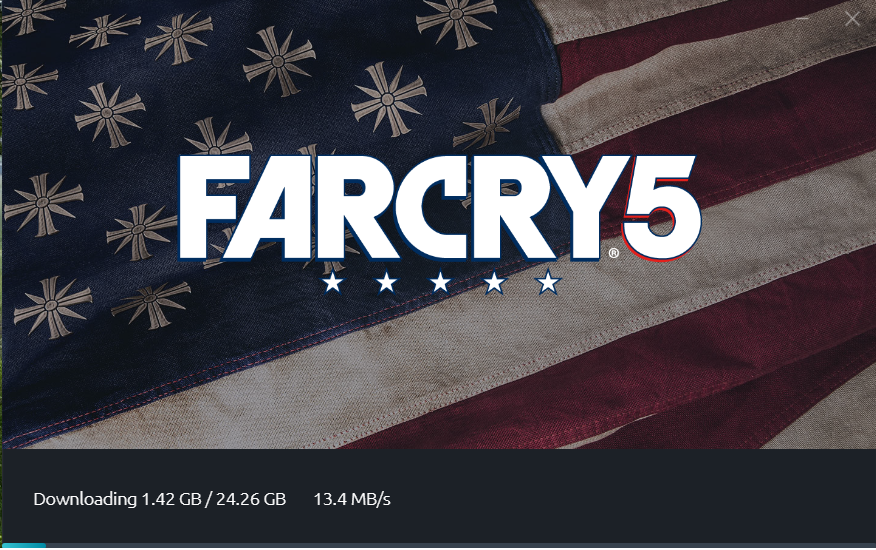
They just released it ...downloading now.
-
Update: I found this article stating that pre-download will begin at 7 PM EST, 23 March 2018 Ubisoft Help - Official Account & Game Support SUPPORT.UBI.COM Ubisoft Official Help Site. Support, rewards, troubleshooting, player safety, servers status and game tips. How can we help?
-
Actually, Battlefield 2 had AI. They also had a map editor.
-
If you ordered Far Cry 5 from GreenManGaming.com, and get an error code saying that you cannot download, read there FAQ here. Apparently Ubisoft is having some server issues.
-
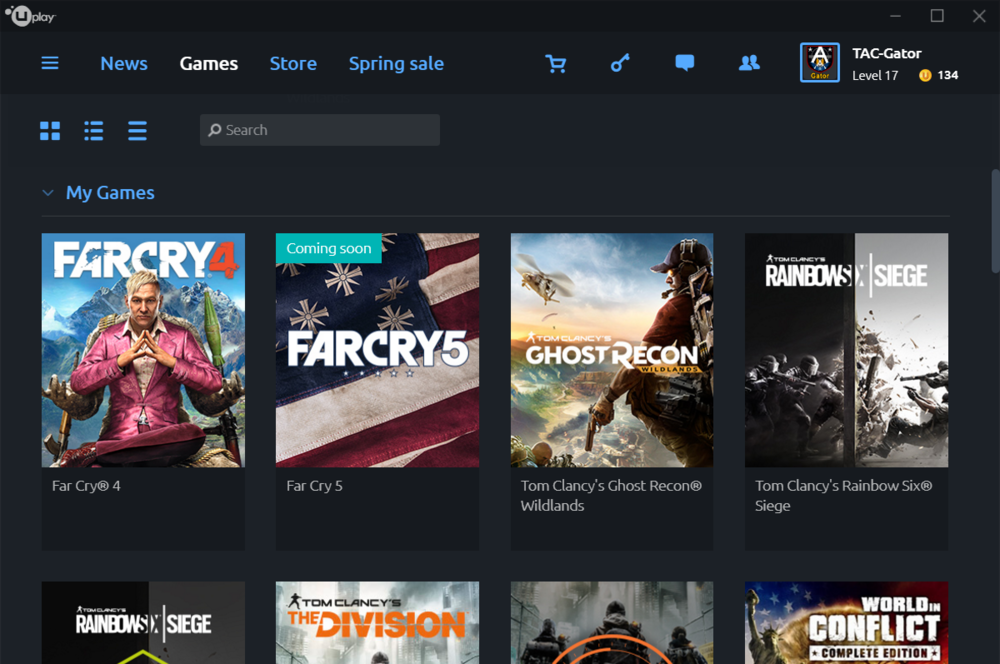
Just got my key from GreenManGaming.com. They have partnered with Ubisoft, apparently, so all I had to do was click on the link in my email and it was automatically added to my Ubisoft account. Very cool!
-
I posted this video to show the headset I use for gaming as well as music. Most music studios use this headset as well. They render such clear sound, and are extremely comfortable to wear for long periods. They are made by Sony and you can view them here . Here is a video where the musician is using them in a recording session. NOTE: I use a Blue Yeti desktop microphone, and the combination of the microphone and headset make for a great gaming experience. [GALLERY=media, 13888][/GALLERY]
-
That is very cool...
-
I would have bought this if I was wealthy ...lol
-
A true classic. I never get tired hearing it.
-
You have many talents
-
I like the patch as well. Seems smoother...
-
-
-
Okay, I cancelled my Amazon.com order and placed an order with GreenManGaming.com who offered the game for 18% off. So, I got the Gold edition for $73.79. Nice deal.