Gator
Administrator
-
Joined
-
Last visited
Everything posted by Gator
-
Looks like they nerfed my M4 some. hmmm....
-
Here it is ...straight from the horse's mouth ? Source Link: r/modernwarfare on Reddit: 11/12/19 - Update Details and Patch Notes Hi everyone! We have an update rolling out around midnight PST tonight, 11/11. Since we have notes ready, we figured we'd post them ahead of the update going out. Check out the fixes below: GENERAL FIXES: More backend fixes to prevent crashes and improve stability across all modes and all platforms Riot Shield: Fix for a bug where a player using the Riot Shield would not take explosive damage during certain situations Fixed an issue where the Riot Shield would stow on the players back when using Stim. (Tactical) Footsteps Adjusted to always play walk footstep sounds when in ADS and crouch independent of speed Increased the speed in which you can remain using the walk footstep sounds by slightly pressing on the movement stick Challenges General fix for the UI and Challenge state getting out of sync. We'll continue to monitor and make additional fixes as needed in future updates Fix for a challenge related error that could occur; DEV ERROR 5476 Fix for Mission Challenge description, “Get Kills with a Burst Weapons” being too vague. Piccadilly: Spawn tuning while playing TDM and Domination Domination flag adjustments; B Flag is now near the busses instead of the center fountain Weapons: ARs: Minor hip spread adjustment 725: Reduce range M4: increase hip spread, decrease damage to the head FAL: Reduced recoil, increased ADS speed EB-14: Increase ADS speed Miscellaneous ammo reserve adjustments upon spawning to be in-line with other weapons of their class Special Operations: Fix for a bug where a player using the Overkill perk with an SMG as their secondary would sometimes spawn without a primary weapon when joining a match in progress
-
[GALLERY=media, 14403][/GALLERY]
-
Updated!
-
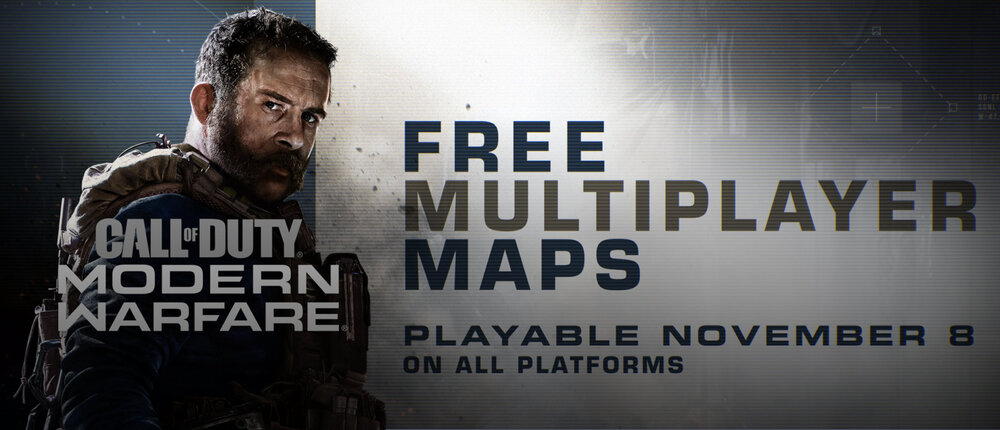
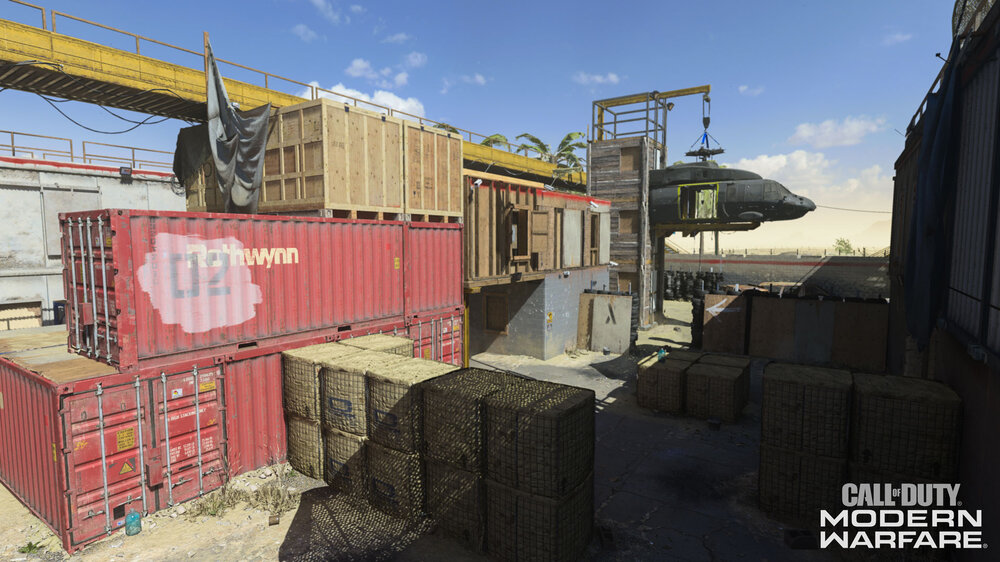
https://blog.activision.com/call-of-duty/2019-11/Incoming-Intel-Call-of-Duty-Modern-Warfare-Free-Community-Content-Launches-Today-For-All-Players?cid=cem_19mwcommunity1&deliveryName=DM19192
-
[GALLERY=media, 14402][/GALLERY]
-
I didn't try the overclocking, but I had to stop using it because the overlay had a conflict with Call of Duty: MW. Very nice tool though...
-
Thank you @heavywrench
-
Here is a news article from the Washington Post talking about him: https://www.washingtonpost.com/video-games/2019/11/04/fortnite-banning-jarvis-shows-dangers-streaming-just-content-power-platforms/ Here is the video of him apologizing and boo-hooing
-
[GALLERY=media, 14400][/GALLERY]
-
[GALLERY=media, 14399][/GALLERY]
-
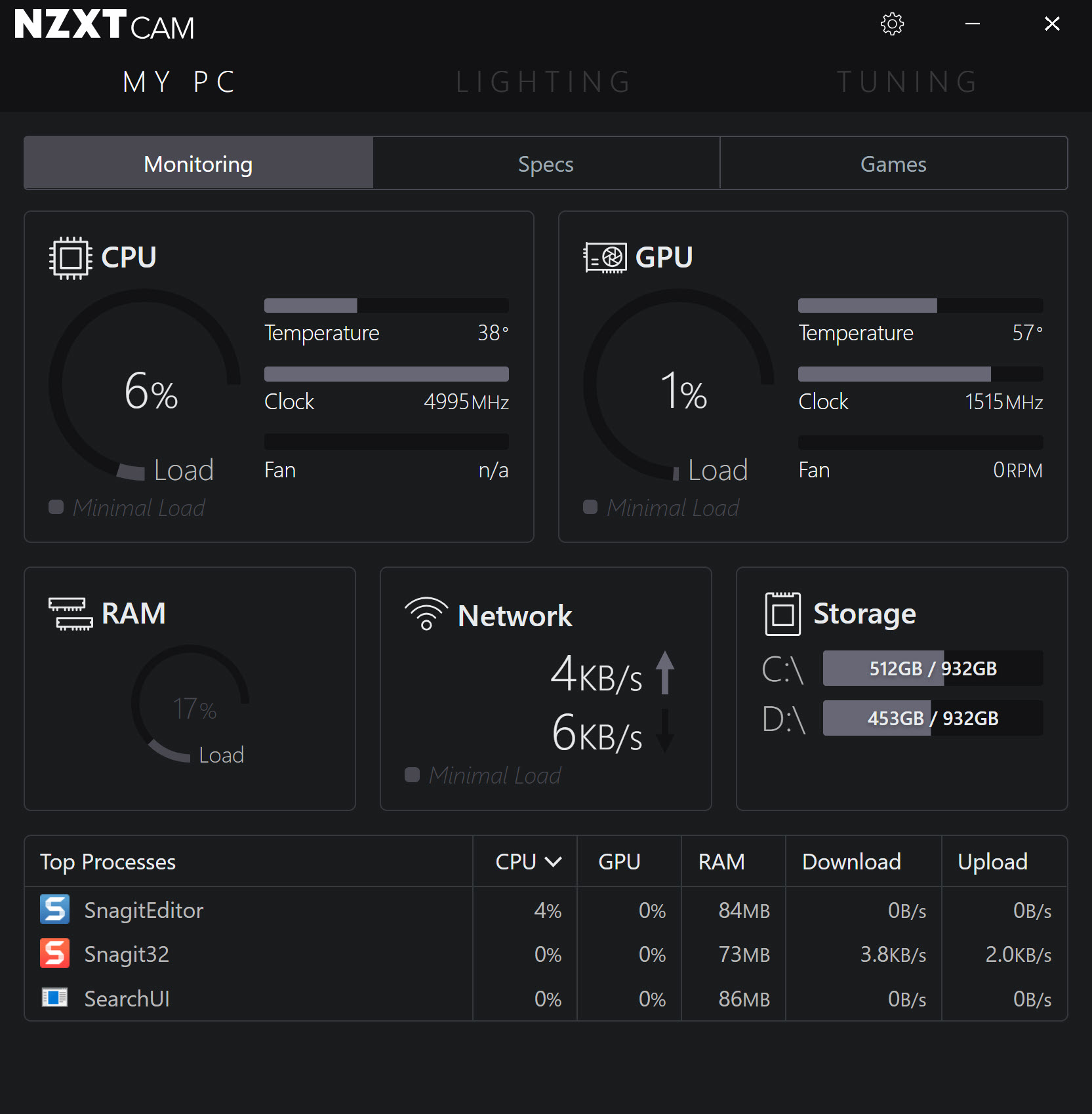
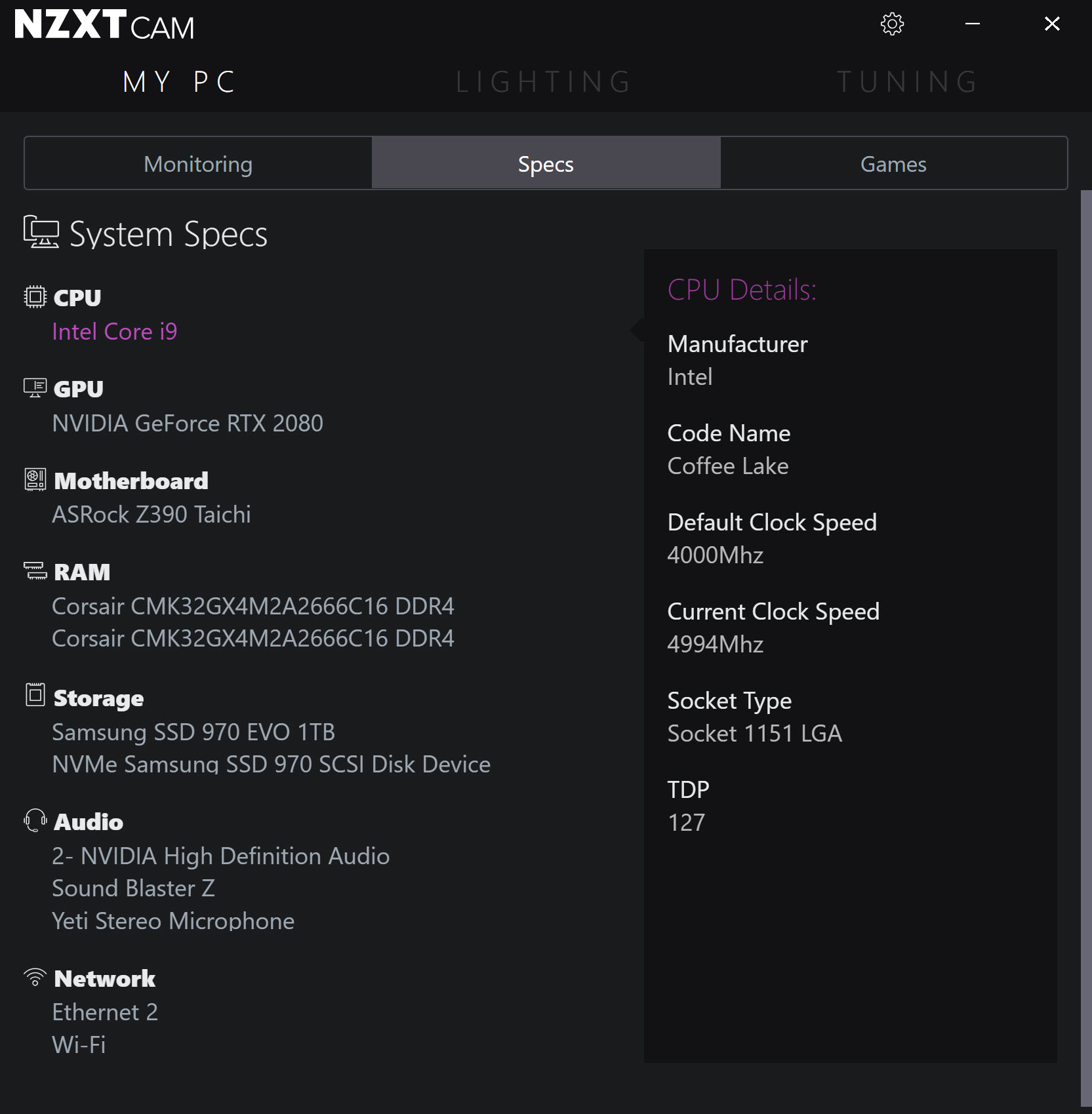
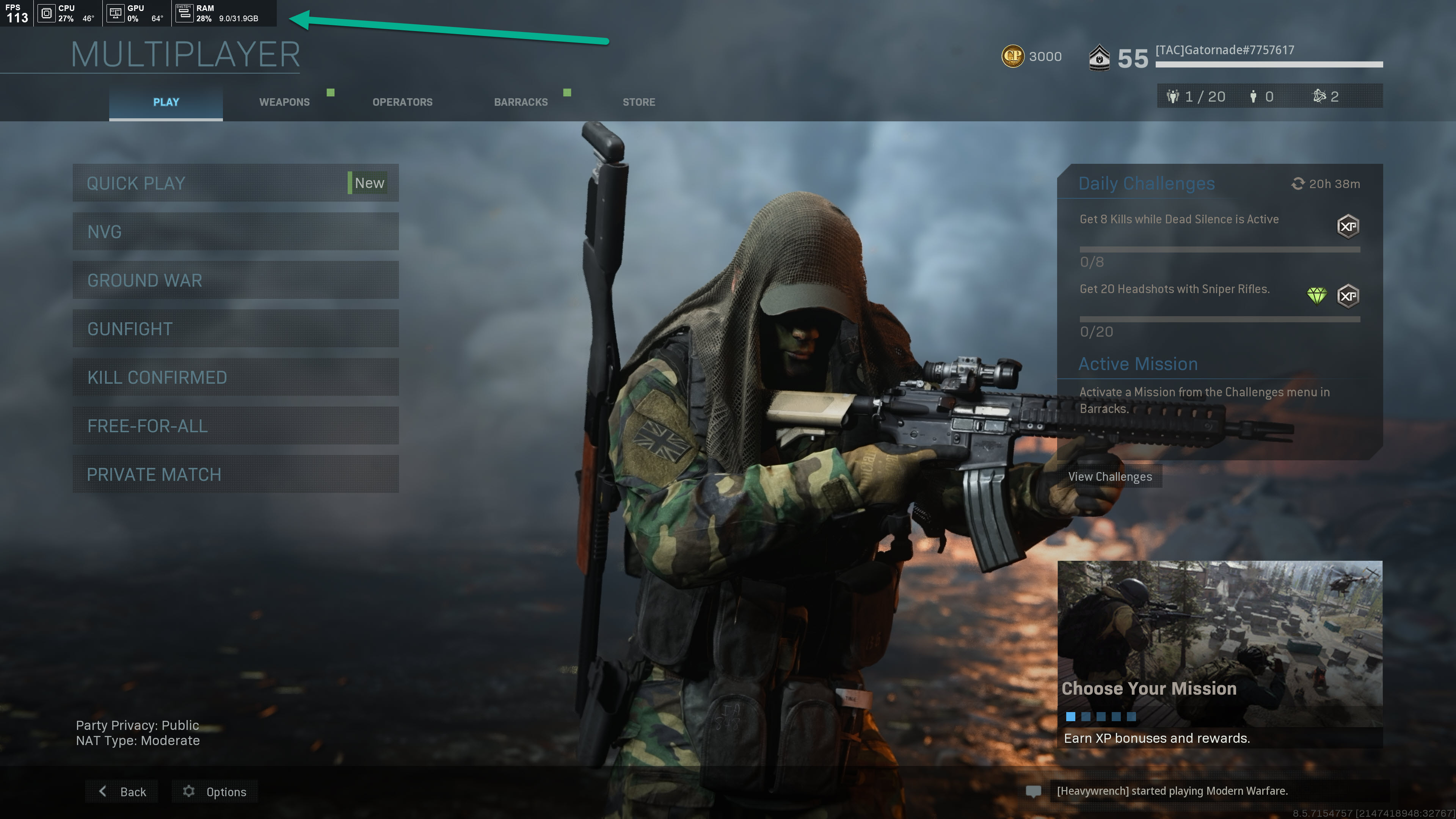
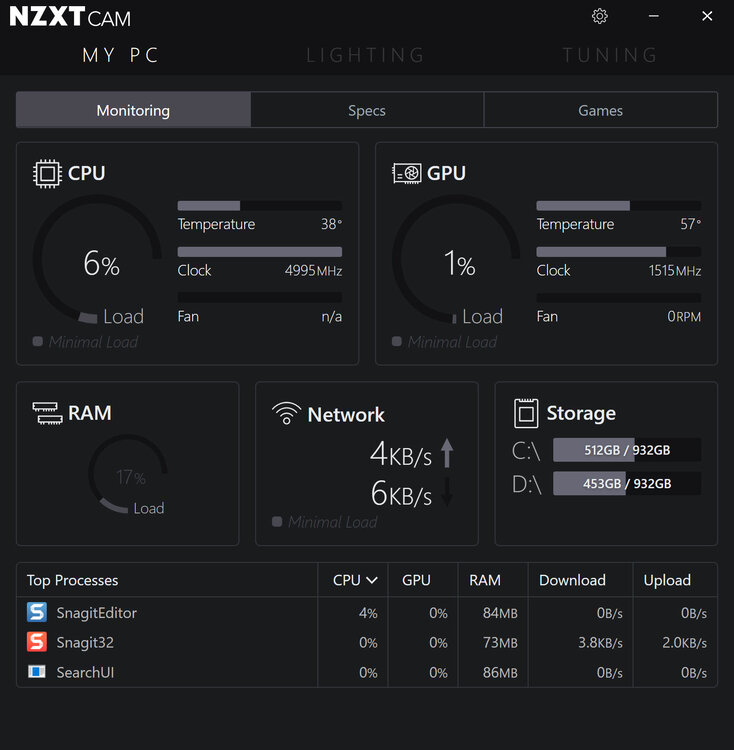
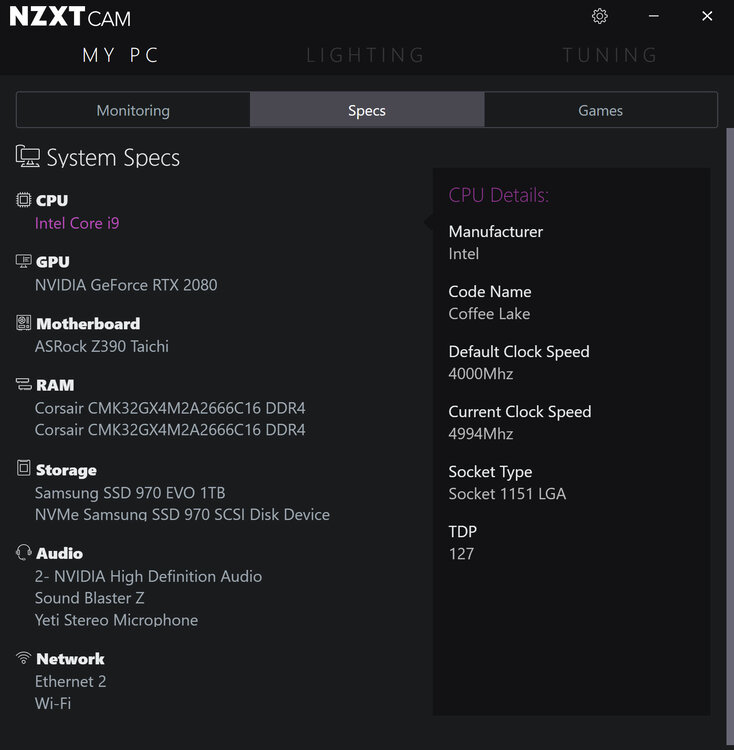
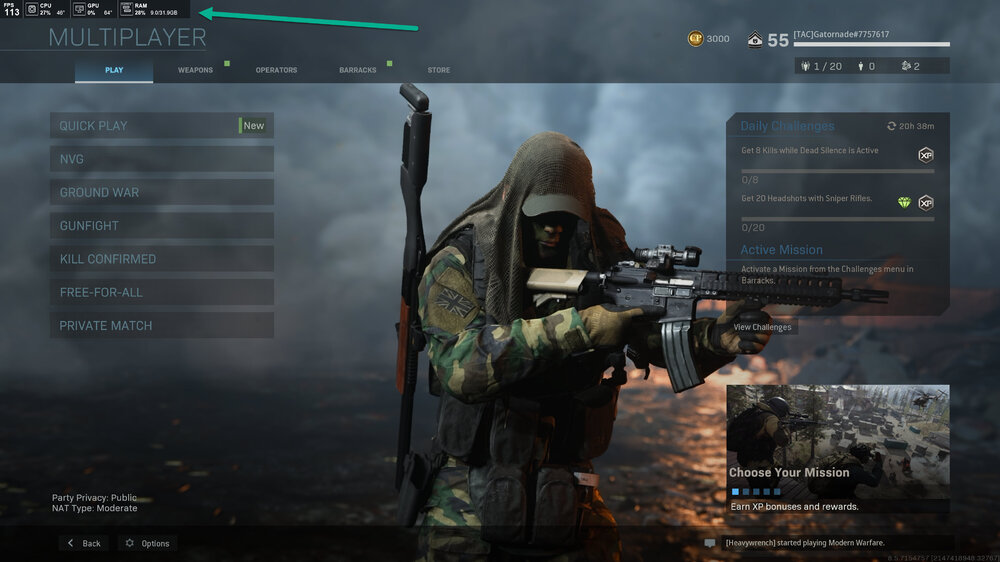
Would you like to see your hardware specs while gaming? Go no further and check out NZXT CAM, a free hardware monitoring software https://www.nzxt.com/camapp As always, click on images below to enlarge... In-Game Overlay
-
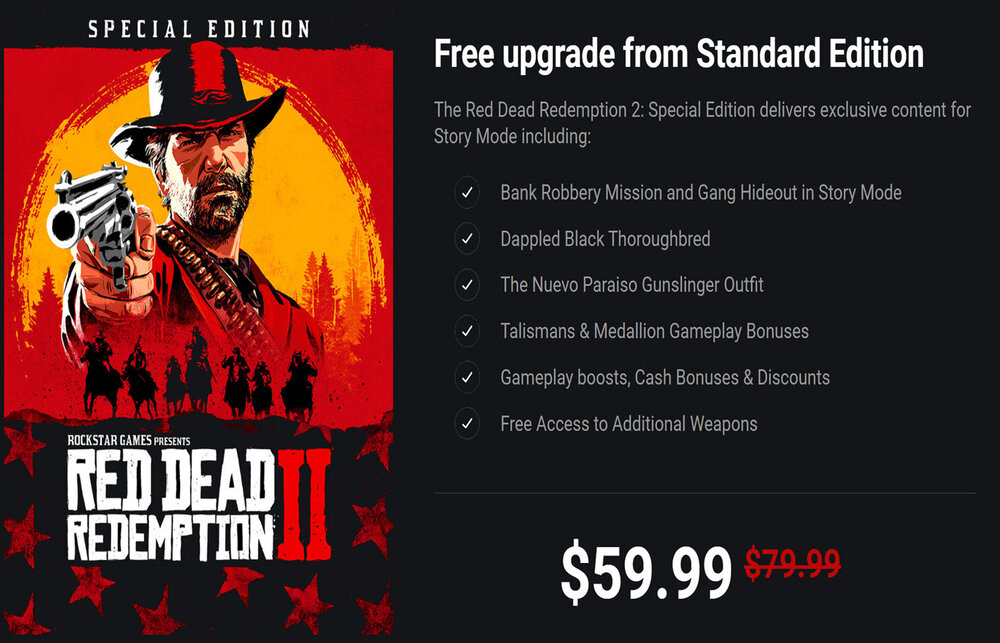
Red Dead Redemption 2 will release on 5 Nov 2019. They are offering a few free upgrades if you pre-order now. https://socialclub.rockstargames.com/store/rdr2Special
-
Thank you @TomC
-
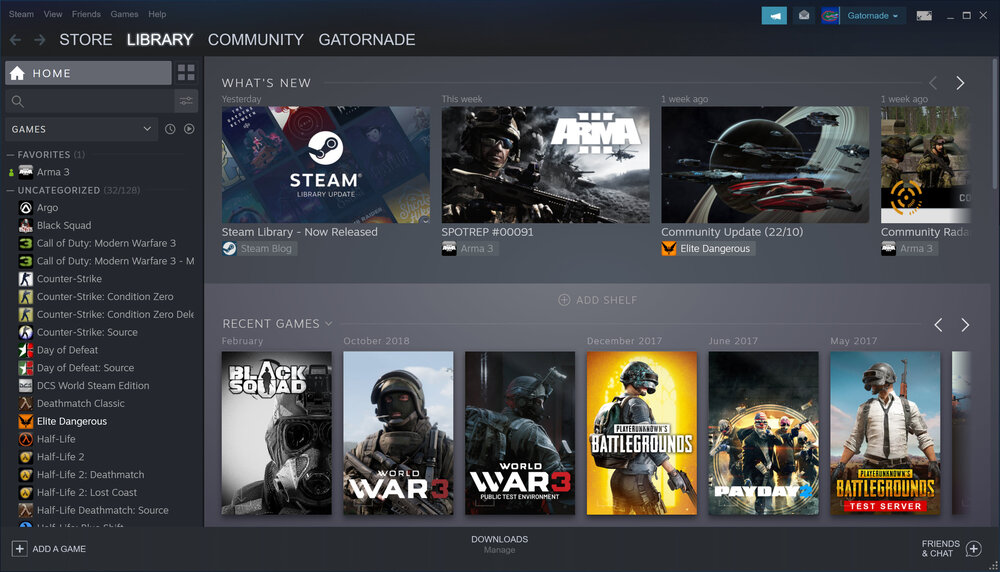
https://store.steampowered.com/libraryupdate
-
List updated with all new names added.
-
https://www.yahoo.com/now/2019-10-29-ea-steam-partnership-interview-games.html
-
This article has been updated with information on how to play Star citizen for free starting now and throughout the week.
-
Read more about it here... https://www.pcmag.com/news/371576/steam-beta-suggests-users-revise-their-game-reviews
-
UPDATED (28 Oct 2019): Starting right now, and through the week, Star Citizen is "FREE Fly" for one week. They only do this once a year, so take a moment to register on their site and give it a try. NOTE: If you do decide to signup on their website, use Referral Code: STAR-H67L-74XV. That will give you and I both $5000 UECs to us in-game. Read more about it here... https://robertsspaceindustries.com/promotions/37-Free-Fly For those who do not know what Star Citizen is all about, check out this promo for their single-player game "Squadron 42" to be released next year. Star Citizen tutorial videos here: https://www.youtube.com/watch?v=list=PLVct2QDhDrB0SV9hTuNIRuzpsiRph7ezG
-
I checked both files they referenced and all is okay. I will also run a deep scan on the HD.
-
I recently started testing it again to see if it had improved any (it didn't), so now I will remove it from my system completely. Thanks for sharing...
-
There is a bug in Chrome that is causing the page to hang while logging out using Chrome. I put a temporary fix to prevent this, but if there is another forum update, the problem may come back. If it does, all you have to do is refresh the page or hit your F5 key.
-
I still have it installed and will test the waters with it (no pun intended). I actually like the game as a whole, because I just like the feel of the player movement/mechanics, but I don't like the TTK as it takes too many rounds to kill someone, and the cheats are over the top on this one as well.
-
Source: Battlefield V News: Not yet a Battlefield V owner? You can still join the all-out war on PC, PlayStation® 4, and Xbox One thanks to the Battlefield V Free Weekend Trials*. Experience Grand Operations on the trial’s third weekend starting October 24 and, on the newly added fourth trial weekend starting November 1, deploy in the Pacific and sample Chapter 5 and all the multiplayer mayhem of Battlefield V. Read more here... https://www.ea.com/en-gb/games/battlefield/battlefield-5/news/all-you-need-to-know-chapter-5-war-in-the-pacific?utm_campaign=bf5_hd_ww_ic_soco_yt_yt-chapter-5-war-in-the-pacific&utm_source=youtube&utm_medium=social&cid=60890&ts=1571872948218 [GALLERY=media, 14393][/GALLERY]