Gator
Administrator
-
Joined
-
Last visited
Everything posted by Gator
-
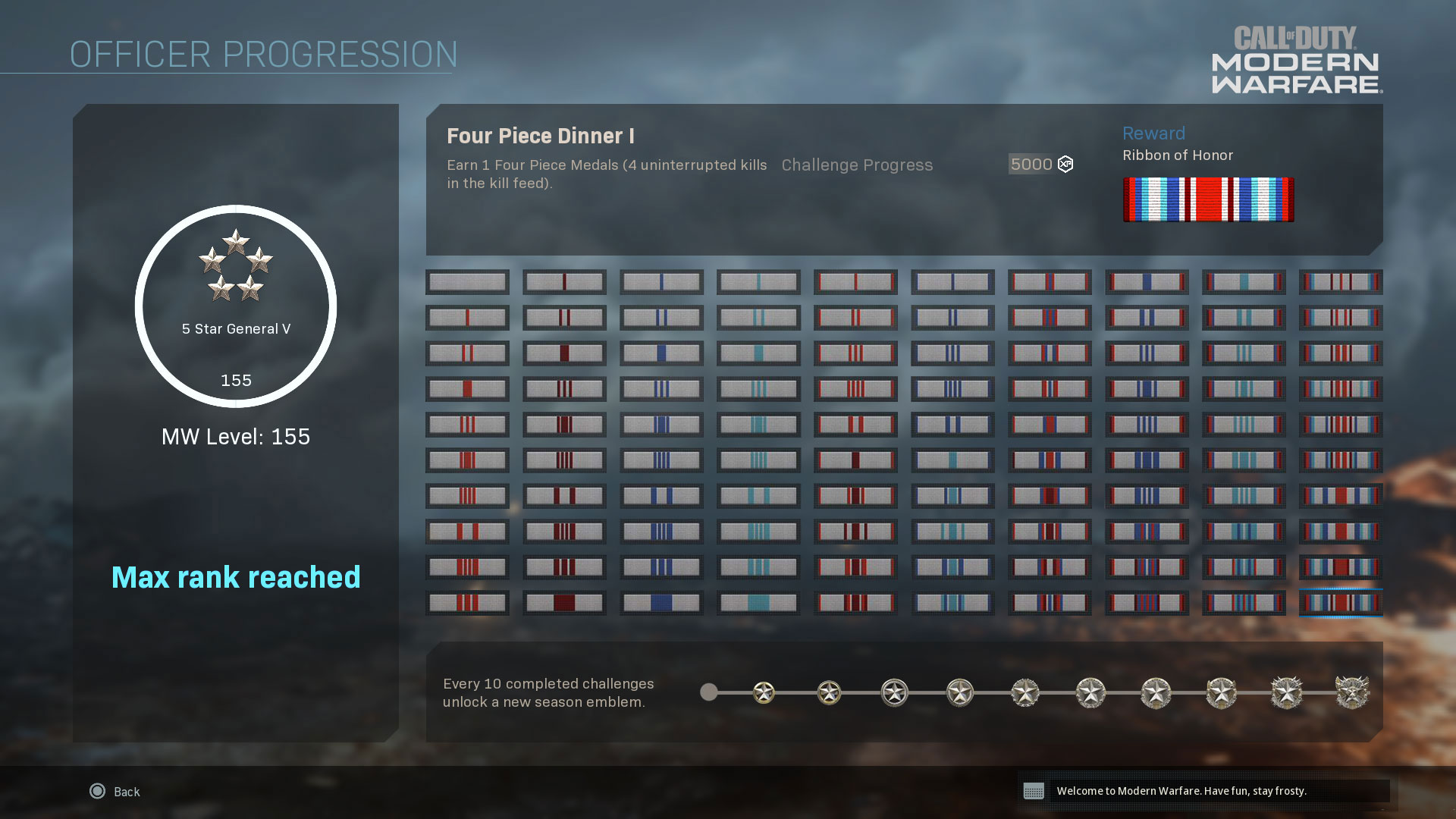
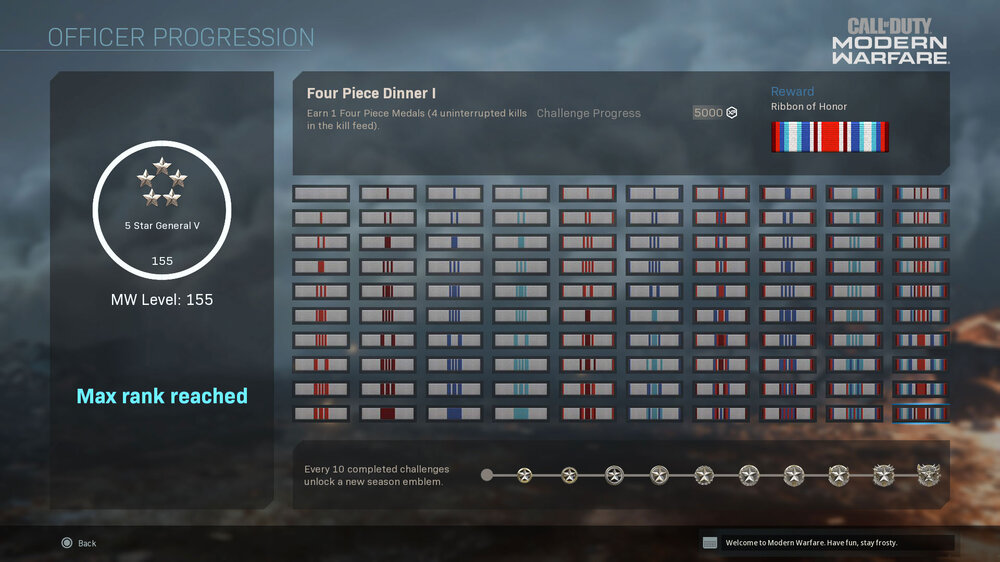
Read up on the incoming Officer Rank refresh, recommendations for reaching Rank 155, and what’s to come before the largest content drop in Call of Duty history. Read more here... https://blog.activision.com/call-of-duty/2019-11/Officer-Rank-Refresh
-
Updated! Welcome to the group, TomC. I have added you to my list
-
Nice find, Tom ?
-
I wish you all a Happy Thanksgiving holiday. A special day where families gather together and have a hearty meal at the table and give thanks for all we have. Regards, Gator (Larry K)

-
[GALLERY=media, 14411][/GALLERY]
-
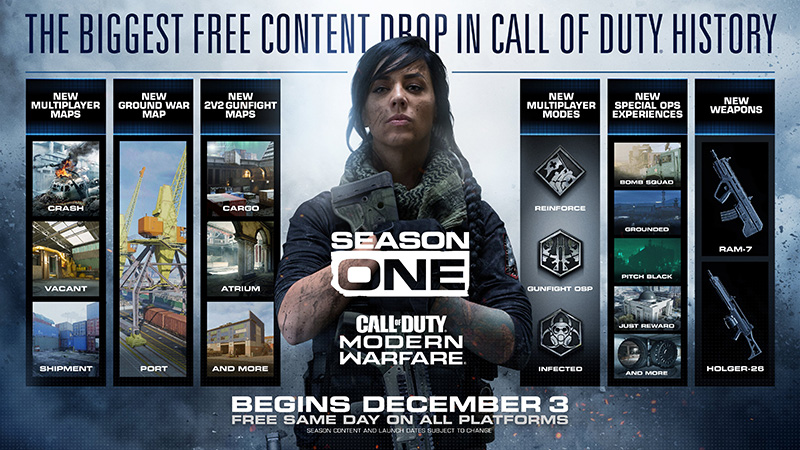
The Roadmap for Modern Warfare Season One has dropped today, giving everyone a first look at the incoming content starting next week Read more here... https://blog.activision.com/call-of-duty/2019-11/Roadmap-Announcement-Call-of-Duty-Modern-Warfare
-
[GALLERY=media, 14410][/GALLERY]
-
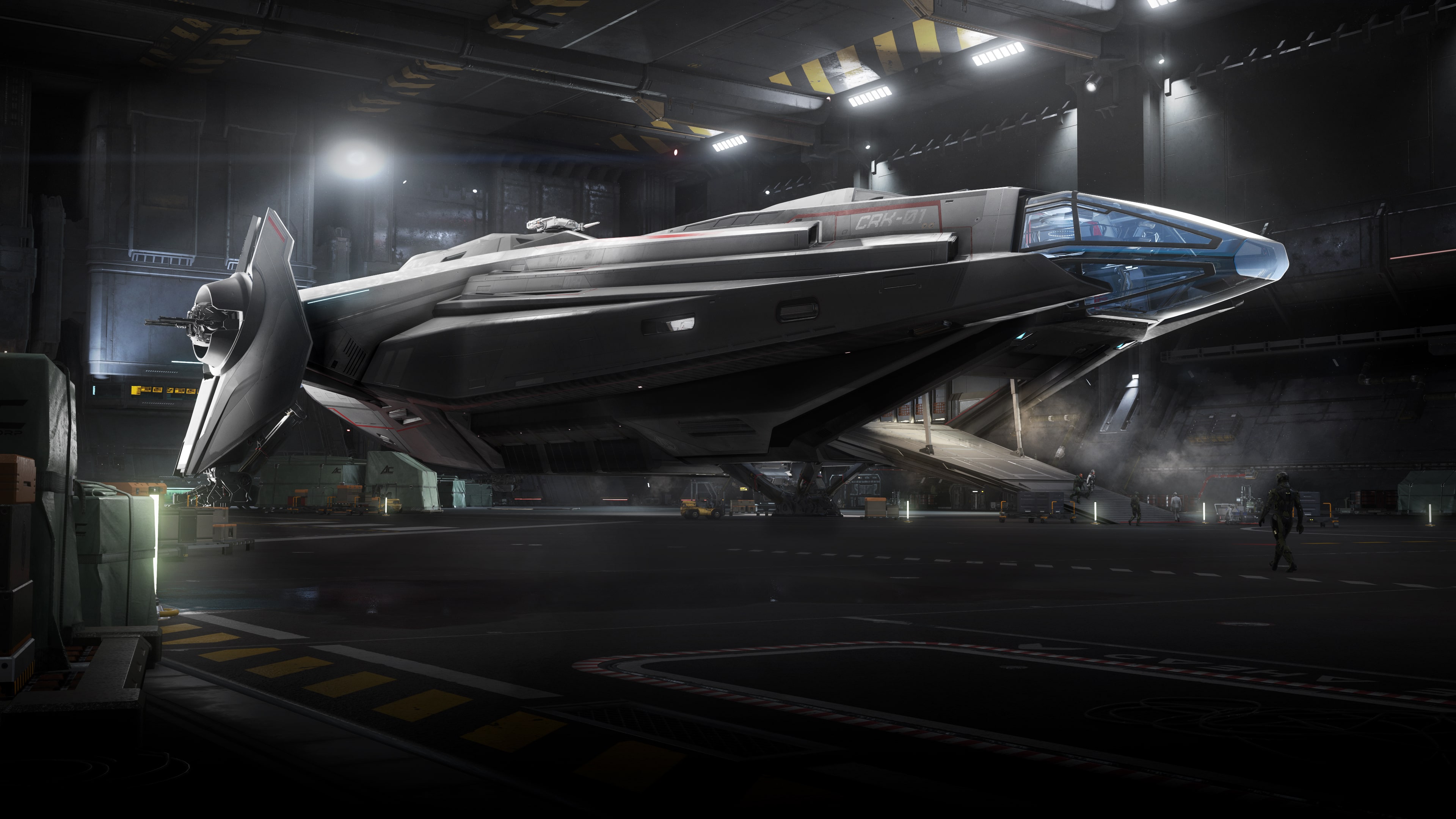
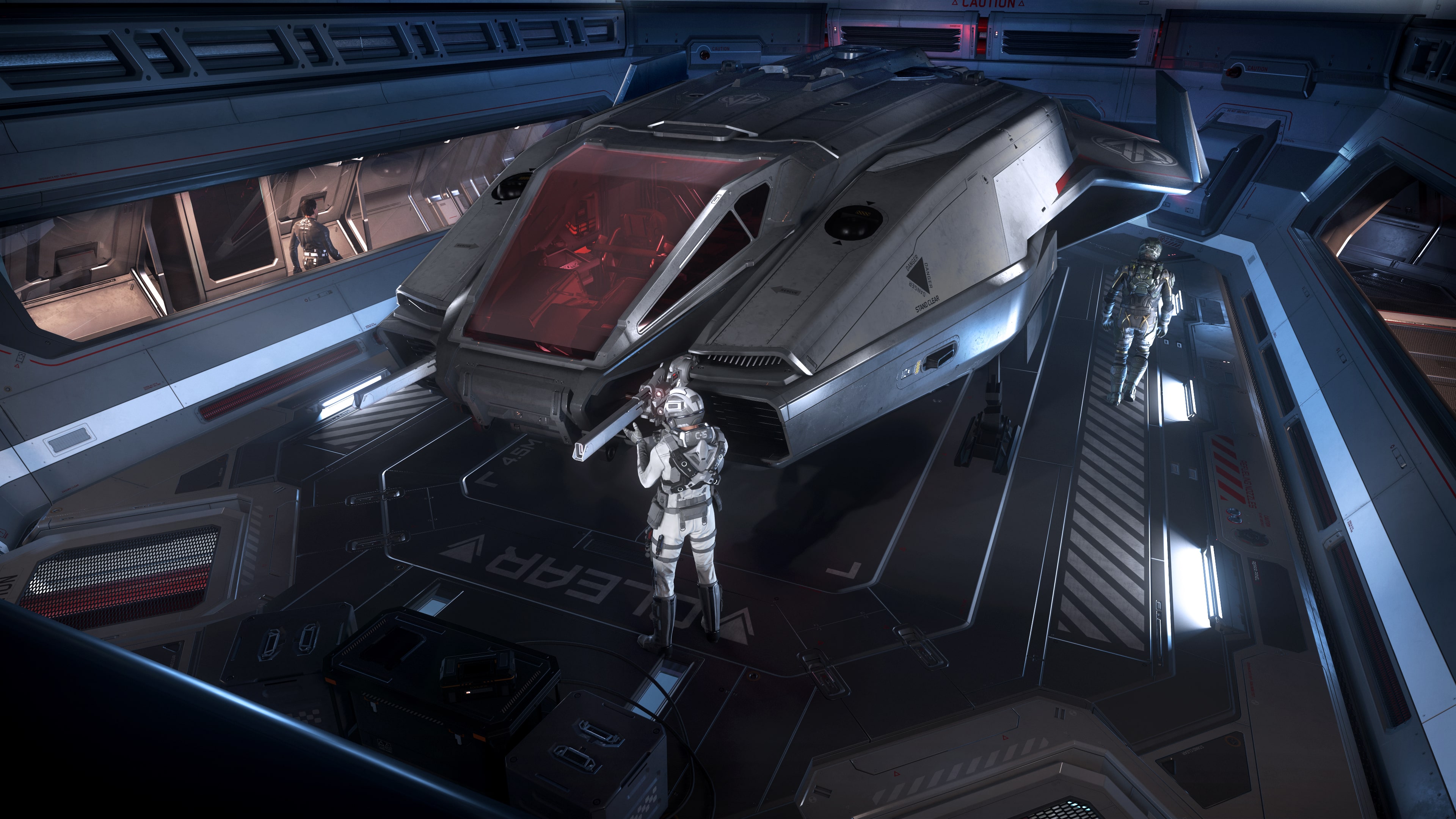
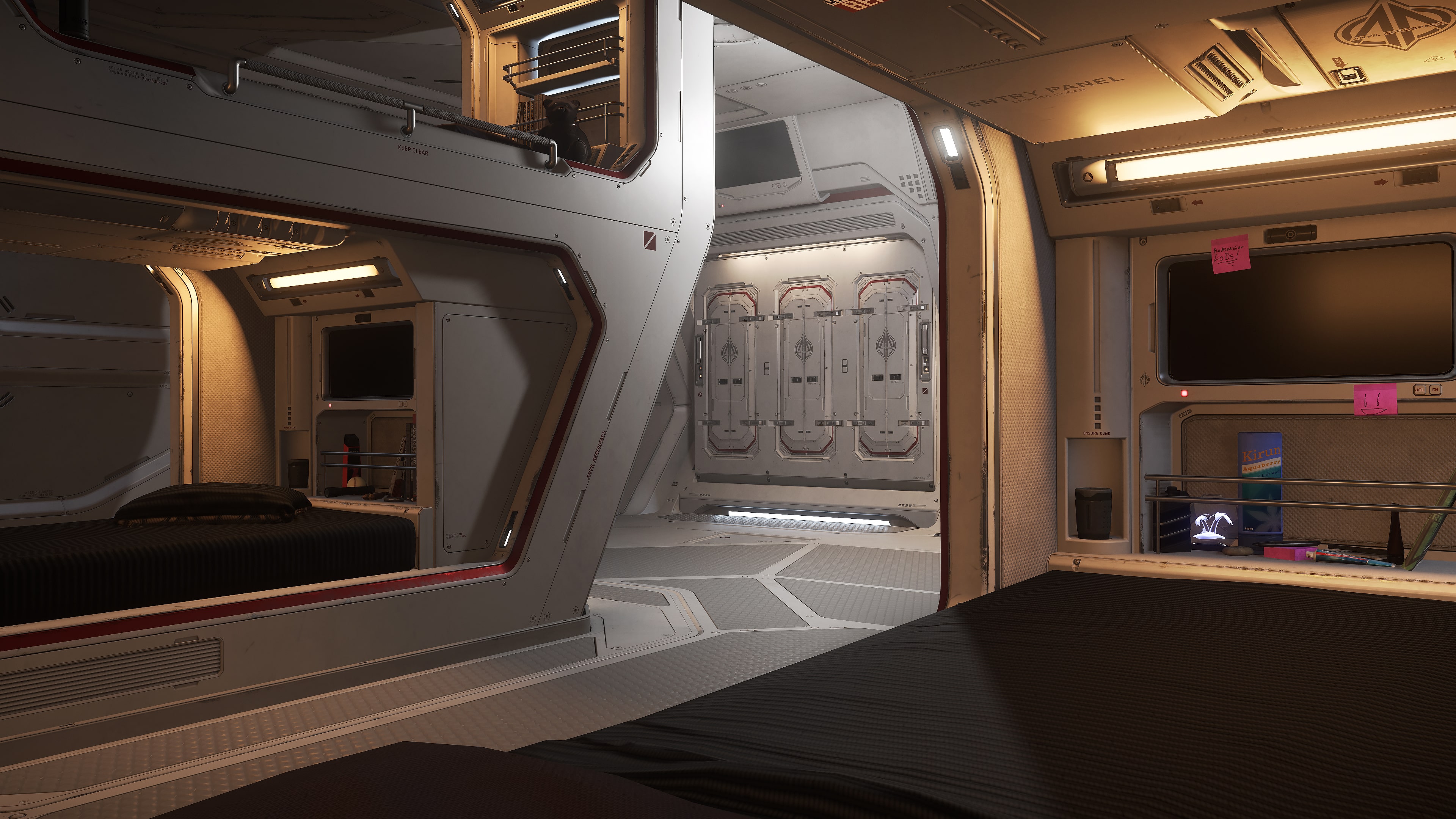
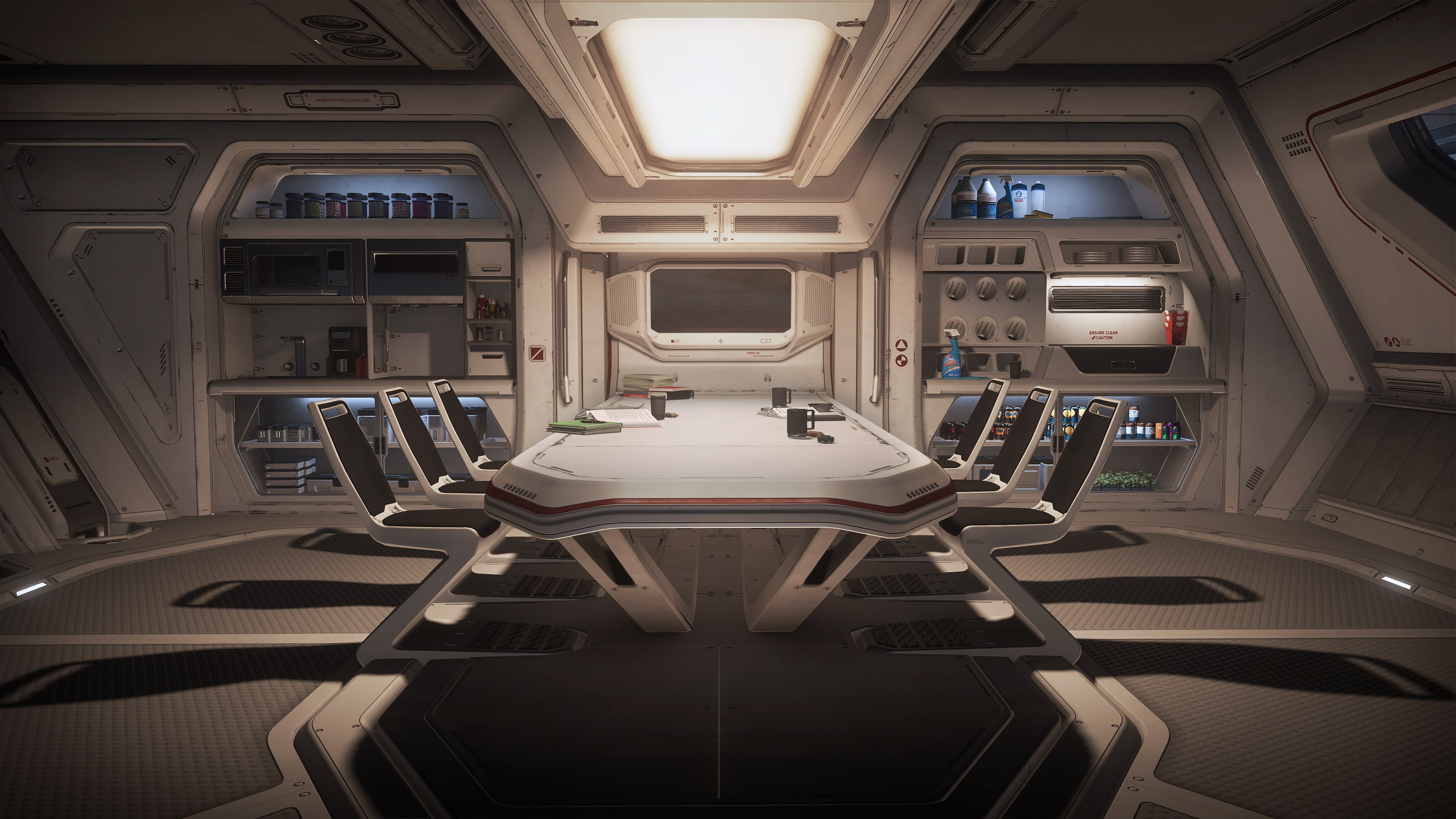
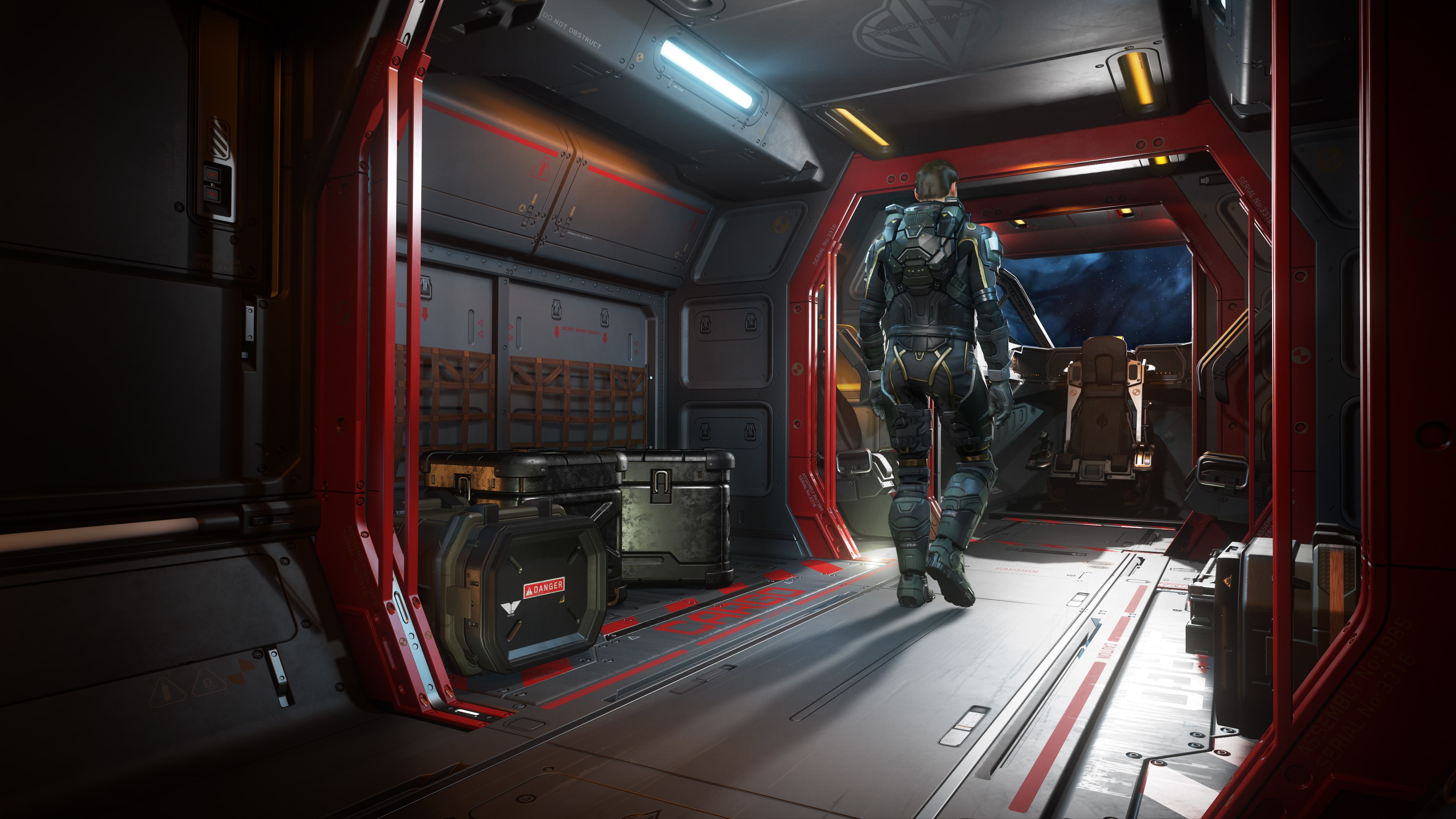
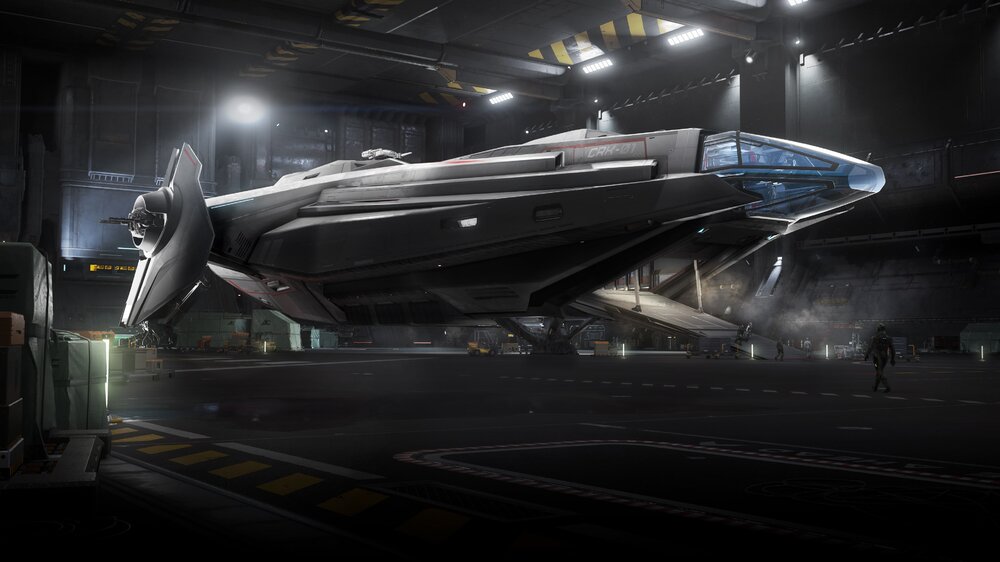
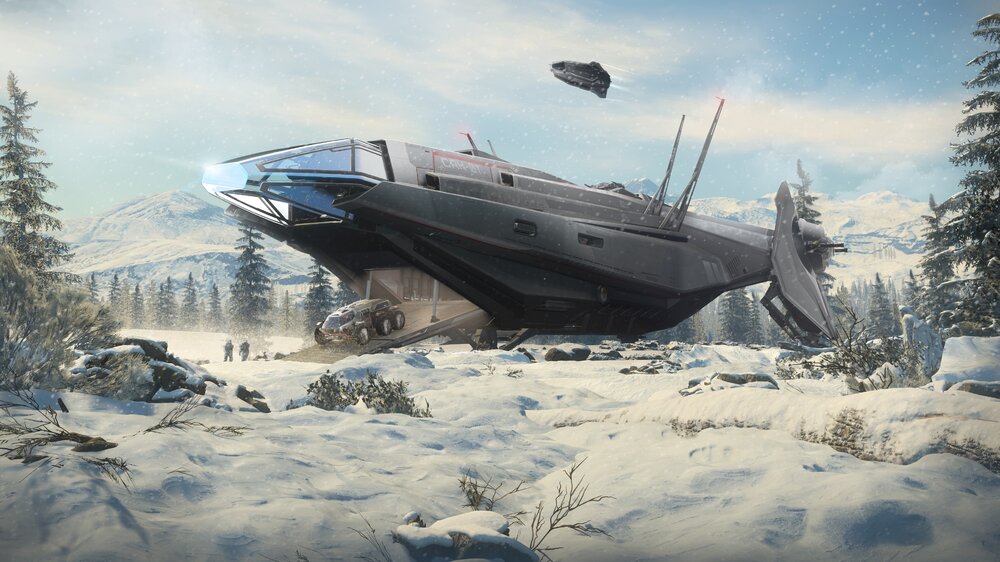
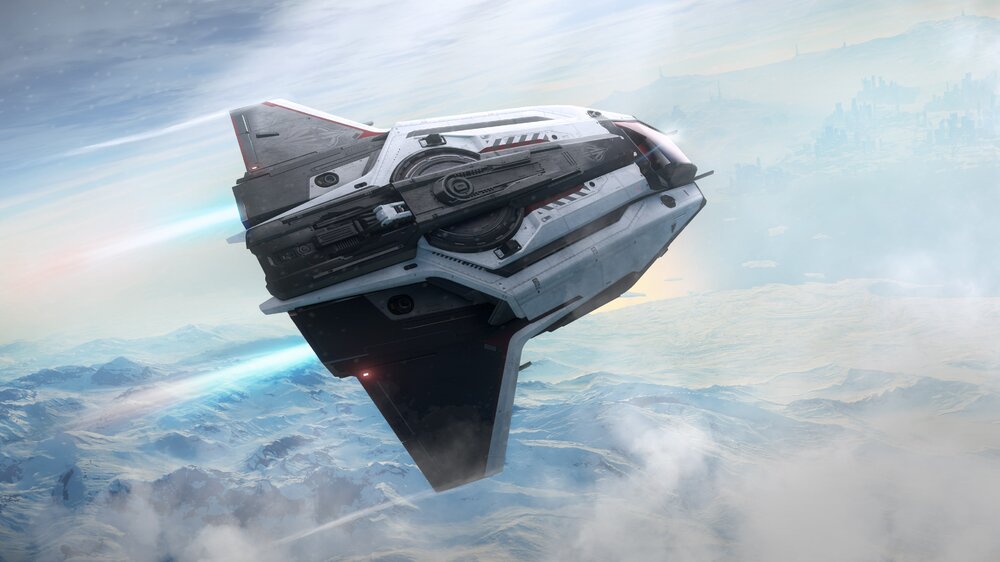
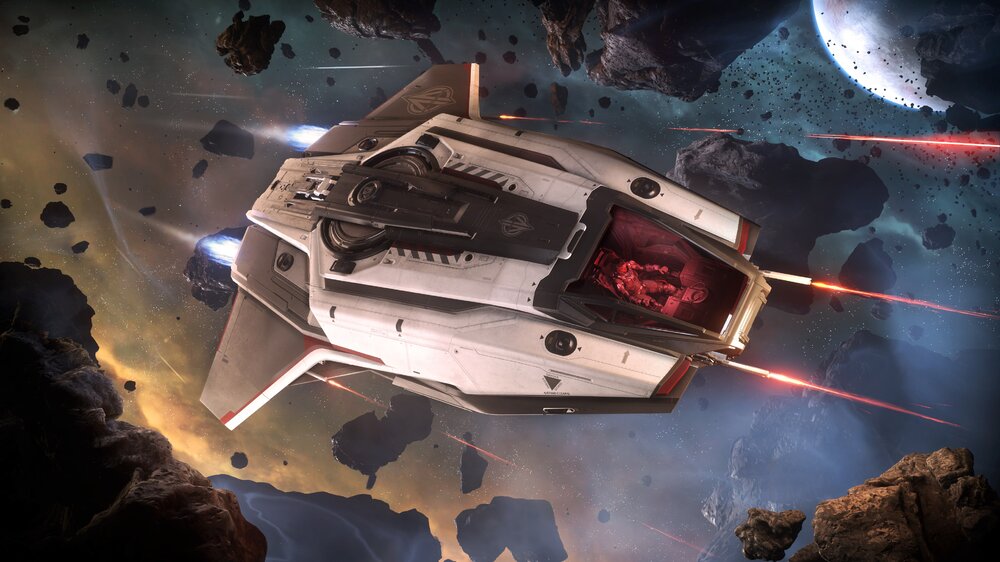
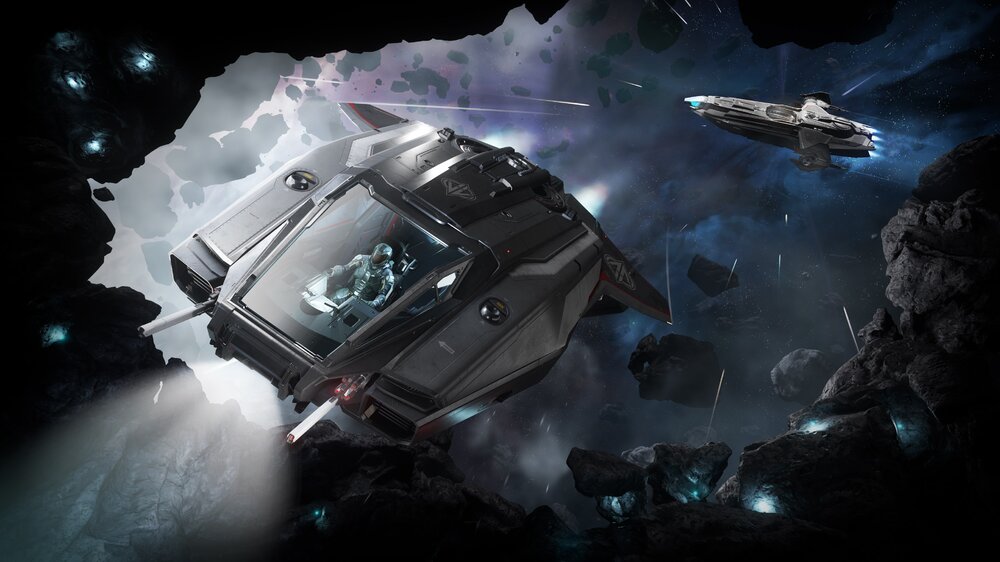
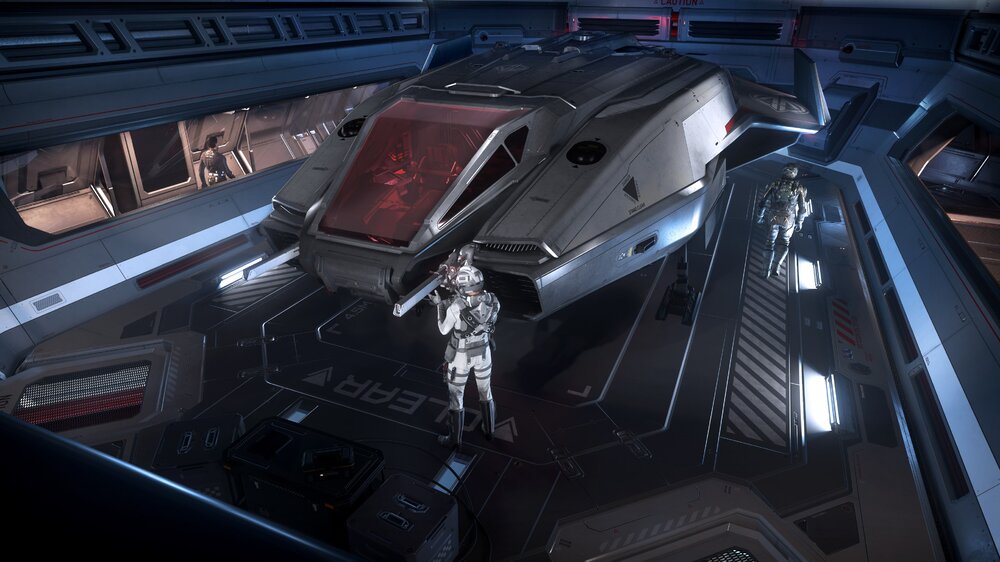
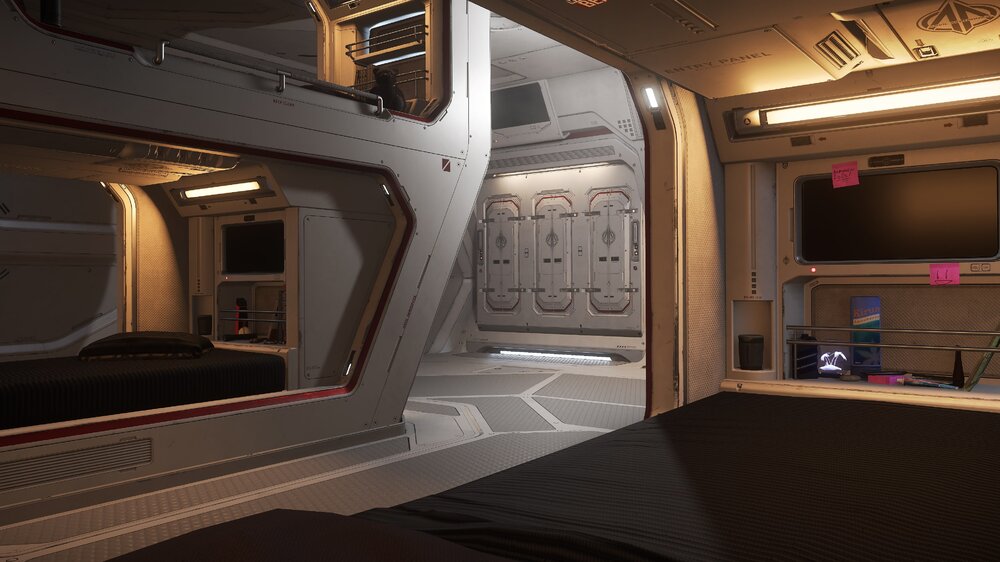
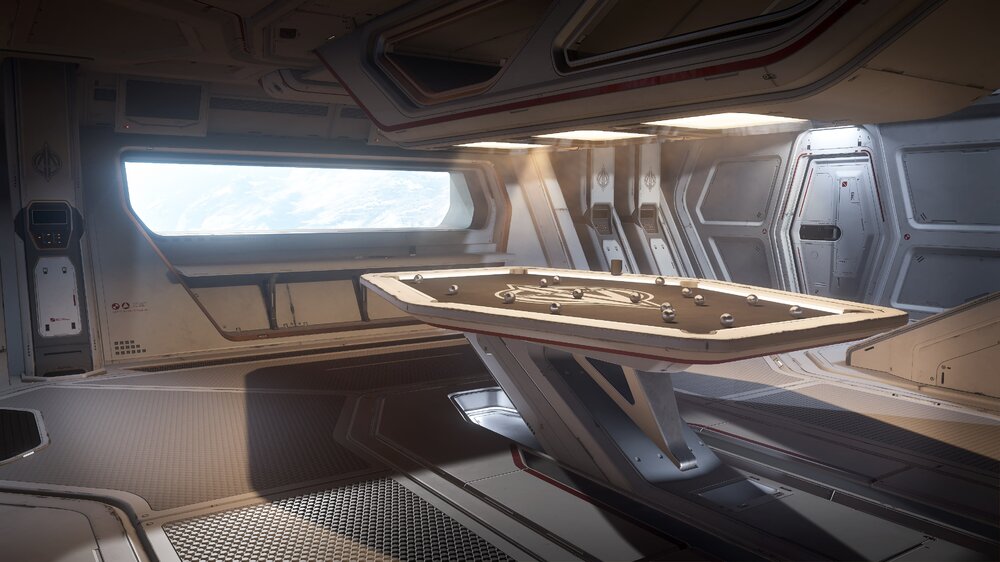
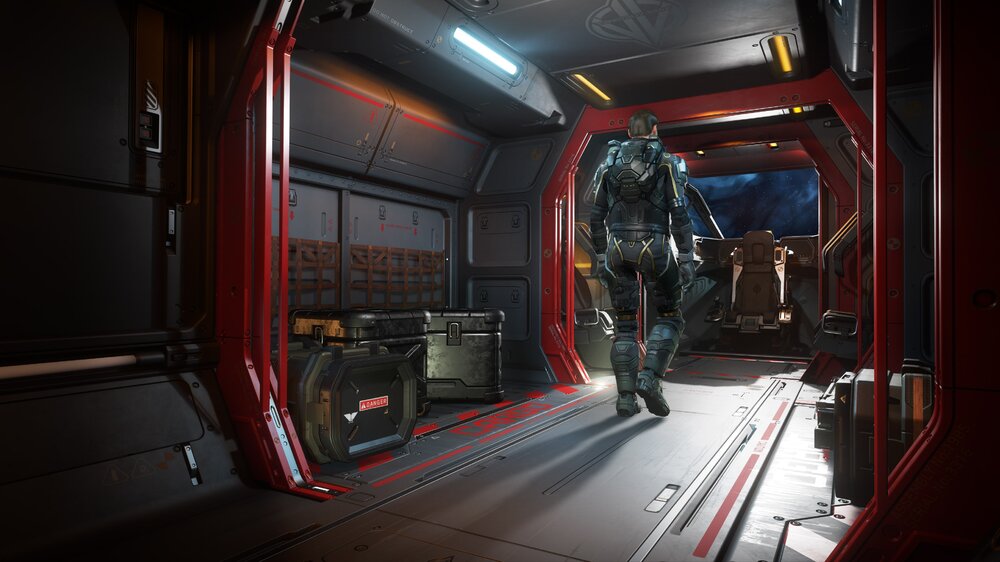
https://robertsspaceindustries.com/comm-link/transmission/17331-Anvil-Carrack#skuPiscies

-
Yes, they made the Coop very difficult but challenging. We have not to beat it yet but we will try again sometime as a group. Play the Hardcore mode for the best results. It is an eye-opener when you first play, but as you get accustomed to the gameplay, you will improve greatly and enjoy the game better. Stop by and play with us sometime.
-
FREE MODES - FREE OPS - Modern Warfare patch 1.08.1 was released today with new content ...Read more below https://blog.activision.com/call-of-duty/2019-11/Incoming-Intel-The-second-Free-Community-Launch-is-Now-Available
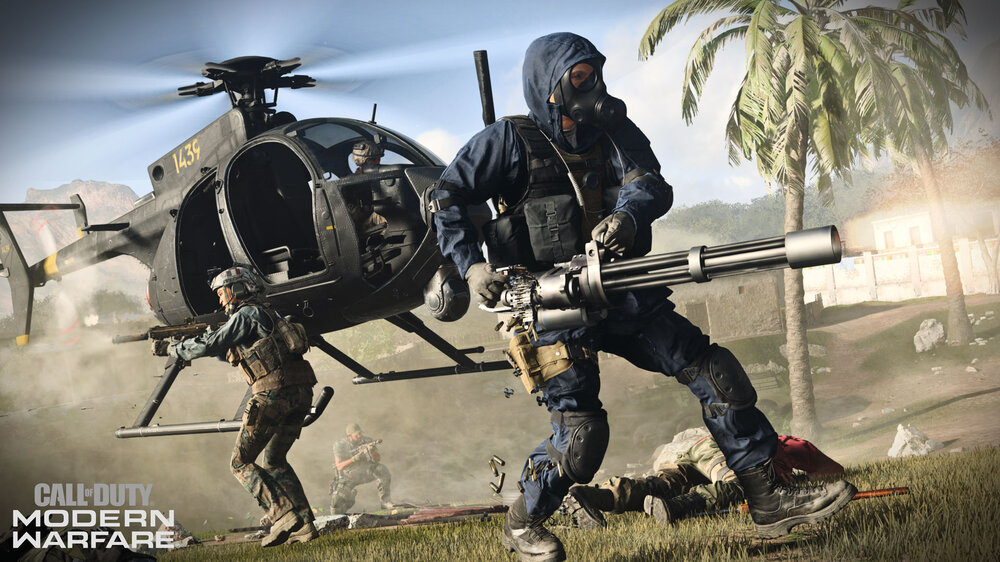 Your title says "Medal of Honor" Are you referring to Call of Duty: Modern Warfare?Windows released another major update called the "November 2019 Update" If it didn't automatically update for you, you can download it here: Also, if you need to make a Windows 10 media disk/USB drive, you can also get it here as well https://www.microsoft.com/en-us/software-download/windows10@NetRngr Yea, these games are getting huge. ?List updated!List updated!List updated!Come play with us tonight after you get downloaded and shaders created (it takes a little while for that). The game is a blast.[GALLERY=media, 14408][/GALLERY]They just started posting these incredible stats for Modern Warfare players. You have to check this out (I also placed a link at the top of the forum under "Game Links"). On a side note, this game has been the best shooter I have played in the past 10 years. I absolutely love it. Go to the Dashboard here Download the Companion App here Too many areas to cover, but here are a few screens


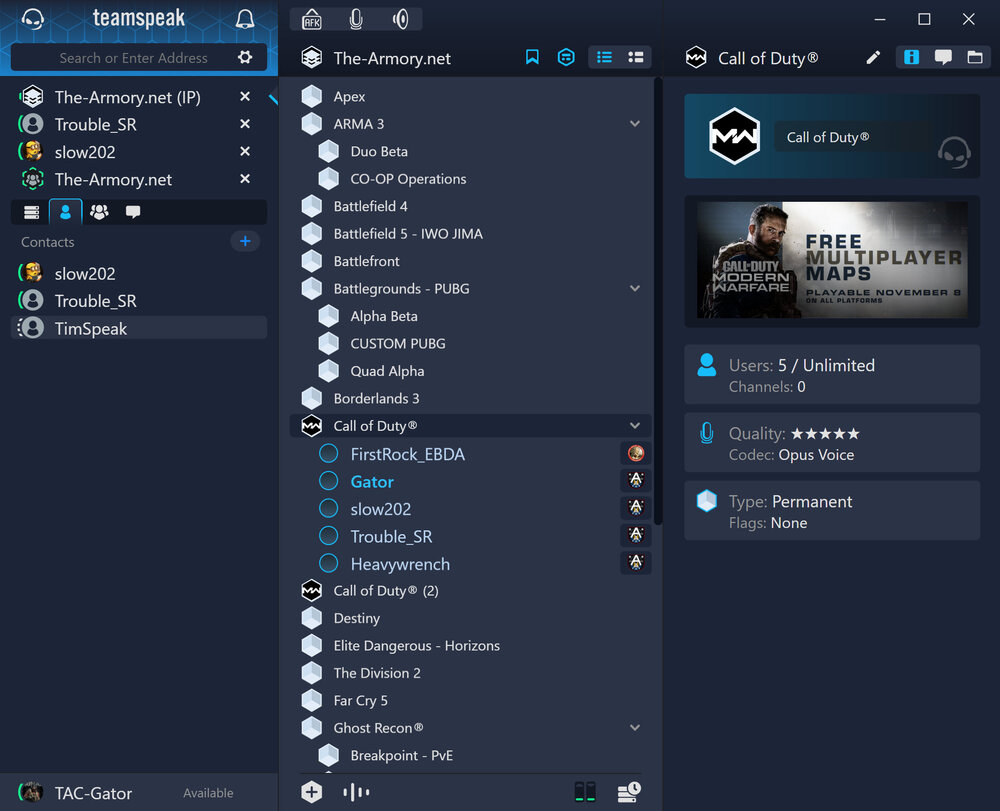
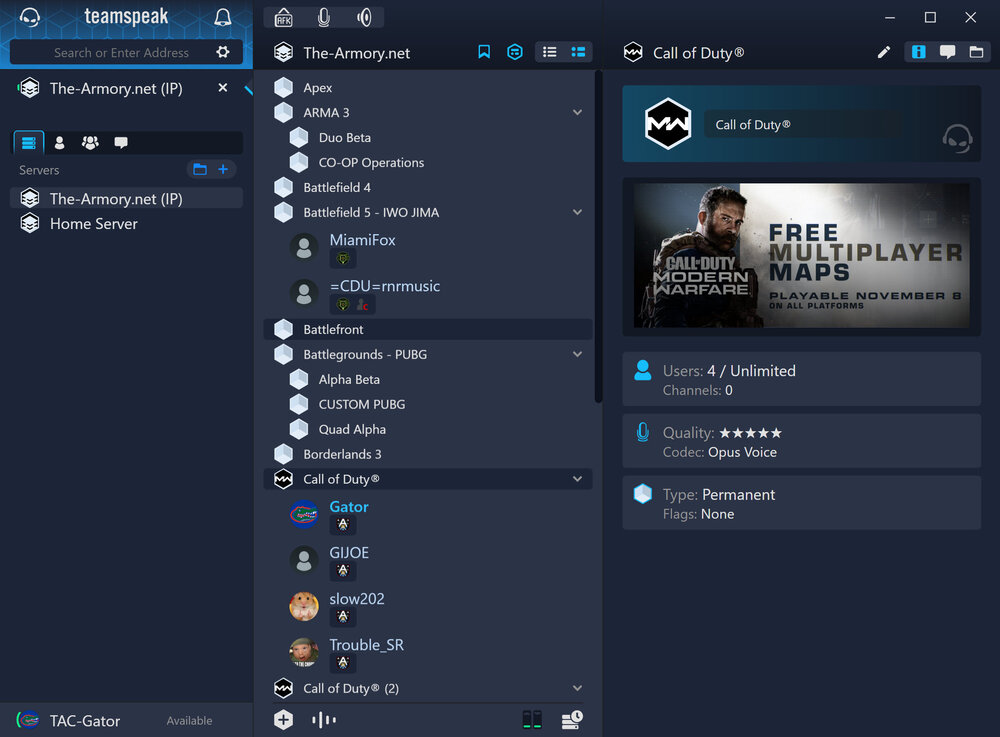
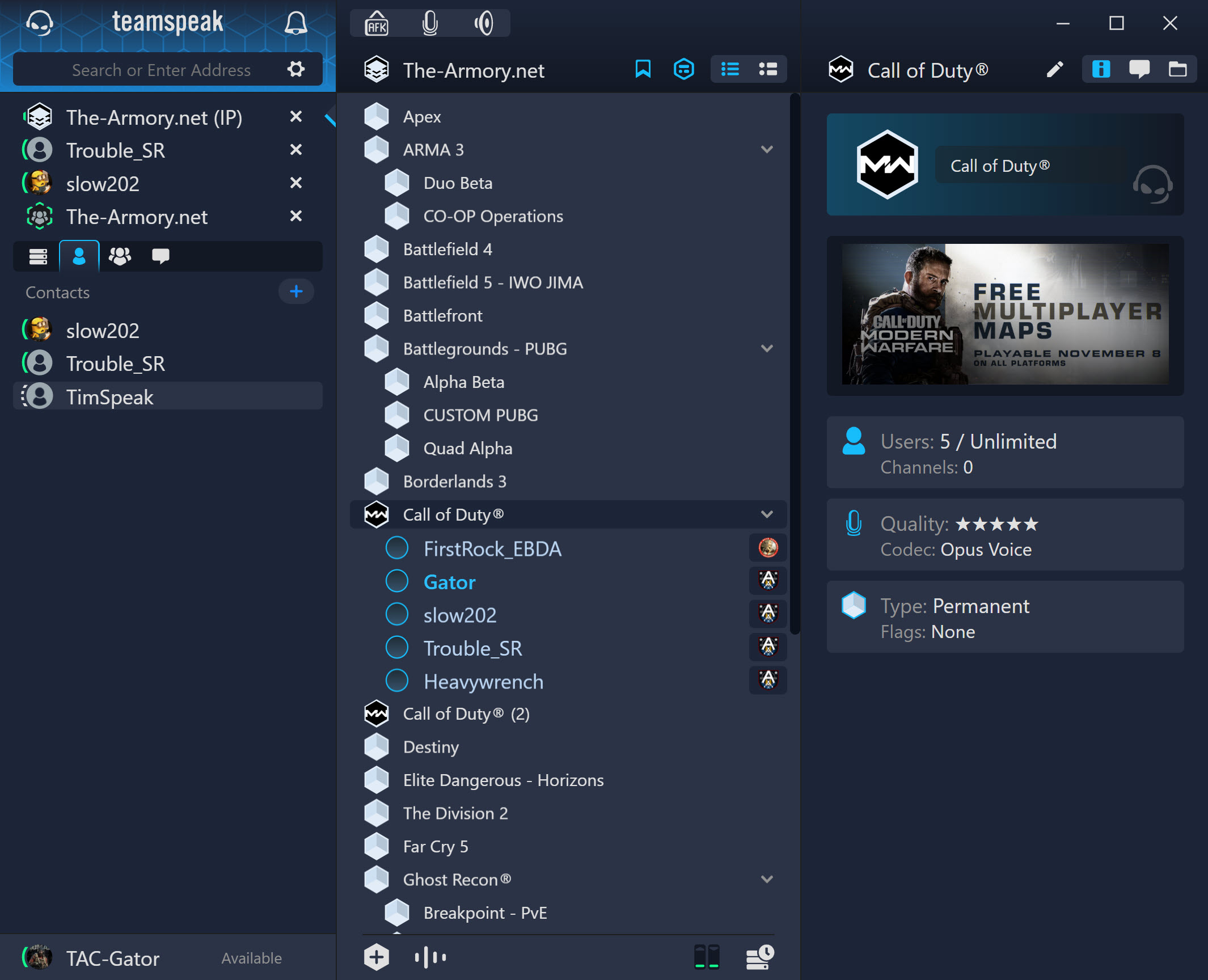
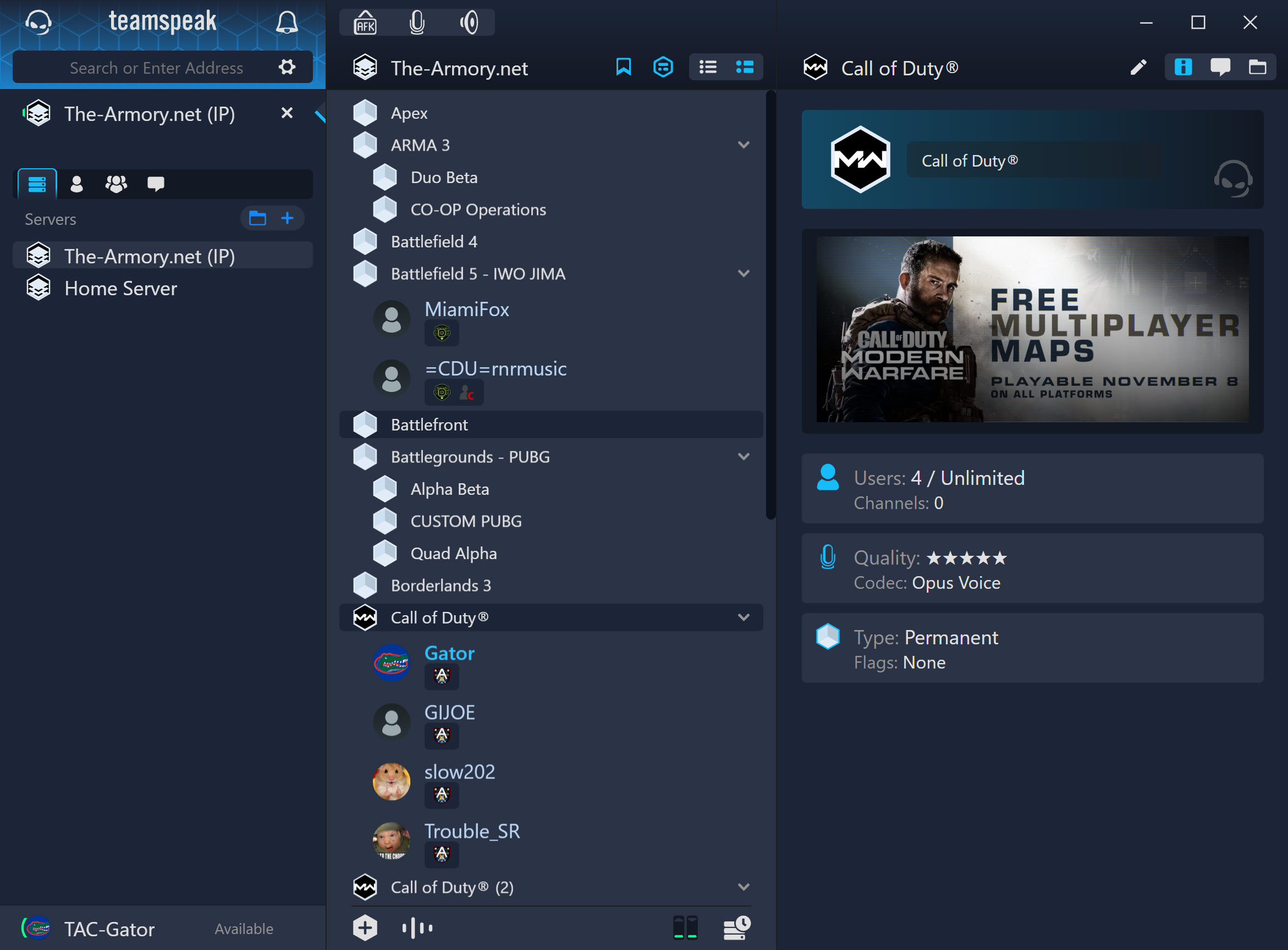
 My post in the Call of Duty forums. https://community.callofduty.com/t5/Call-of-Duty-Modern-Warfare/Devs-please-make-Hardcore-mode-it-s-own-Launch-button-on-Main/m-p/11250888#M18088Open yo all backers now, so download and try it when you get a chance. https://robertsspaceindustries.com/spectrum/community/SC/forum/4/thread/star-citizen-alpha-3-7-2-ptu-3580118-patch-noteshttps://www.pcmag.com/article/344190/the-best-pc-gameshttps://ghost-recon.ubisoft.com/game/en-gb/news-updates/76oqiYxgjLeSGJrPb8e4jb/patch-notes-title-update-103A few of us are Beta testing the new TS5, and so far I am loving it. Here are a few screens to show ya. Read more about it here https://new.teamspeak.com/ Compact view Normal View