PsycloneJak
Armory Member
-
Joined
-
Last visited
Everything posted by PsycloneJak
-
Good Ole' Iowa just got some yesterday. Even stayed on my car last night.
-
I'm gonna have to make you an offer you cannot refuse...
-
Wellseh, do you ever pay attention? http://www.thearmory.cc/forum/showthread.php?t=13500&page=2 :thumbsup:
-
I'm liking the blue one. I think it's a bit more organized, more direct. And it looks great!
-
Would it be worth the frustration of actually playing then? Almost...
-
I completely agree Phrogg owns the MX518 and swears by the setpoint drivers you can get from Logitech. It makes the two buttons on the top and bottom of the scroll wheel allow you to set your sensitivity in game; I.E. being able to switch from normal sensitivity to lower for scoped sniping or higher for flying a chopper.
-
I personally would stick with corded. Wireless mice tend to be heavy, and there's always the chance it'll lag out. I've always had better use of a corded mouse than wireless. The MX series, in any case, is what I would recommend. MX1000 has good reviews, and the MX510/518 is what I use and I don't have a single bad thing to say about it.
-
Wait, K Town isn't Vin Diesel? I thought he was... Good to see one of the old school FA guys still around. Nice to meet you Switch.
-
I tried out that tutorial you linked there Klink. I sort of stopped following it and just did my own thing when I got to the part where he was adding C4D renders cause I was bored, but my sig is what I made with it. Yours are better though
-
Bend Over, Here It Comes Again. That seems to be everywhere I look!
-
-
Wow Klinkeh, those are absolutely fantastic. I might have to steal the bottom one from you if there are no objections...
-
Nice sig but that song is depressing! I like their song Razorblades though. Good band.
-
Haven't you ever seen a movie? People dive and shoot all the time and that's real life... Jeez.
-
Heh, the replies don't show a lot of love for EA...
-
That thing that happens when your mom breaks down your room door and holds you down for a while someone owns in you CS for a round. It leaves you all cold and stuff.
-
Heh, just like a Scotsman. Start something and then run away. I believe we all saw Braveheart didn't we? Just like that...
-
Wow, I am very impressed. I think it's sweet.
-
At least we're not Scottish. Freak. <3 you Wellz!
-
I like your sig :thumbsup:
-
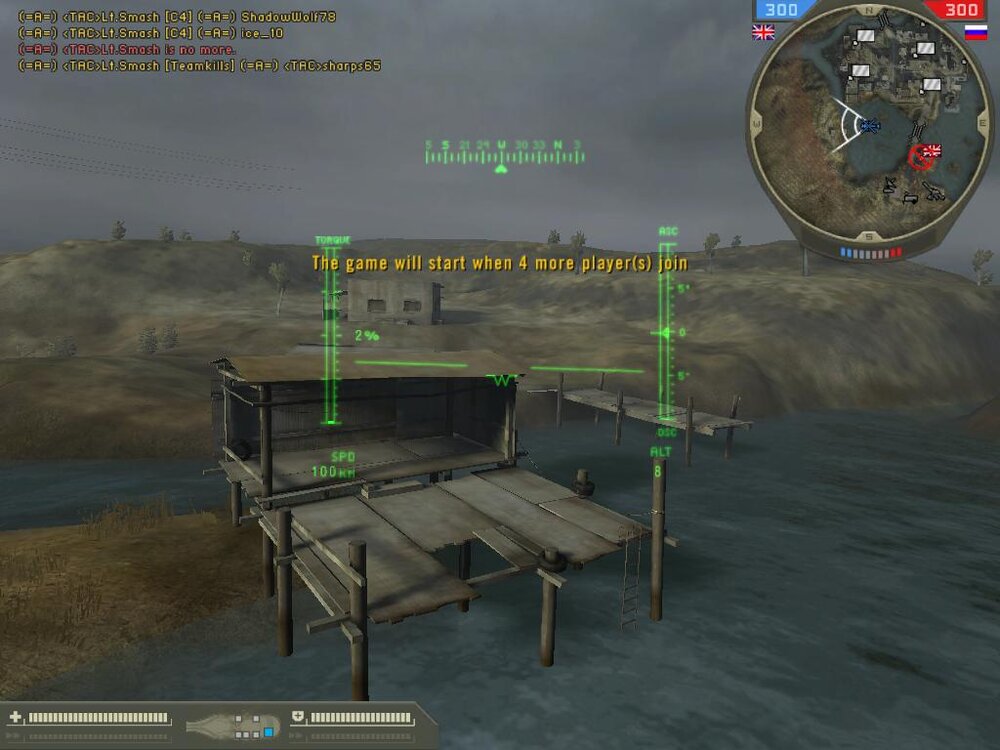
Heh, go smasheh go! :thumbsup: /monthly_06_2011/post-620-130810187358_thumb.jpg
-
I might be able to make that as well, depending on how Sunday pans out for me.
-
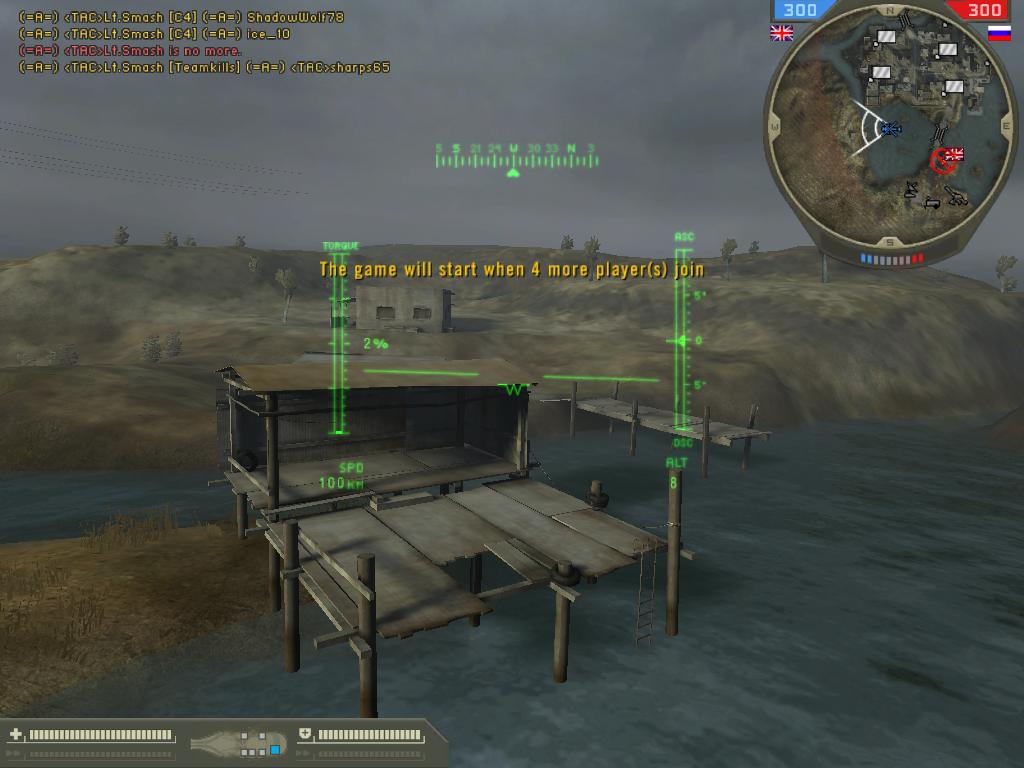
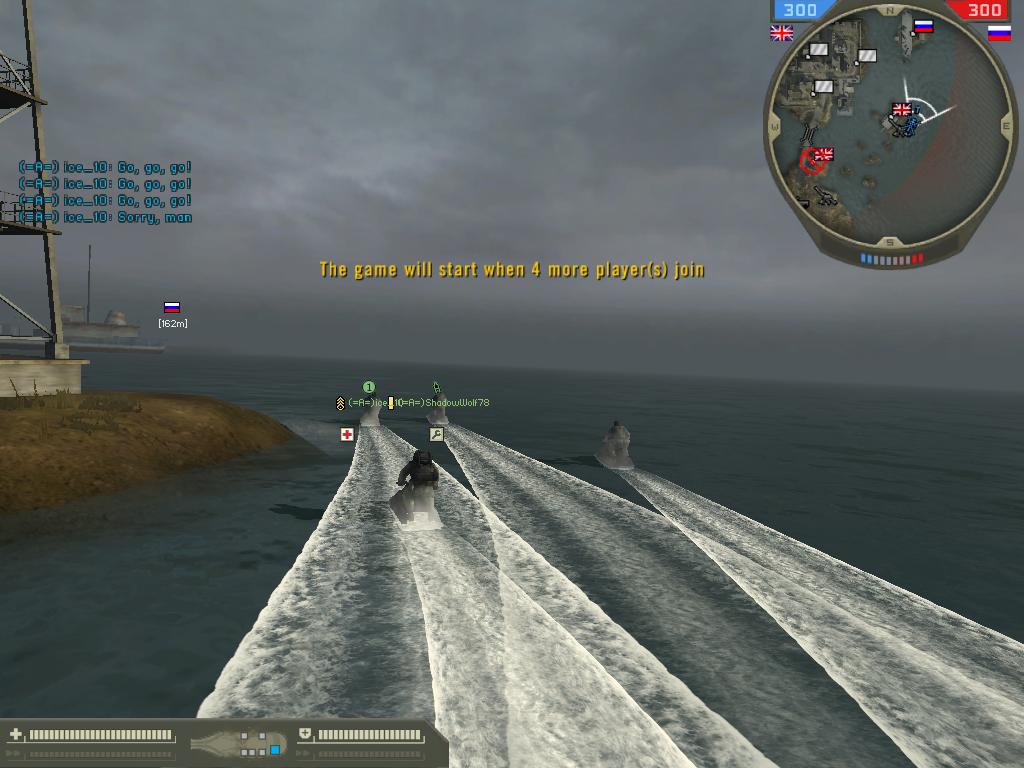
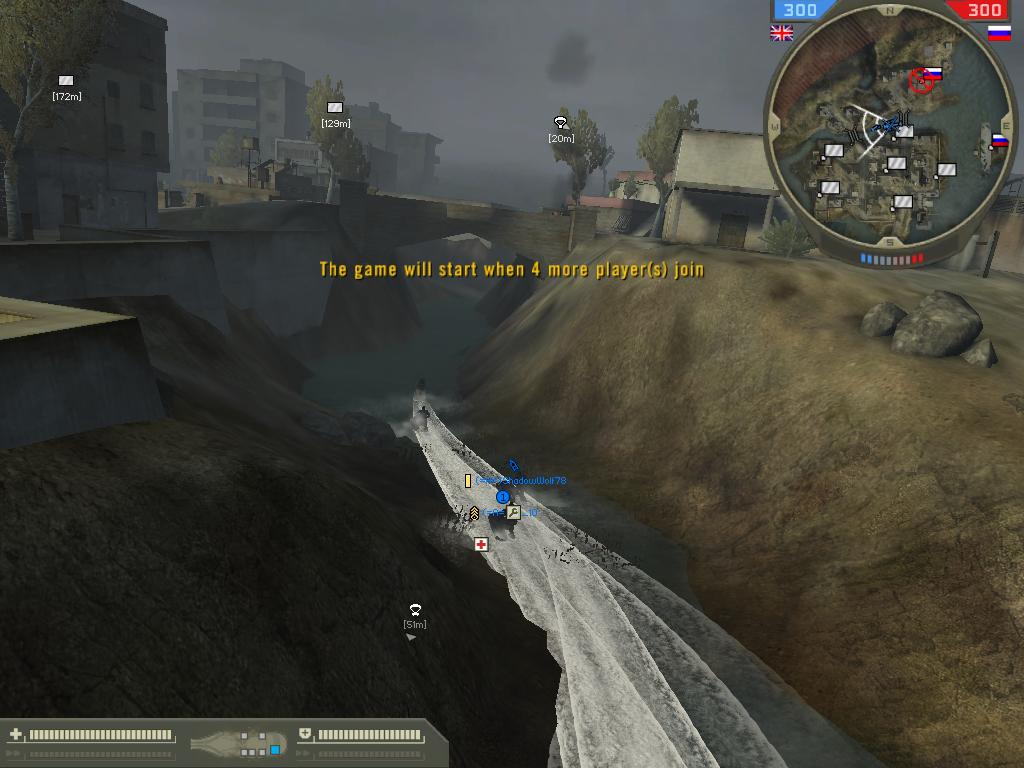
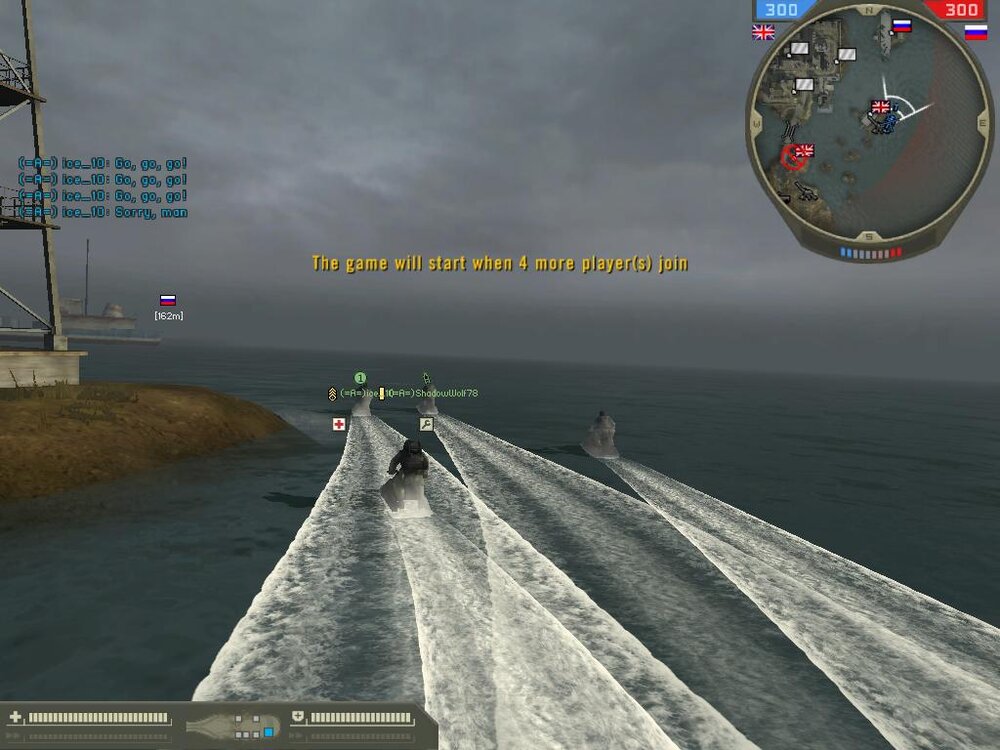
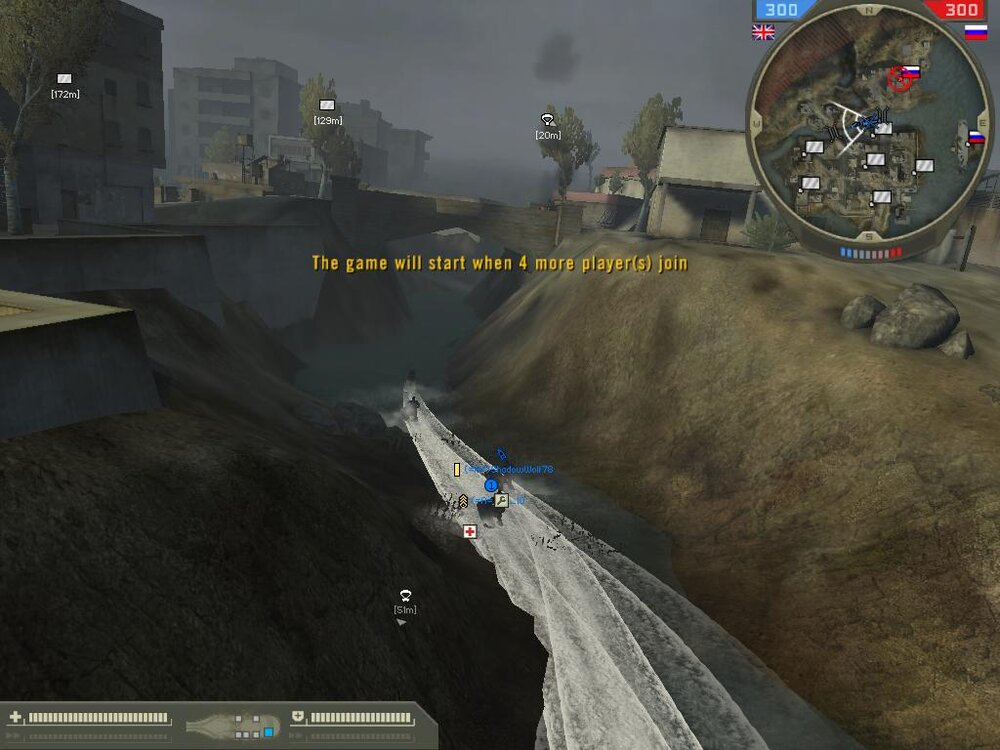
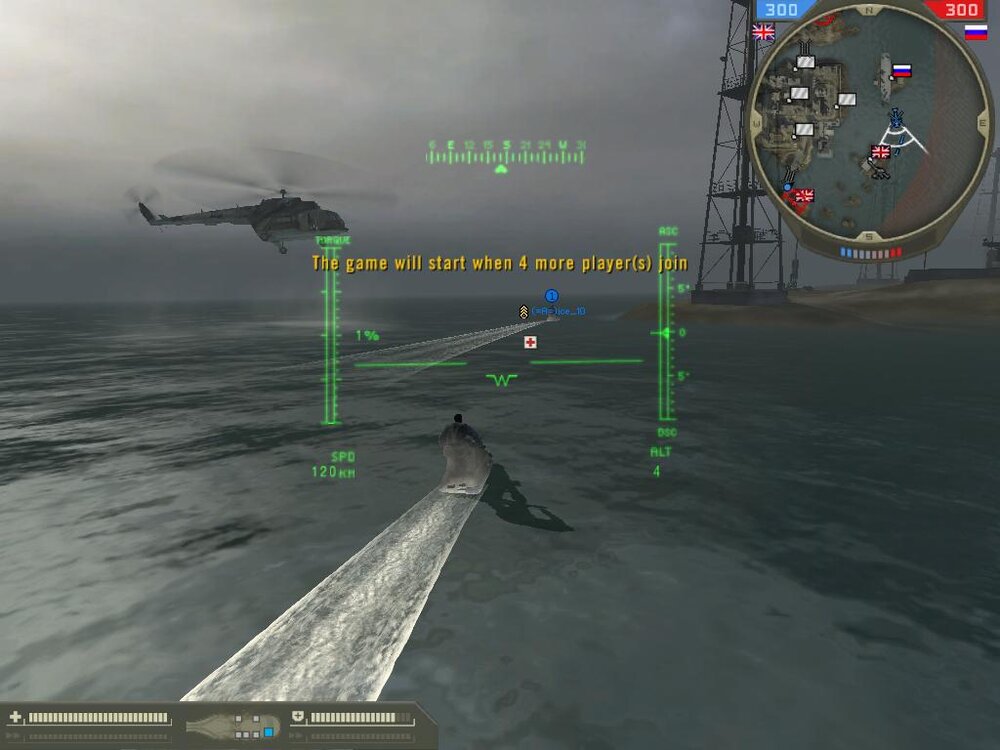
More pictures from the second media copter /monthly_06_2011/post-620-130810187029_thumb.jpg /monthly_06_2011/post-620-130810187042_thumb.jpg /monthly_06_2011/post-620-13081018705_thumb.jpg /monthly_06_2011/post-620-130810187058_thumb.jpg /monthly_06_2011/post-620-13081018734_thumb.jpg /monthly_06_2011/post-620-13081018735_thumb.jpg
-
I just hit up 6971 with the card I got from Impact Now I'm one of the cool kids!
-
I got 2662 I'll repost after I get my new video card