

Gator
Administrator
-
Joined
-
Last visited
Everything posted by Gator
-
Yes, we are getting things set up now, so hopefully we can get it going tonight. More info to follow.
-
Good luck with your school, Ding. I am glad to see you making the effort to better yourself for the future.
-
I just got a Samsung Galaxy Note 10.1, and after seeing this video, I plan to use the map feature to see the whole battlefield as I am playing on my main rig ...very cool feature. I think this game is going to be great. If you have not seen this video, I suggest you give it see.
-
On July 29, between 11PM and 11:30PM EDT, our network engineering team will be performing emergency maintenance that will affect a small number of servers in our East Coast Datacenter. If you are receiving this notification, your account is located on one of the affected machines, and you may experience a brief service interruption of no more than 2 minutes during the maintenance window. Ultimately, you will see improved network performance and reliability as a result of the maintenance. We will closely monitor all servers and services during the maintenance window to ensure that no unexpected downtime is incurred for any machine. In the event of any unexpected interruptions, we will update our network status page at status.webhostinghub.com with any relevant information. We appreciate your patience and understanding as we continue working to bring you a better network for your web hosting needs. Best regards, The Web Hosting Hub Team
-
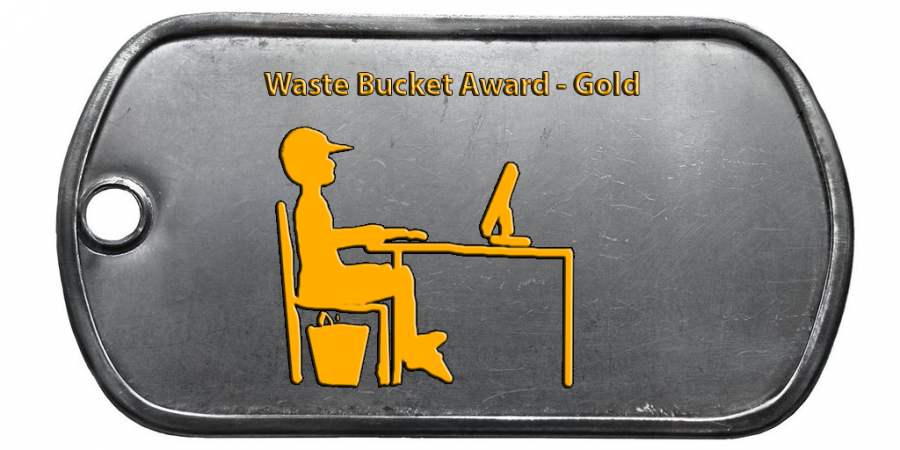
OK, I submitted my entry /monthly_07_2013/post-2-0-84630800-1374629881_thumb.png
-
I like the original Battlefield 2 theme better.
-
Downloading now ...I will let ya know. Thanks for the headsup
-
If it makes you feel any better, Ding, it rained some here in Florida today, and watered my grass nicely.
-
Nice find, Ding. The mines on top of the H-130 was awesome, and the song was excellent.
-
Looks like the store itself may have been saved.
-
Thanks for the video, ebevan. I think the game is going to be great.
-
OK Rebel ...See you then.
-
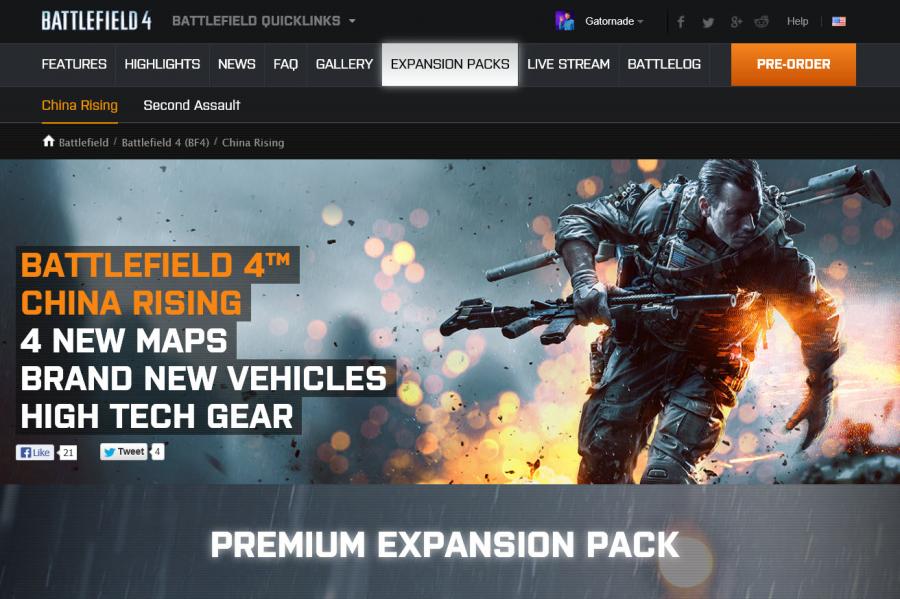
For more information about Battlefield 4, you can visit the newly activated Battlefield.com site. I discovered the announcement two expansion packs. - China Rising (free with pre-order) - Second Assault (This will be comprised of 4 fan favorite maps from Battlefield 3. /monthly_06_2013/post-2-0-85079700-1370981760_thumb.jpg
-
I fixed it for ya ebevan. They changed things around with the forum software and kind of broke it. Just make sure you go to basic editor before saving.
-
Good news, Ding. We usually start playing between 8:00 and 9:00 EST.
-
I'll have to check that out.
-
Nice pics, big "M"
-
-
Very cool ...they look fantasic! Makes want to get out and take some pictures.
-
As I mentioned before, I am moving the website to another server. It will take until tomorrow to get all the files transferred over, so until then, you will continue to see (or not see) missing images. The rest of the forums should be operational (i.e., Servers, Arcade, forums, etc.).
-
If you follow "Game of Thrones" on HBO, you might get a kick out of this.
-
Looks good. I see EA is planning to soak everyone again for content.
-
Nice to hear from ya, nine. Glad you doing ok.
-

