K2
Armory Member
-
Joined
-
Last visited
Everything posted by K2
-
I wanted to thank everyone for all the feedback (and especially the positive feedback ). I will likely have a talk with some of the other admins and find a way to recut the video and/or add some additional footage to shorten it a bit - but also add some more activity to the video. Thanks again guys! Glad that you all enjoyed it!!
-
Spec:Forces has more maps!
-
Spec:Forces has more maps! :peace:
-
Yes, download the new patch. It's available in the downloads section here at The Armory.
-
Yes, download the new patch. It's available in the downloads section here at The Armory.
-
I'll be sure to change that when I re-render to fix the sound. Sorry Boja!
-
I'll be sure to change that when I re-render to fix the sound. Sorry Boja!
-
Yeah... I did catch that spelling error - after I rendered the video. With a render time of nearly 3 hours, I opted to leave it. The reason that you and Medic are not in the credits is because you were not at the practice where that footage was filmed. Am I wrong, if so I definitely want to fix that. Everyone deserves credit. Also, this doesn't have to be a recruiting video - it is a little long I suppose for new recruits to download.
-
Yeah... I did catch that spelling error - after I rendered the video. With a render time of nearly 3 hours, I opted to leave it. The reason that you and Medic are not in the credits is because you were not at the practice where that footage was filmed. Am I wrong, if so I definitely want to fix that. Everyone deserves credit. Also, this doesn't have to be a recruiting video - it is a little long I suppose for new recruits to download. :peace:
-
Well, I've finally finished my first swing at an unofficial TAC video. The final runtime is around 6:20 with a file size of around 150MB. Sorry, I had to keep the file size up to have a good quality video. Here's the link: DOWNLOAD TAC RECRUITING VIDEO v1205 (be sure to right-click the link and choose save-as) Hopefully after some downloads we can make this official. EDIT: BTW, some of the audio skips - happened during conversion. I'll fix it in a later release.
-
Well, I've finally finished my first swing at an unofficial TAC video. The final runtime is around 6:20 with a file size of around 150MB. Sorry, I had to keep the file size up to have a good quality video. Here's the link: DOWNLOAD TAC RECRUITING VIDEO v1205 (be sure to right-click the link and choose save-as) Hopefully after some downloads we can make this official. :peace: EDIT: BTW, some of the audio skips - happened during conversion. I'll fix it in a later release.
-
Good guess Deli and you may be right... but it seems that it would be very difficult to continually "spawnblock" that way. I'm guessing that they mean spawn camping. If the enemy only has one spawn point remaining (that is uncapable) and you're entirely team is at that location, you are essentially blocking their spawn. We've discussed this informally regarding our public BF2 server. I firmly believe that if the enemy only has one spawn (uncapable) remaining, it is good sportsmanship for the other team to defend their positions rather than advancing into the enemies spawn. Encroaching on an uncapable spawn point does not make for "fair play." Just a hunch though... please post if you find out anything fo' sho.
-
You can pre-download it and I'm sure that's what he did. The actual release date is Novemeber 22 (Tuesday). With the pre-download you are supposed to be able to download AND install it ahead of time so that the moment it is formally released you can begin playing. I think that you have a much deeper problem Arnie. May be time to just clean off the old box with a format and reinstall.
-
You can pre-download it and I'm sure that's what he did. The actual release date is Novemeber 22 (Tuesday). With the pre-download you are supposed to be able to download AND install it ahead of time so that the moment it is formally released you can begin playing. I think that you have a much deeper problem Arnie. May be time to just clean off the old box with a format and reinstall.
-
http://www.wimp.com/tunnel/ Fun... challenging... addicting.
-
http://www.wimp.com/tunnel/ Fun... challenging... addicting.
-
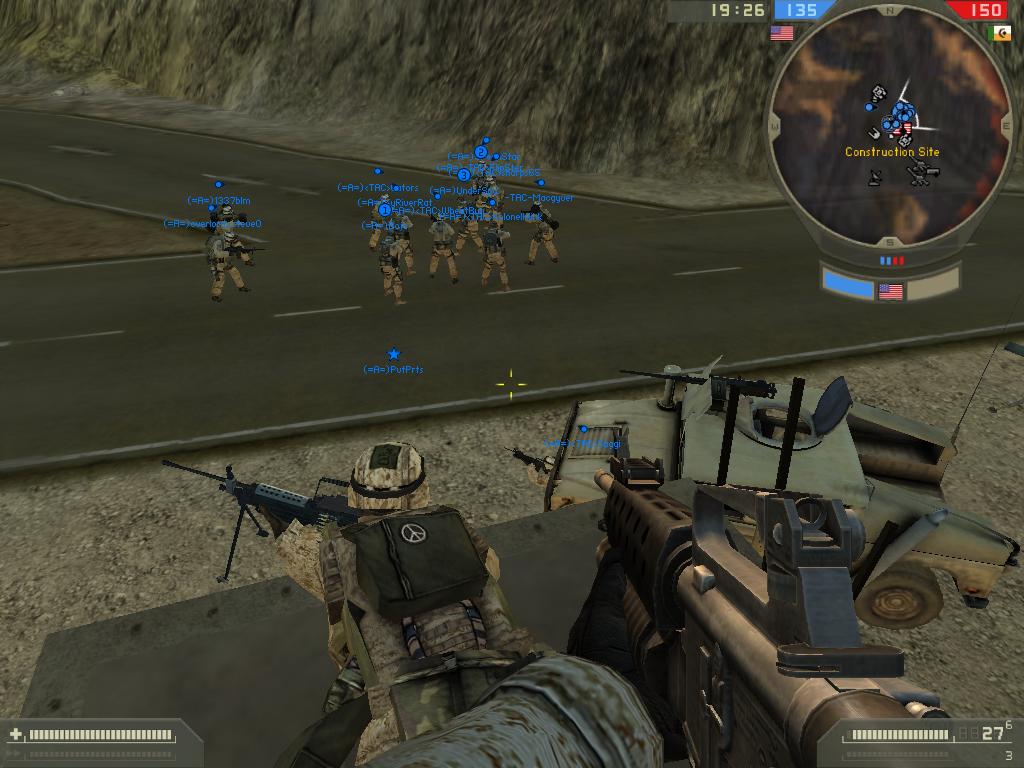
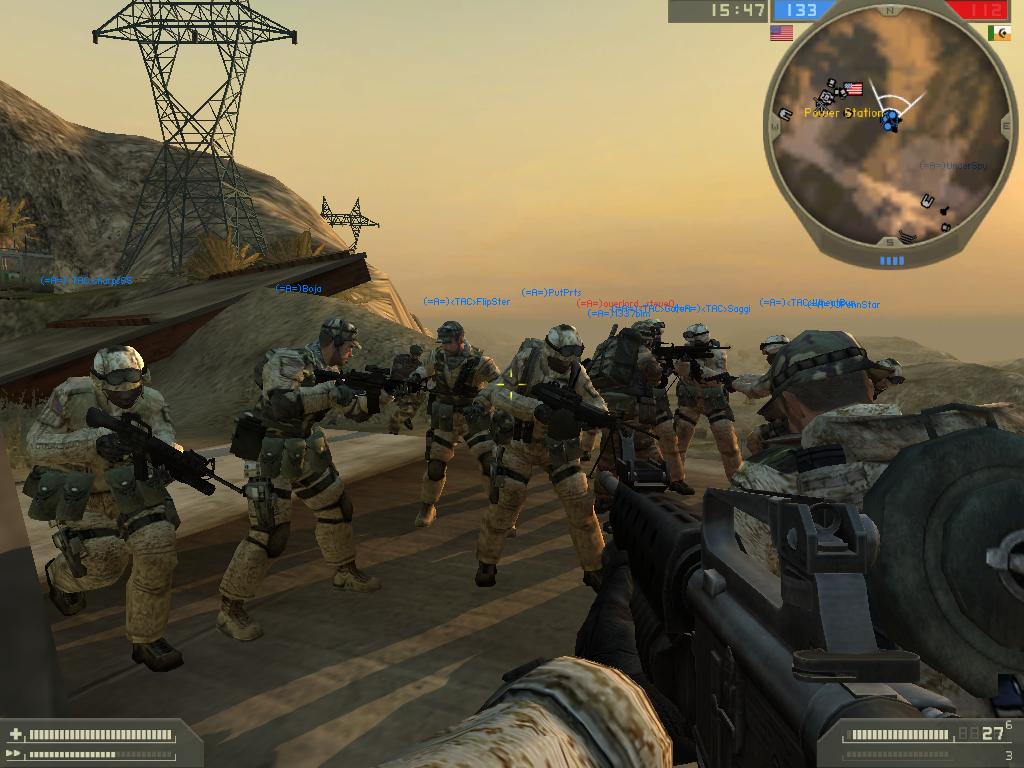
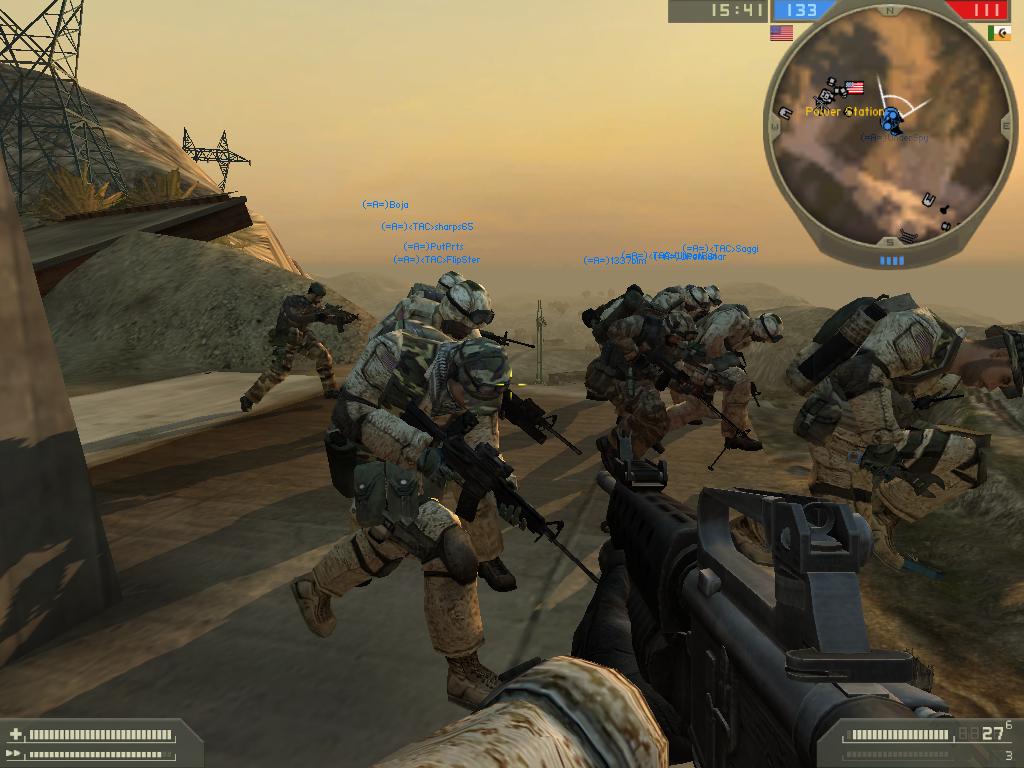
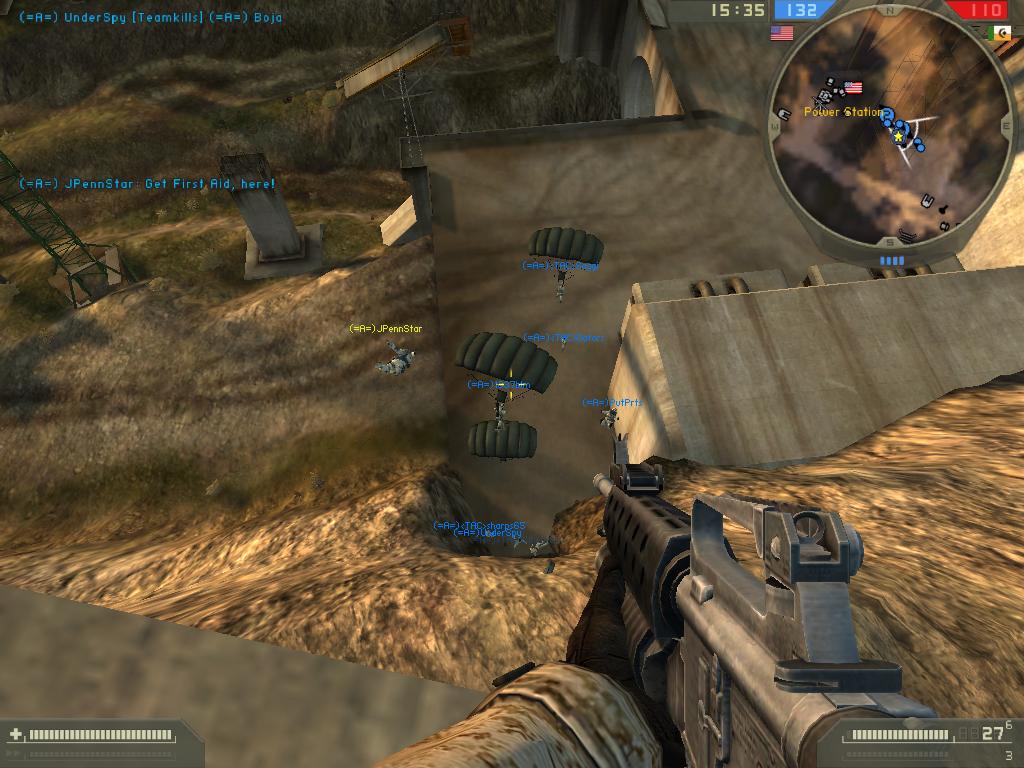
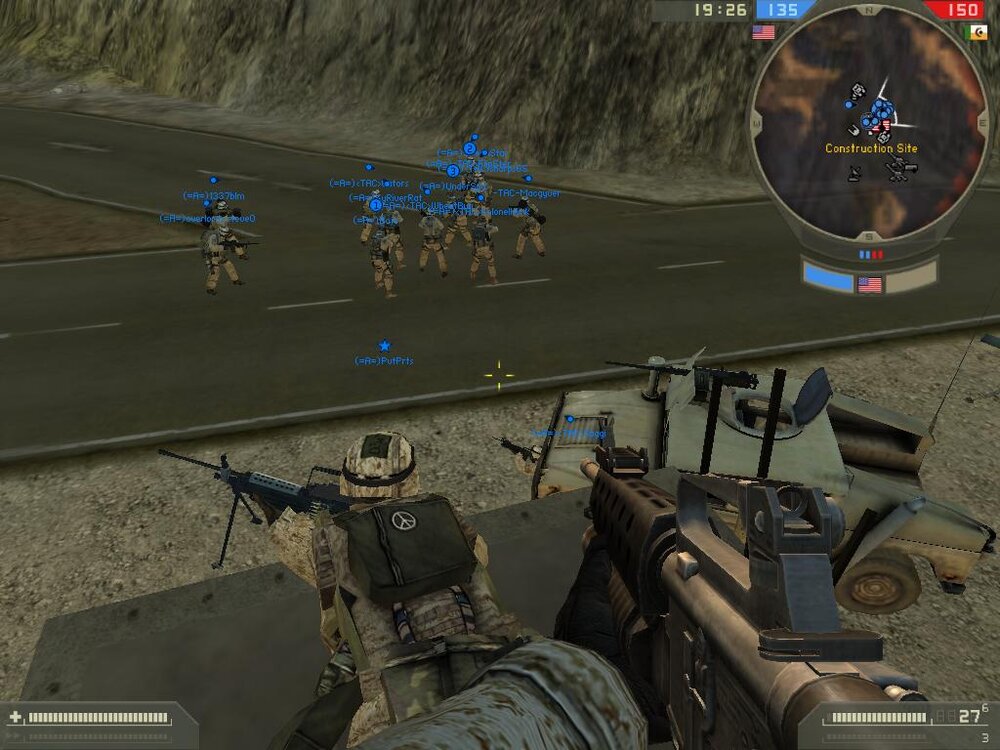
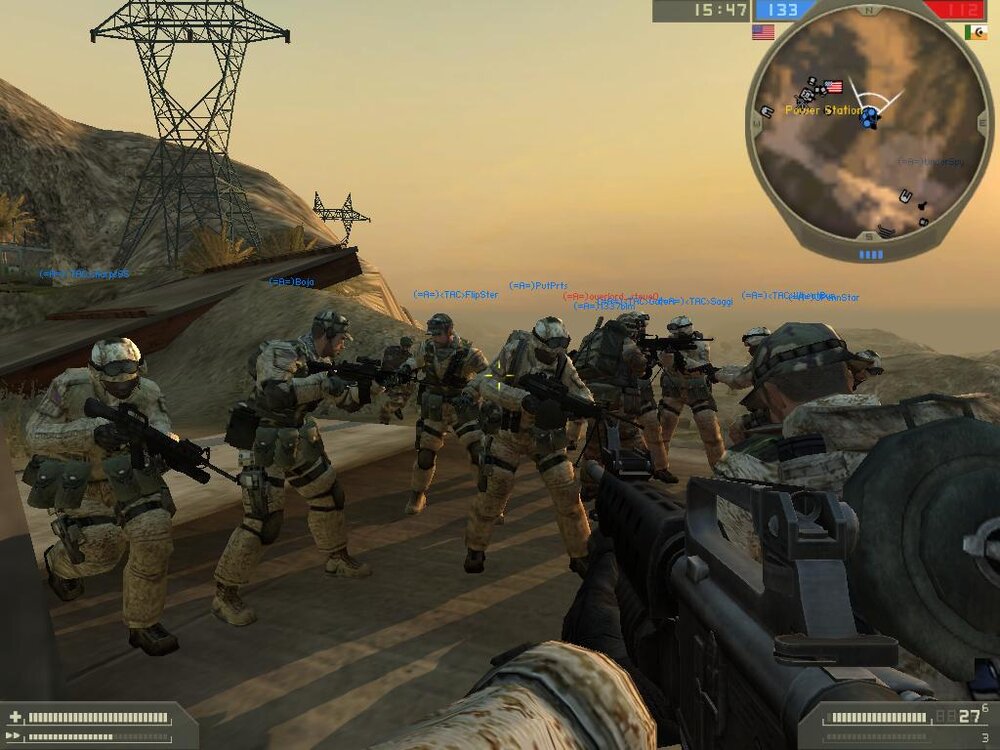
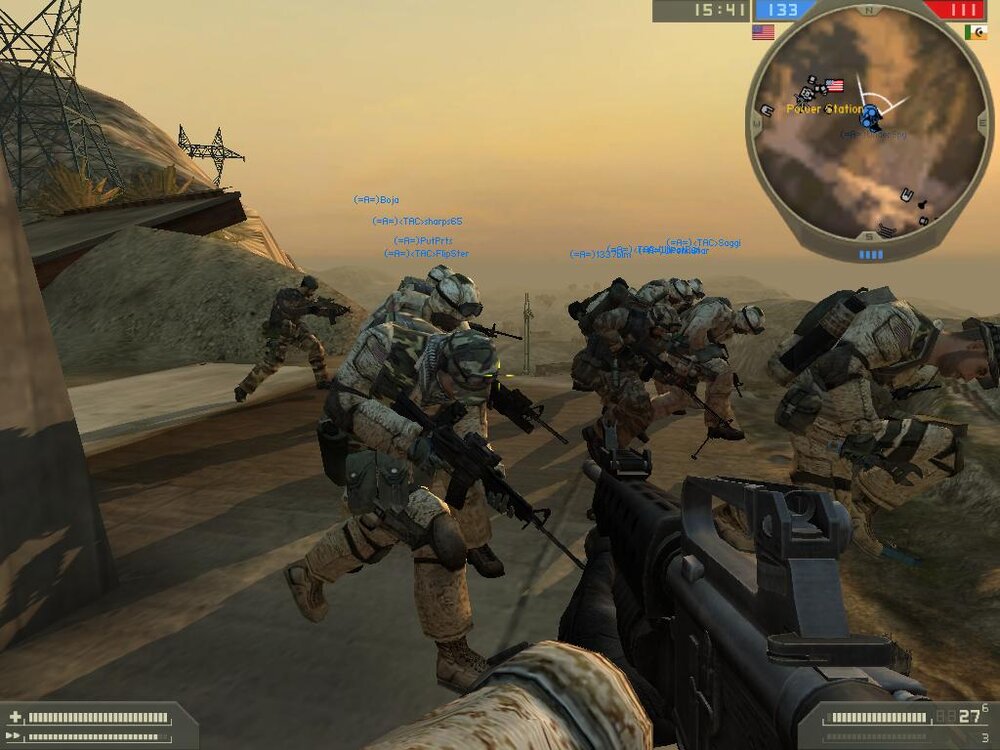
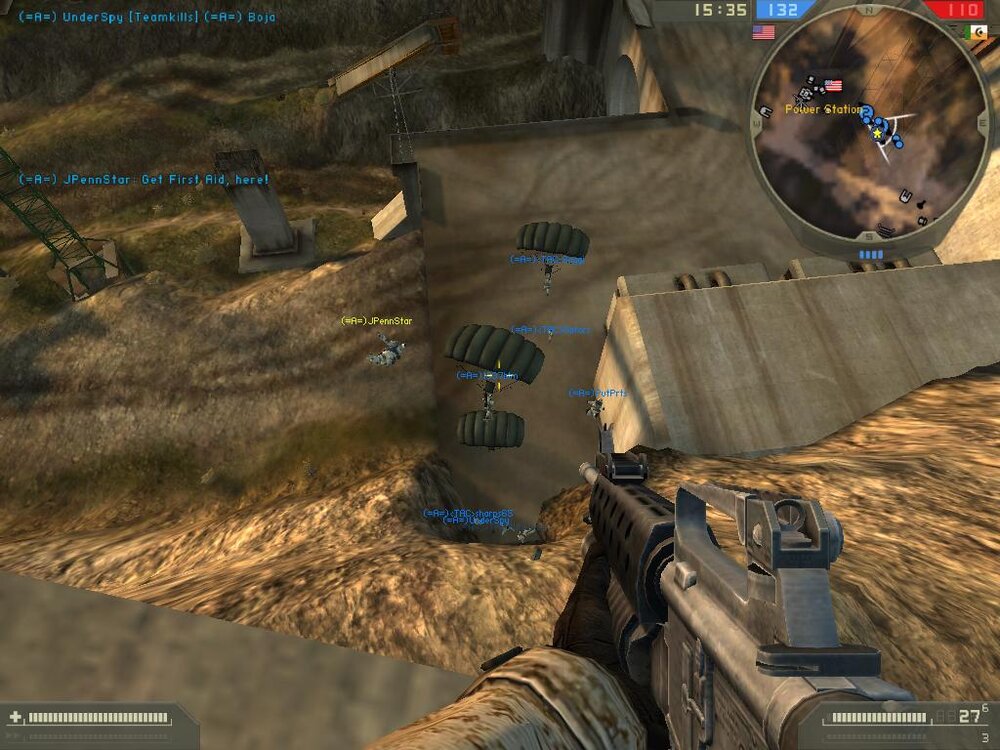
Here are some good screenshots from The Armory's practice for our upcoming matching on Monday. Great turnout by everyone that was there! Thanks for coming!
-
Here are some good screenshots from The Armory's practice for our upcoming matching on Monday. Great turnout by everyone that was there! Thanks for coming! /monthly_06_2011/post-917-130810177299_thumb.jpg /monthly_06_2011/post-917-130810177307_thumb.jpg /monthly_06_2011/post-917-130810177316_thumb.jpg /monthly_06_2011/post-917-130810177326_thumb.jpg
-
-
-
-
-
Mac was thinking along the same lines that I was. For me, 2006 Toyota X-Runner. Although there's a good possibility that my Christmas wish will come true. Not that I should be getting anything else. In the past 3-4 months my wife has okayed the purchase of my new computer (AMD Athlon 64 2.2Ghz, 512MB RAM, 250GB SATA2 HD, and 6800GT), a new 22" Flat CRT (total of three monitors now across 2 computers), BF2, COD2, and most recently a laptop (so that I don't spend as much time in my office). She's a cool chick, what can I say? :peace: Oh, and she's gonna let me get the X! WOOT!
-
Next Monday... anytime - I'll be there if I'm needed.
-
Next Monday... anytime - I'll be there if I'm needed.