

Gator
Administrator
-
Joined
-
Last visited
Everything posted by Gator
-
Thanks, Dave I hope they get the message
-
Please go here and voice your opinion. I already had somebody say he thinks it was a good change http://battlelog.battlefield.com/bfh/forum/threadview/2955065240866229444/
-
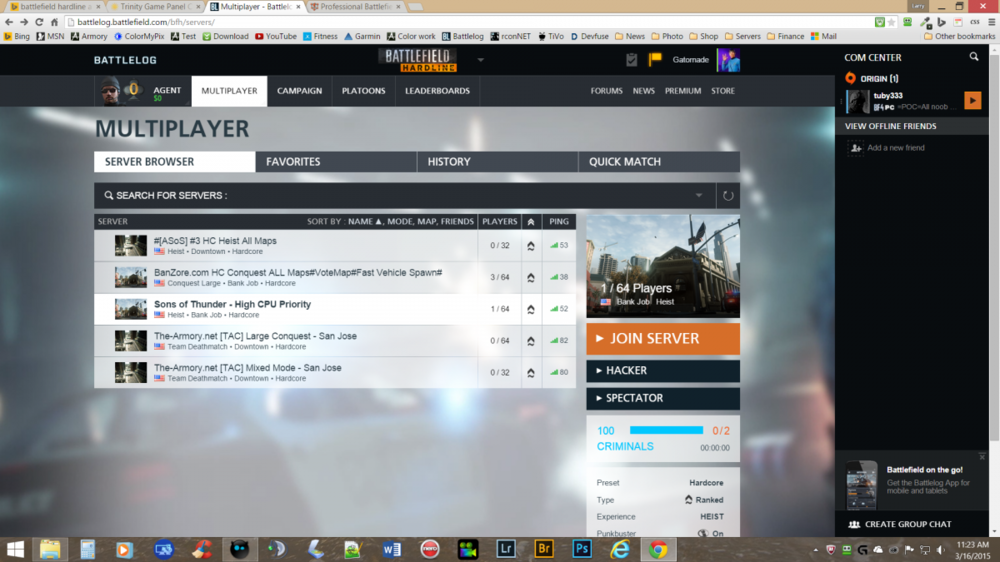
Mark them as favorites now. THE-ARMORY.NET [TAC] LARGE CONQUEST - SAN JOSE THE-ARMORY.NET [TAC] MIXED MODE - SAN JOSE /monthly_03_2015/post-2-0-53105900-1426519521_thumb.png
-
Last poll for Teamsync in Teamspeak. This is a 24 hour poll
-
Everyone updated!
-
Understood, Dan. You get there when you can get there.
-
I did the same thing and put it on the wrong drive, and I had to re-download it. I will look into you not being able to edit posts. I've been working on permissions, and it might have been overlooked.
-
We did not ban you, ever. I don't think you were on our server when you got banned. Our Admins are a mostly older people, and would not respond to you in that fashion. We have one person on our ban list, and you are not that one. It is very, very rare that we ever ban anybody. Did you have a screenshot of this?
-
Yes, I just confirmed it. It will start at 9:00 PM on the West Coast, and 12:00 Midnight on the East Coast.
-
I checked my Hardline download info, and I will be able to play the game at 12 Midnight EST, as I live on the East Coast. This is good news. Can anybody from a different time zone confirm what time their games says it will release.
-
-
That is hilarious. I will be looking for that ...very cool
-
Looks good. They need to clean up their networks, and the FCC is making them do it. I am a big supporter of Net Neutrality.
-
Looks like 15 is winning, so be sure to vote!
-
I mostly agree that 10 is too few. Most of us use TS3 for squad chat, because of the clarity in voice, and the fact that you don't need two buttons to speak. When all are in the same channel, we sometimes leak classified information to the other team ...ouch! :lies:
-
-
Who will be online for the launch of Hardline? The game will launch 17 March at 0300 Eastern Time, or 12:00 Midnight Pacific Time. I look forward to those who are crazy enough to play with me that late. :klinked:
-
I increased the size of the attachments, so you may want to delete and re-upload your recent picks to make them look big and nice.
-
Please take a moment and voice you opinion on how you feel about Teamspeak This poll is "Public"
-
Added another one Type "ingame" in chat to see in-game commands This will list all the in-game command for regular users
-
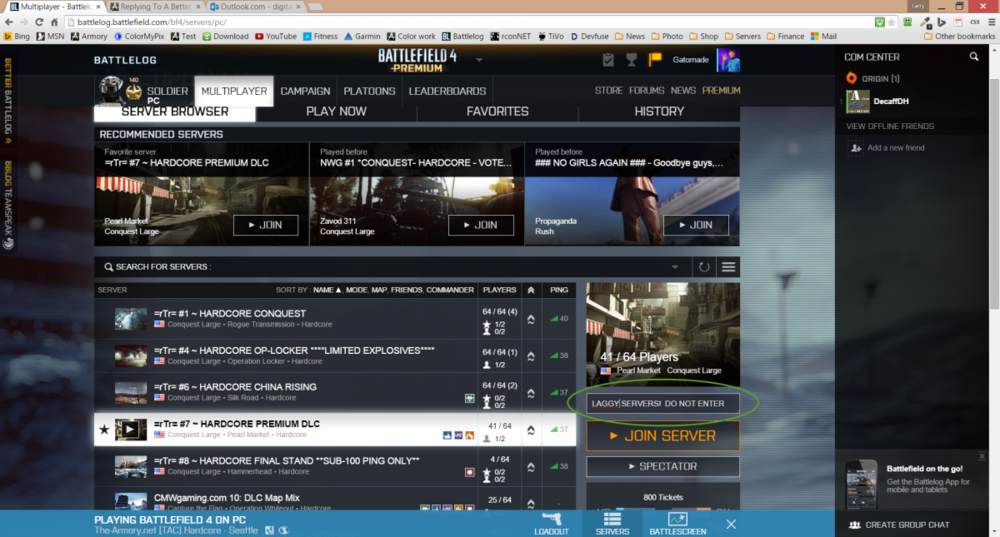
I installed it on Chrome, and it is fantastic. The biggest feature is that you can make/log server comments for any server, and it retains the information. See my pic below... /monthly_03_2015/post-2-0-44486000-1426098863_thumb.png /monthly_03_2015/post-2-0-44486000-1426098863_thumb.png
-
Thanks, Dan I missed one ...Top 5 players ranked on server, so I added it above
-
Very nice. Big and beautiful.
-
Type "ingame" in chat to see in-game commands Type "top" in chat to see top 5 players on server Type "rules" in chat to see our rules Type "ts3" in chat to see our Teamspeak login info Type "rank" in chat to see your ranking / stats Type "nextmap" to display the next map (CAUTION: Admins do not use "/nextmap" as this will force the server to change maps)
-


