

Gator
Administrator
-
Joined
-
Last visited
Everything posted by Gator
-
Hi Tiger, the bridge looks quite impressive. Maybe I will see it one day. :o
-
Armory server are temporarily down for maintenance. They should be back up shortly
-
Type in the keywords "the armory", and you will find it.
-
We have to wait until the newness of the ranks/stats wears down a bit, and when people reach a peak in ranks where it will take 300 billion points for the next rank. For now, we will try and set up few dates and times for us to gather and play against each other. I'm sure the DW (Doomsdaywarriors) will be glad to join us as well.
-
Hi Tiger, I sure will write you soon.
-
I will do now give me a sec...
-
Happy Birthday SharpShooter6.
-
Oops ...wrong post...
-
Hi there and welcome to our forums...
-
When the round is over ...do this... - Hit your "ESC" key - When you see the main menu, select "COMMUNITY" - You will see the map you just played listed on the left column - Highlight the map name, and then select "DOWNLOAD". you will see it download and then it will show up listed on the right column. - After it appears on the right column, highlight the map name and then select "Play Now" (in the same column ...don't get confused with the Join button on the bottom. - After it starts playing the demo, refer to the BF2 Recorder command keys to guide yourself around. Main keys to remember are: "Q" key sets speeds (there are also one-touch "fast" keys [F1 thru F8] that will allow you to do the same thing) "T" key Toggle between players (or use your space bar to do the same thing) Right-click your mouse and you will see the players name appear. You will then see the players name appar in whites letters at the bottom of the screen. Use your spacebar to toggle between players. Mouse wheel will zoom you away and to. Right-clcik again and you can freely roam all over the map.
-
I just tried it, and the server menu is 5 times slower now ...lol Also, to fin The Armory server, you must type in "the armory". Yu can no longer type in "armory" (one word). Don't know why, but its that way...
-
Here it is... EA GameSpot.com FileFront.com
-
no, they just release the server files a little earlier.
-
I loaded BF2 Version 1.1 on the server and it is operational. The client release will be tomorrow at 12:00 noon, so if you cannot find a server to play on, please stop by THE ARMORY BF2 server and play the new patch. :peace:
-
-
-
OK, I did a complete reinstall, so the server is running on new files, None of the cool stuff like "rank" is turned on, so let me know how it runs for you all now. If it is stable, we will turn on more stuff.
-
It was a joke, you both will get over it ...I'm sure.
-
You are correct ...my initial post has been ammended to reflect *your nick*
-
By the way, this is for serious players ....you must leave your medals at the door before operating this equipment. This program is for serious players...
-
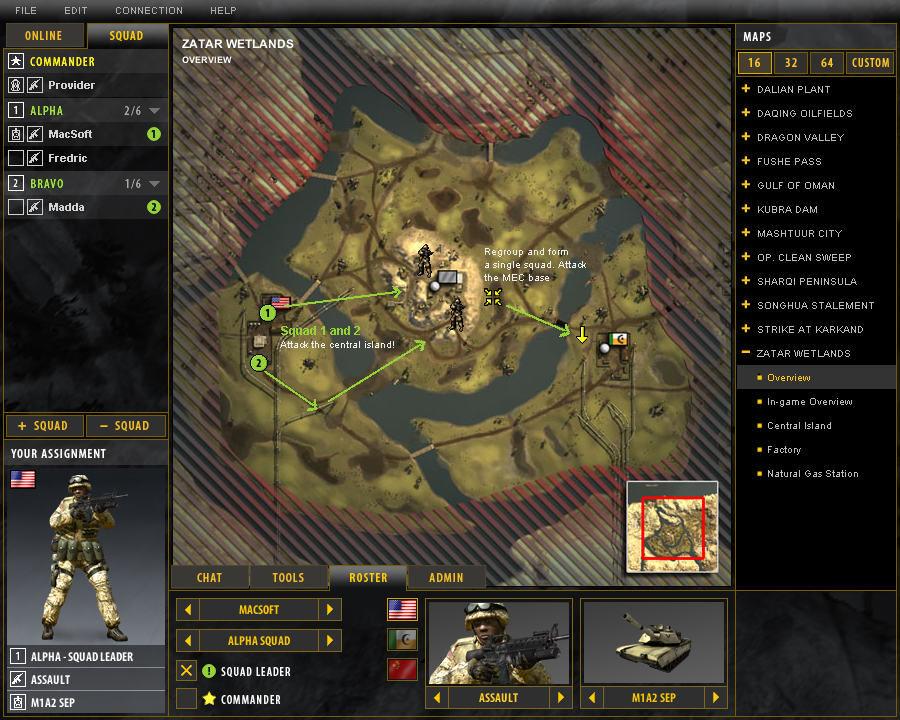
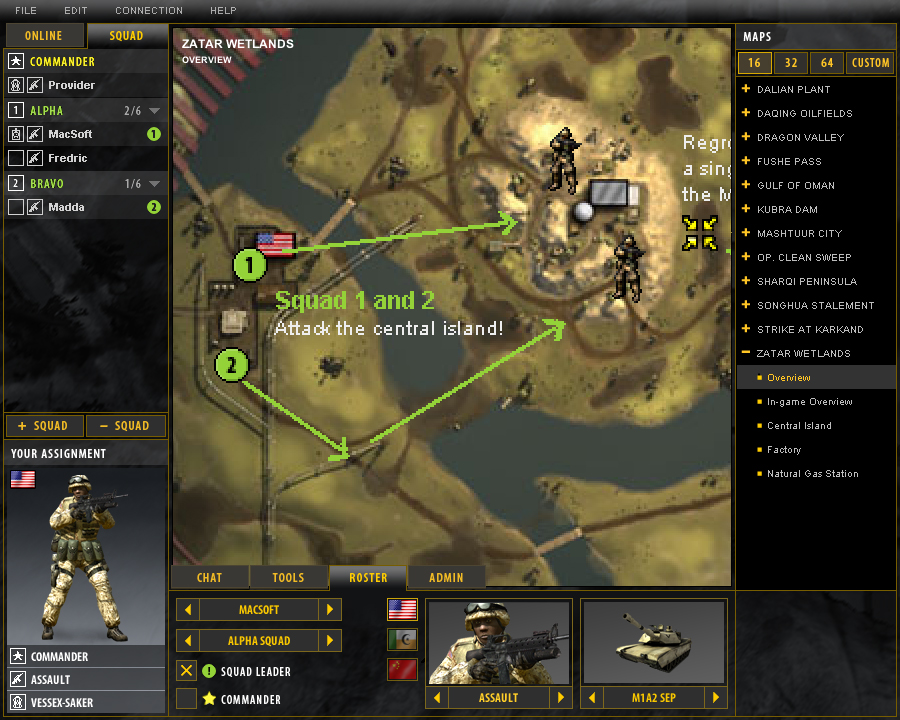
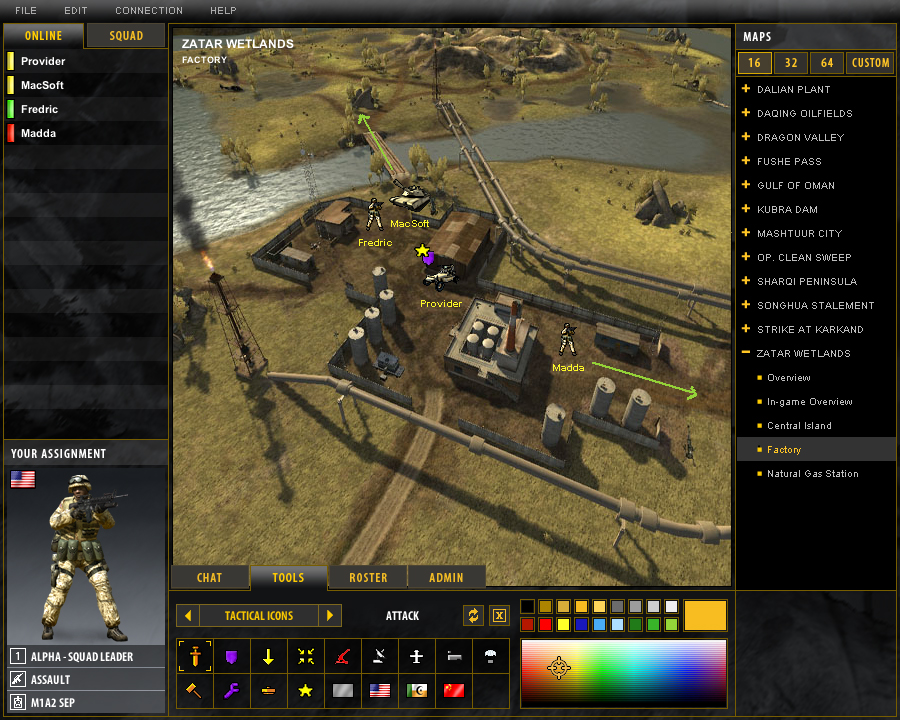
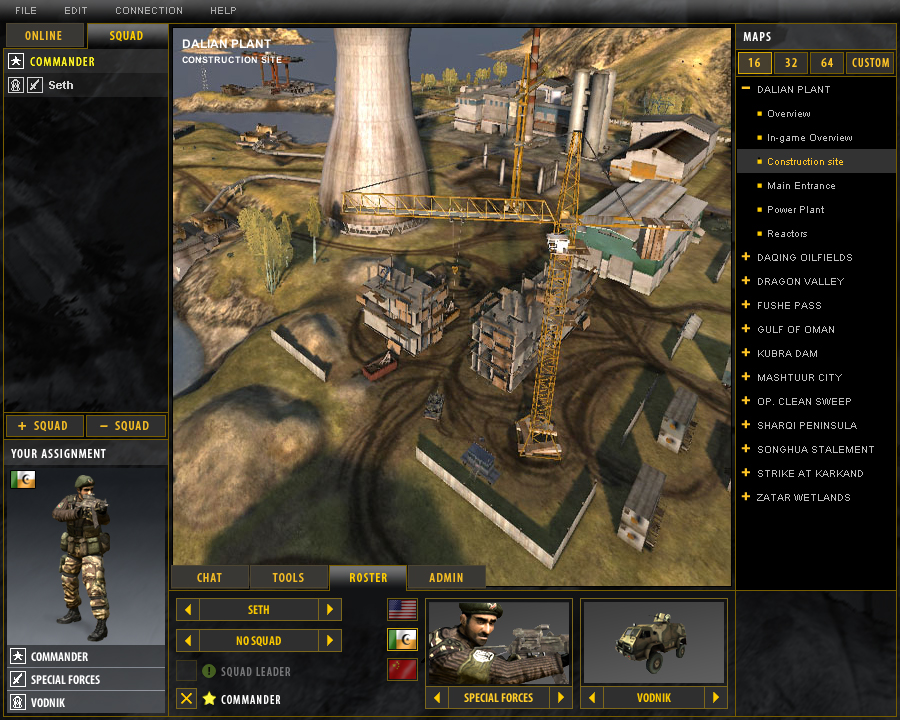
ATC for Battlefield 2 Foolish Entertainment proudly presents Advanced Tactical Center for Battlefield 2, designed to increase your clans performance. Get all your team mates connected to your online session and create vivid, detailed tactics together. The wide selection of tools included offers your clan the control to grasp the tactic easily and evolving them together in real time! Brand new tools like zoom, text, export tactic and the Custom Map Wizard builds upon the already large library of tools! Download here: (The server and client are all in one app) http://www.foolishentertainment.com/index.asp?p=2&s=6 I have this loaded on the TAC server at: IP: 70.84.183.10 Username: *your nick* Client Password: taclan Admin Password: 20taclan05 NOTE: This will be locked down soon and is only available so you can see how the application works from the admin perspective. NOTE: Be sure to log in once as a user, and once as an Admin to see who sees what. /monthly_06_2011/post-3-130810173932_thumb.jpg /monthly_06_2011/post-3-130810173939_thumb.jpg /monthly_06_2011/post-3-130810173948_thumb.jpg /monthly_06_2011/post-3-130810173956_thumb.jpg /monthly_06_2011/post-3-130810173965_thumb.jpg
-
-
-
-


