Skip to content
View in the app

A better way to browse. Learn more.

The Armory

A full-screen app on your home screen with push notifications, badges and more.

To install this app on iOS and iPadOS
  1. Tap the Share icon in Safari
  2. Scroll the menu and tap Add to Home Screen.
  3. Tap Add in the top-right corner.
To install this app on Android
  1. Tap the 3-dot menu (⋮) in the top-right corner of the browser.
  2. Tap Add to Home screen or Install app.
  3. Confirm by tapping Install.

Gator

Administrator
  • Joined

  • Last visited

Everything posted by Gator

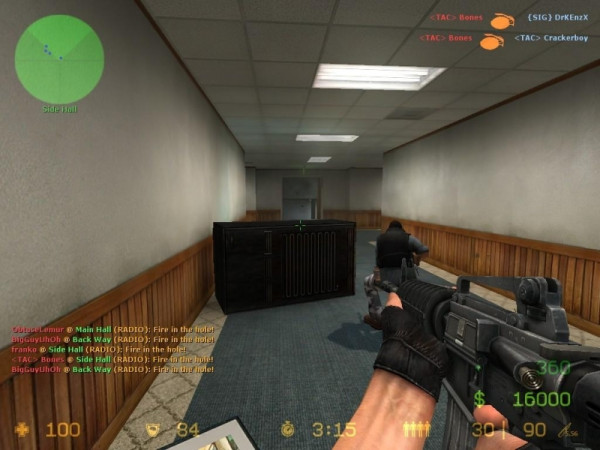
  1. Gator posted a gallery image in Counter-Strike
  2. Gator posted a gallery image in Counter-Strike
  3. Gator posted a gallery image in Counter-Strike
  4. Gator posted a gallery image in Counter-Strike
  5. Gator posted a gallery image in Counter-Strike
  6. Gator posted a gallery image in Firearms
  7. Gator posted a gallery image in Firearms
  8. Gator posted a gallery image in Firearms
  9. Gator posted a gallery image in Firearms
  10. Gator posted a gallery image in Firearms
  11. Gator posted a gallery image in Firearms
  12. Gator posted a gallery image in Firearms
  13. :lies: hehe
  14. While moving to our new web host, I found this old TA Website page. This is what the TA website used to look like. :lies: http://www.thearmory.cc/news.html Enjoy! :cool: As you can see ...we have come a long way........
  15. Gator replied to Wolfey's topic in Main Hall
    One other thing I forgot to mention. The avatars and Profile pics were not affected ...only the sigs and personal photos... :lies:
  16. Gator replied to Wolfey's topic in Main Hall
    OK, the gallery is back online now, so please take the time to upload your sigs and other photos to the gallery. :lies: Gator
  17. Gator replied to rust's topic in Gaming
    Ru$t, we will check into it.
  18. Gator posted a gallery image in Battlefield
  19. Gator posted a gallery image in Battlefield
  20. Gator posted a gallery image in Battlefield
  21. Gator posted a gallery image in Battlefield
  22. Gator posted a gallery image in Battlefield
  23. Gator posted a gallery image in Battlefield
  24. Gator posted a gallery image in Battlefield
  25. Welcome to our humble abode. :lies:

Account

Navigation

Search

Search

Configure browser push notifications

Chrome (Android)
  1. Tap the lock icon next to the address bar.
  2. Tap Permissions → Notifications.
  3. Adjust your preference.
Chrome (Desktop)
  1. Click the padlock icon in the address bar.
  2. Select Site settings.
  3. Find Notifications and adjust your preference.